

Desert Online General Trading LLC
Warehouse # 7, 4th Street, Umm Ramool, Dubai, 30183, Dubai
Desert Online General Trading LLC
Warehouse # 7, 4th Street, Umm Ramool, Dubai, 30183, Dubai


⚡ Power your productivity, switch with style.
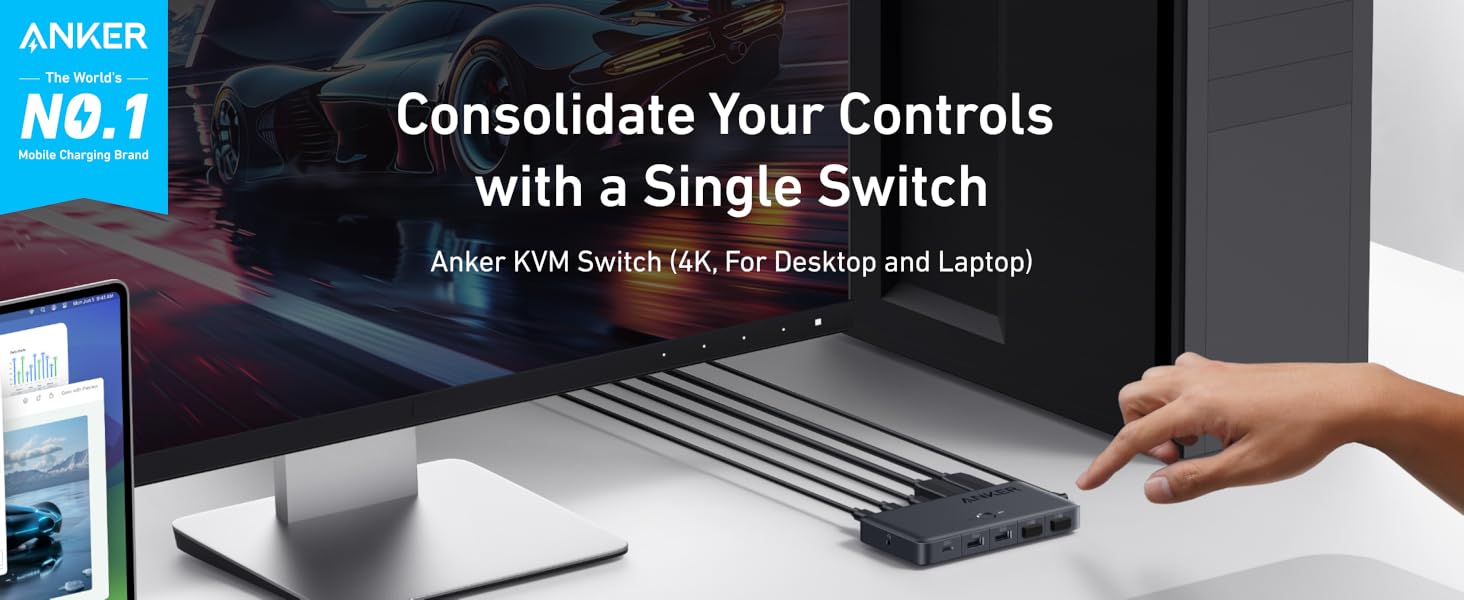
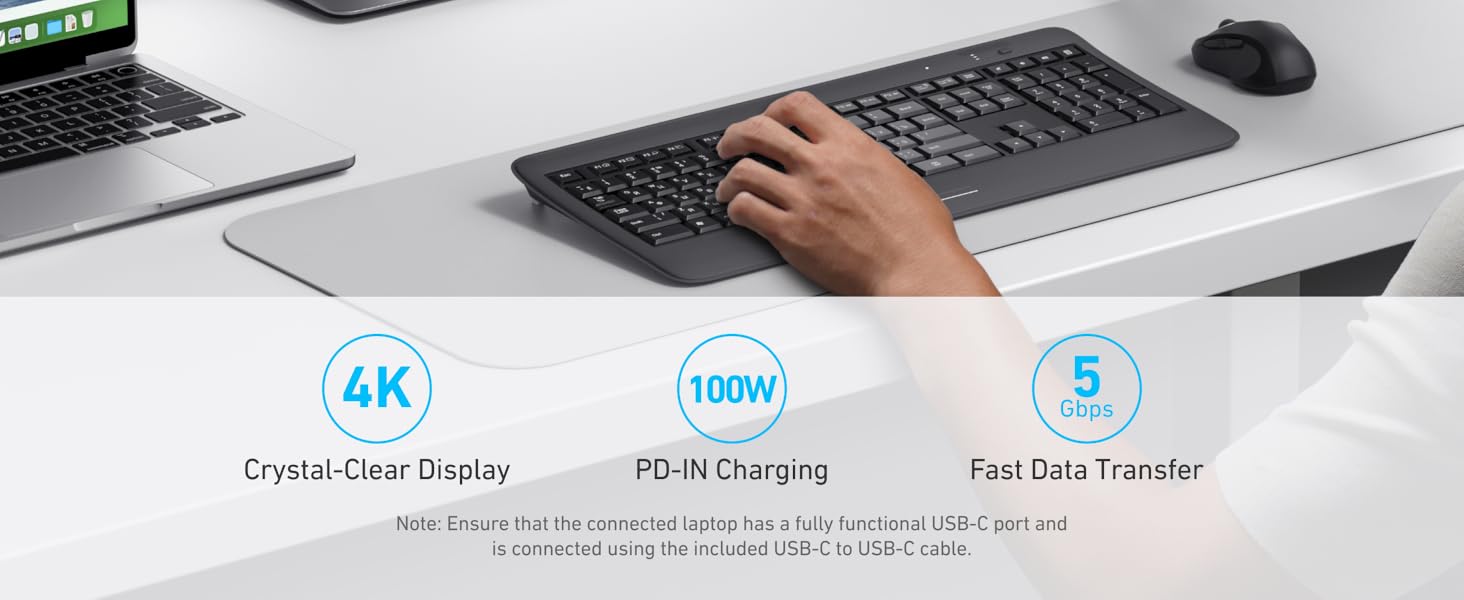
The Anker USB 3.0 HDMI KVM Switch is a sleek, compact hub designed for professionals managing both a laptop and desktop. It supports 4K@60Hz HDMI output, five USB 3.0 ports for fast data transfer, and 100W Power Delivery charging. With a magnetic remote button for effortless switching and included cables, it streamlines your workspace while ensuring reliable performance backed by an 18-month warranty.

| Manufacturer | Anker |
| Part number | A83K80A1 |
| Item Weight | 150 g |
| Product Dimensions | 13.45 x 7 x 1.88 cm; 149.69 g |
| Item model number | A83K8 |
| Colour | Gray |
| Wattage | 100 watts |
| Item Package Quantity | 1 |
| Switch Type | 2-way |
| Batteries included? | No |
| Batteries Required? | No |
D**S
Still worth it 👍
Works great with my MacBook Pro 2023 and Mac mini 2024. It does take about 3-5 sec to switch between the computers but still way better than to unplug and plug again the cables manually.
G**M
Mouse stutter
Pretty good theoretical design, but consistently makes my logitech mouse stutter 1/4 second out of every:* 30 seconds when wired* 8 seconds when wirelessThat's even with nothing else plugged in to the KVM.I don't remember if it did it right from the start or not, I assumed it was one of my other devices interfering (the anker speaker interferes with the mouse when wireless), but I've moved everything apart and switched everything else off and this still happens.My first real letdown from Anker.
A**R
Perfect solution for sharing keyboard, mouse and single screen between laptop and desktop
Perfect for sharing keyboard, mouse and one screen between one modern laptop and desktop PC.Modern thin and light laptops can suffer from lack of USB connectivity and neither do you want to be plugging and unplugging a set of cables every time you place or remove the laptop. As long as laptop has USB C this is a great solution.Bit of cabling is required to get you started - plug the existing HDMI monitor , keyboard and mouse into the KVM switch.One USB C cable ( provided ) between the laptop and the Anker USB 3.0 HDMI switch is all that is required here to make use of keyboard, mouse and screen.HDMI and USB ( cables provided ) from the Desktop is connected to the KVM switch and can use the provided wired remote control switch to change between using the desktop and using the laptop.The Anker USB 3.0 KVM Switch provides additional connectivity, which I have not yet used, for sharing other USB devices, such as USB stick, or indeed Audio via 3.5mm jack.
B**N
Have a desktop at home? Have a work laptop? Get this.
I don't understand the hate in some of these reviews. This KVM does one thing and it does it well. If you have an existing desktop computer with a normal screen and normal USB accessories, and you have a modern work laptop with a fully featured USB port, this lets you connect everything nicely with no drama.There are a few really nice touches:1. The magnetic switching button is great and lets you stuff the switch itself somewhere inconspicuous2. USB-C PD input is fantastic -- if your laptop is modern, no separate power adapter needed, just use what came with the laptop3. Will charge your laptop while you're using your desktop4. Comes with exactly the cables you need. Including both a C-to-C and a high-speed C-to-A cable is brilliant, and exactly what I needed in my particular application as my desktop doesn't have USB-C ports. Buying these cables alone would cost £15, so really nice they are included here. Also great to see the included HDMI cable, which would have been another £5
1**S
Too slow switching between PC & Mac
I had high hopes for this device, as I am a big fan of Anker products. Unfortunately the time lag between flicking the switch and the actual devices changing was too great and became annoying. At times I had to unplug my Mac and plug it back in to make it work.
A**N
Compact, saves desk space, effective
Startlingly good bit of kit to seamlessly switch between my home desktop and work laptop. Wish I'd got it ages ago!
D**M
Great
Another well-thought through Anker product. Unlike most KVM switches, this still provides power delivery to the inactive device - which is great when you have a laptop still plugged in but that you're not currently using.
Trustpilot
1 week ago
1 month ago