
DOWNLOAD THE APP


Customer Services
Copyright © 2025 Desertcart Holdings Limited
DOWNLOAD THE APP


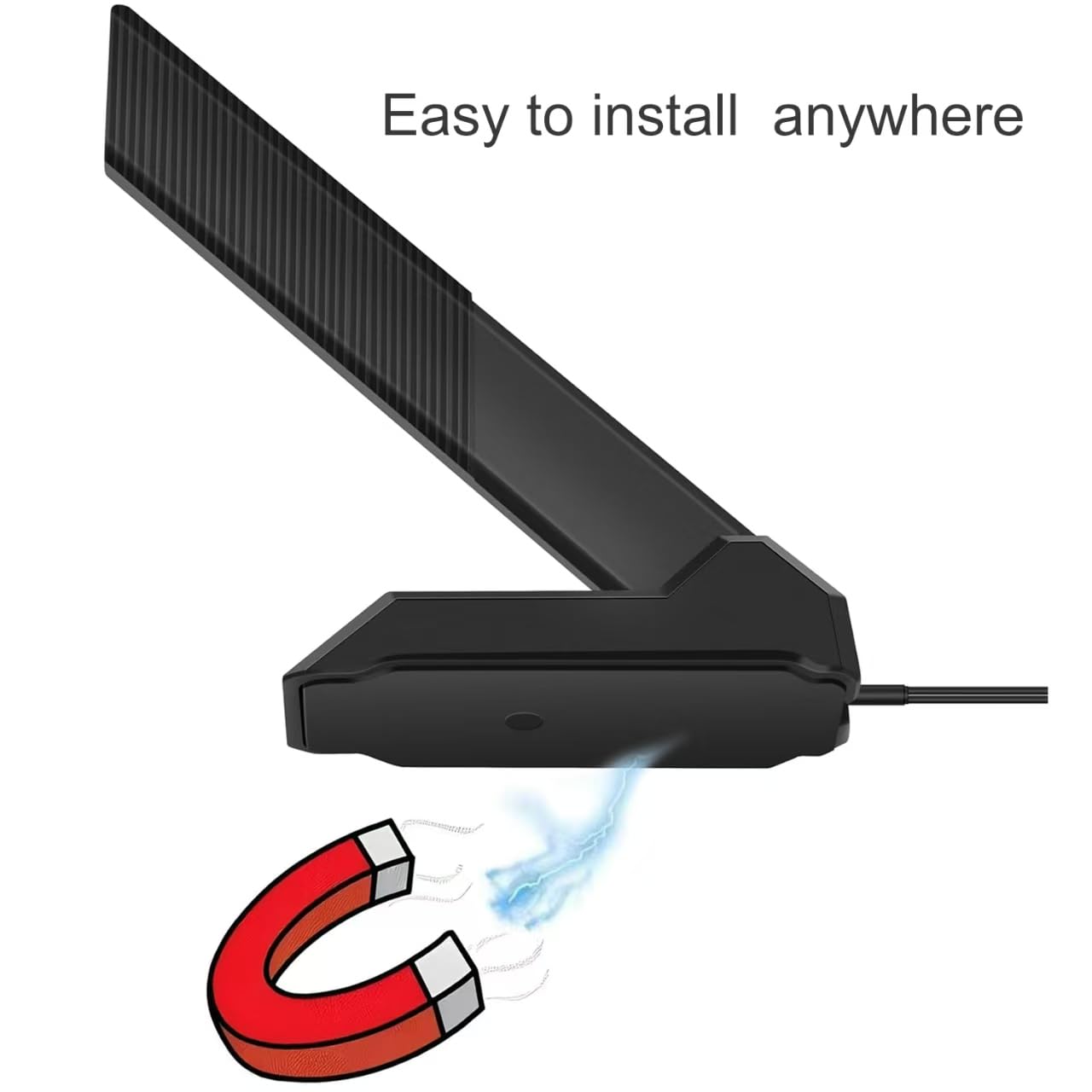

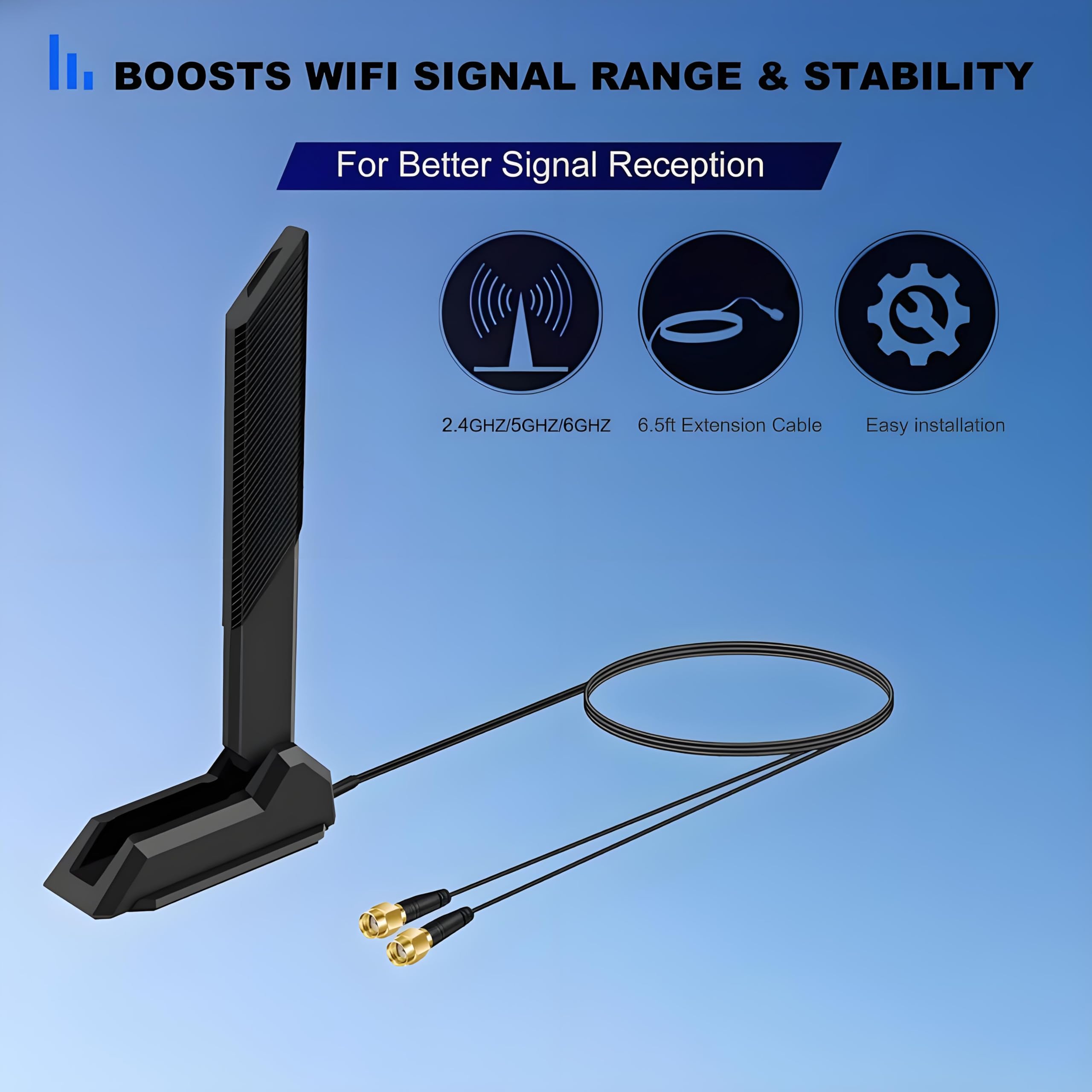


🚀 Elevate your WiFi game—never settle for lag or dead zones again!
The Slinkdsco External WiFi 6E Tri-Band Replacement Antenna delivers a powerful 9dBi gain across 2.4GHz, 5.8GHz, and 6GHz bands, supporting WiFi 6/6E standards. Designed for ASUS ROG Strix and compatible gaming motherboards, it features dual 6.5ft RP-SMA cables and a 180° rotatable omni-directional design to maximize signal strength and stability. Ideal for gamers and professionals seeking ultra-fast, reliable wireless connectivity with easy installation and enhanced Bluetooth compatibility.
| ASIN | B0D2TYX9S6 |
| Antenna | Radio |
| AntennaDescription | Radio |
| Best Sellers Rank | #56 in Computer Networking Antennas |
| Brand | slinkdsco |
| Color | WiFi 6E Antenna |
| Customer Reviews | 4.3 out of 5 stars 55 Reviews |
| Impedance | 50 Ohms |
| Manufacturer | Slinkdsco |
| Number of Channels | 3 |
| Warranty Description | 2 |
E**A
Works great
Works great my speeds were as advertised! The bottom is magnetic so its very nice to place on top of your PC. if your in need of a replacement or don't have one for your motherboard this one is legit! Motherboard was the ASUS Prime B550-PLUS AMD AM4 ATX Motherboard
W**Y
WiFi antenna with longer cable allows better antenna placement for better signal transmission
I was trying to get a wireless monitor to work in a room separate from my Windows 11 desktop PC. It wasn't doing a great job. Poor image, lots of tearing & pixellating. I got this item & things improved but it wasn't satisfactory. I thought I also needed a signal booster for the WiFi signal. But after much fiddling around (and help from Google AI) I determined that the signal booster was actually interfering with the proper operation of Miracast. So I ditched the signal booster. The last bit of magic that made things work was this command in an elevated command prompt: netsh wlan set autoconfig enabled=no interface="<name of my WiFi interface>" Apparently, Windows WiFi support periodically wakes up & scans for WiFi networks. This scanning was causing the stuttering, tearing, & pixellating. A weak WiFi signal was not at all to blame. Once I disabled the scanning by the netsh command above, the operation of the wireless monitor improved to near perfection. There are still things that Windows does every so often that can momentarily interfere with the signal to the wireless monitor. But it's tolerable now. While I am actually watching something on the wireless monitor, I turn off the scanning. But you really shouldn't routinely run with the scanning turned off. To turn it back on, do the obvious thing. Run the same command again (elevated, remember to run it elevated) with the "no" replaced by "yes" & things will work normally again. I normally have WiFi turned off. This is a desktop computer, not a laptop. I'm connected to the Internet via hard wiring so I have no need for a WiFi connection. But Miracast requires WiFi so I have to turn it on. Once you do that, you do need the scanning to find your WiFi device. But once it's found, you can turn scanning off so it doesn't interfere with the wireless monitor. When you're done watching the wireless monitor & you disconnect Miracast, turn the scanning back on before you turn WiFi back off again. WiFi off = no WiFi scanning, but you'll need the scanning next time you turn WiFi on. So this rather inexpensive item is probably all you need. It will save you the moderately large expense of a WiFi signal booster. That is, as long as the distance that the WiFi signal must travel isn't too large. My use case is from one room to an adjacent room. If you're talking about larger distances in a larger house, you probably need to look into other solutions. The owner's manual for my motherboard says the port for this antenna is for WiFi. It says nothing about Bluetooth. Despite that, since I placed this antenna on a higher surface with less obstruction between rooms, I have found that my Bluetooth noise cancelling Bose earbuds now suffer much less interference. So even though it's not documented, it appears this is also a Bluetooth antenna. I suspect, I don't know this for a fact, but I suspect this dual WiFi/Bluetooth functionality is due to my motherboard, not specifically this antenna. It is my understanding that WiFi, Bluetooth, & radio in general are all just different areas of the electromagnetic spectrum. So if you have a motherboard like mine (that supports both WiFi & Bluetooth), I would expect this antenna to improve your Bluetooth experience as well.
W**R
Works good
Does a good job. Easy to set up.
W**8
Good low cost future proof antenna replacement
Good wifi7 antenna with excellent reception/transmission. Anything bluetooth wasn't working well on my computer and I couldn't figure out why. I did a little digging and finally remembered that I moved my antenna from my machine to another because I had to connect via wifi in another room. It dawned on me that newer motherboards don't have an internal or built in antenna anymore and rely on the external for bluetooth and wifi. I got this as a replacement and everything worked again. Works great, no more connectivity issues, and a really good strong magnet so you can mount horizontal or vertical. The only thing I wish It could do is bend or rotate for vertical.
S**S
Suits my needs
My Bluetooth devices stay connected with the antenna. The magnetic base and rotating arm let me hide this out of the way on the back of the case where it won't get bumped. That's handy for me because my cats are like spring loaded wrecking balls.
M**R
Slowwwww
Not even half the performance of my stock antenna. Not that my stock antenna went out, I accidentally broke it during transport.
P**E
Good
Good quality
C**D
Works great
WiFi went from 1 bar to full.
Trustpilot
3 weeks ago
2 days ago