
DOWNLOAD THE APP


Customer Services
Copyright © 2025 Desertcart Holdings Limited
DOWNLOAD THE APP




🚀 Elevate your office game with speed, style, and sustainability!
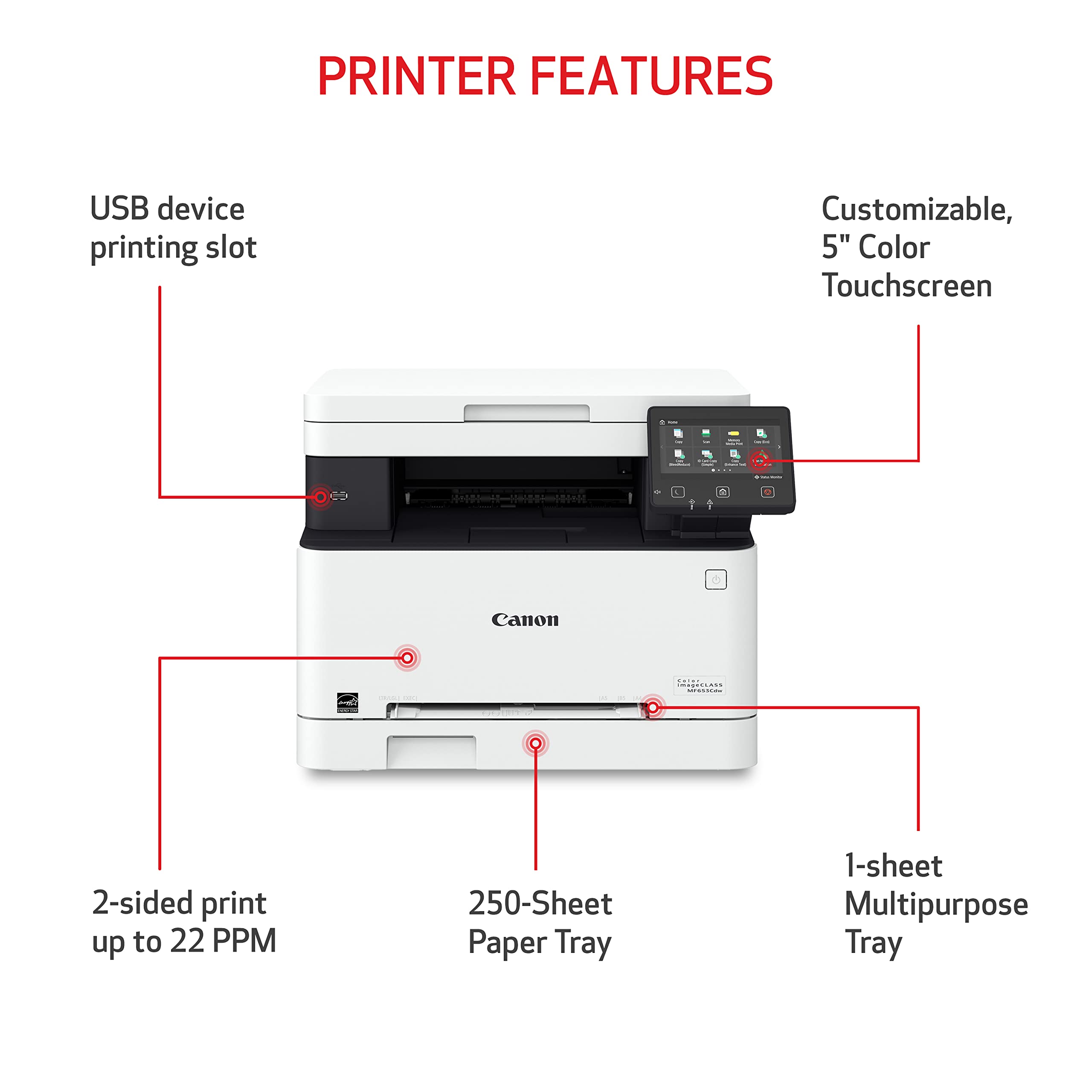
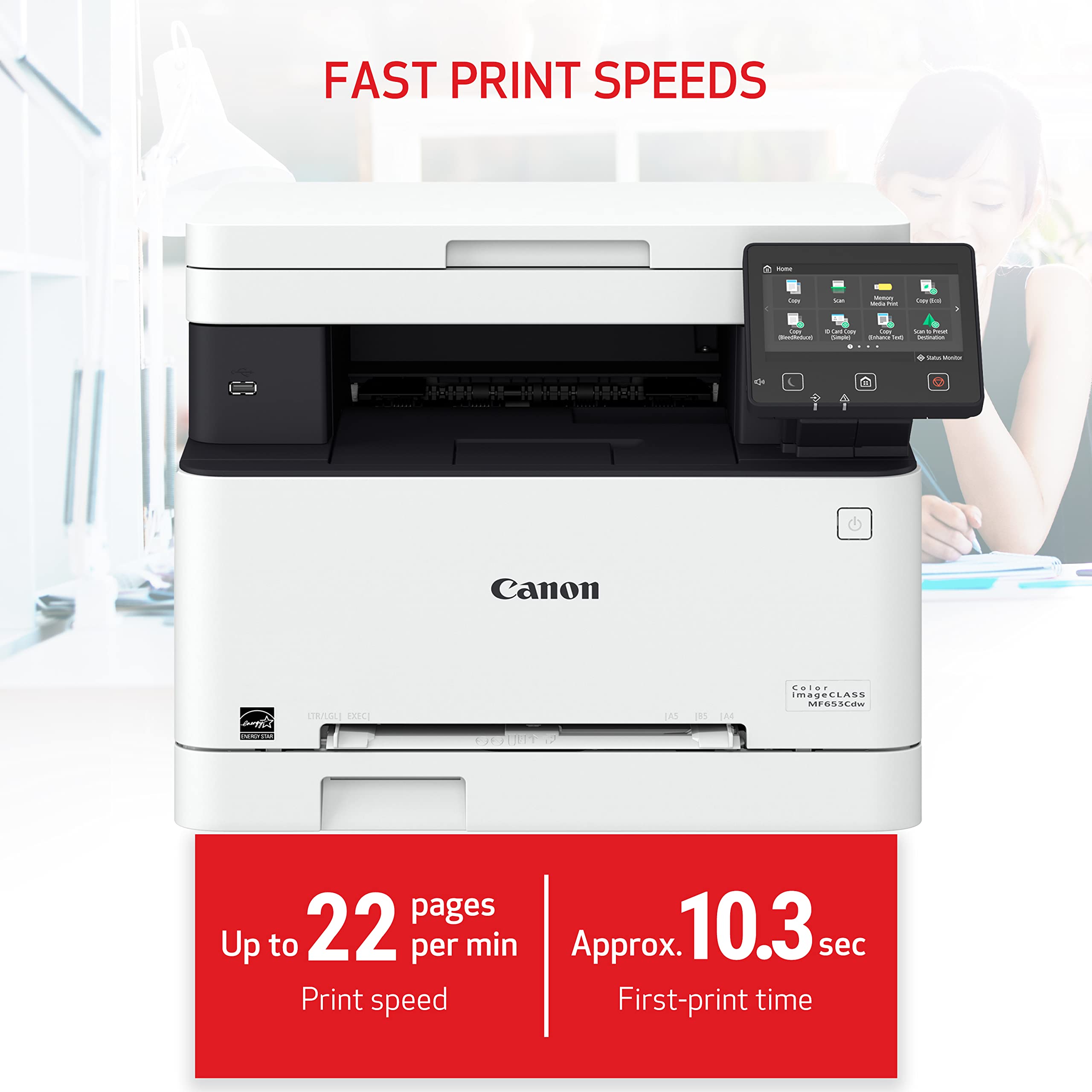
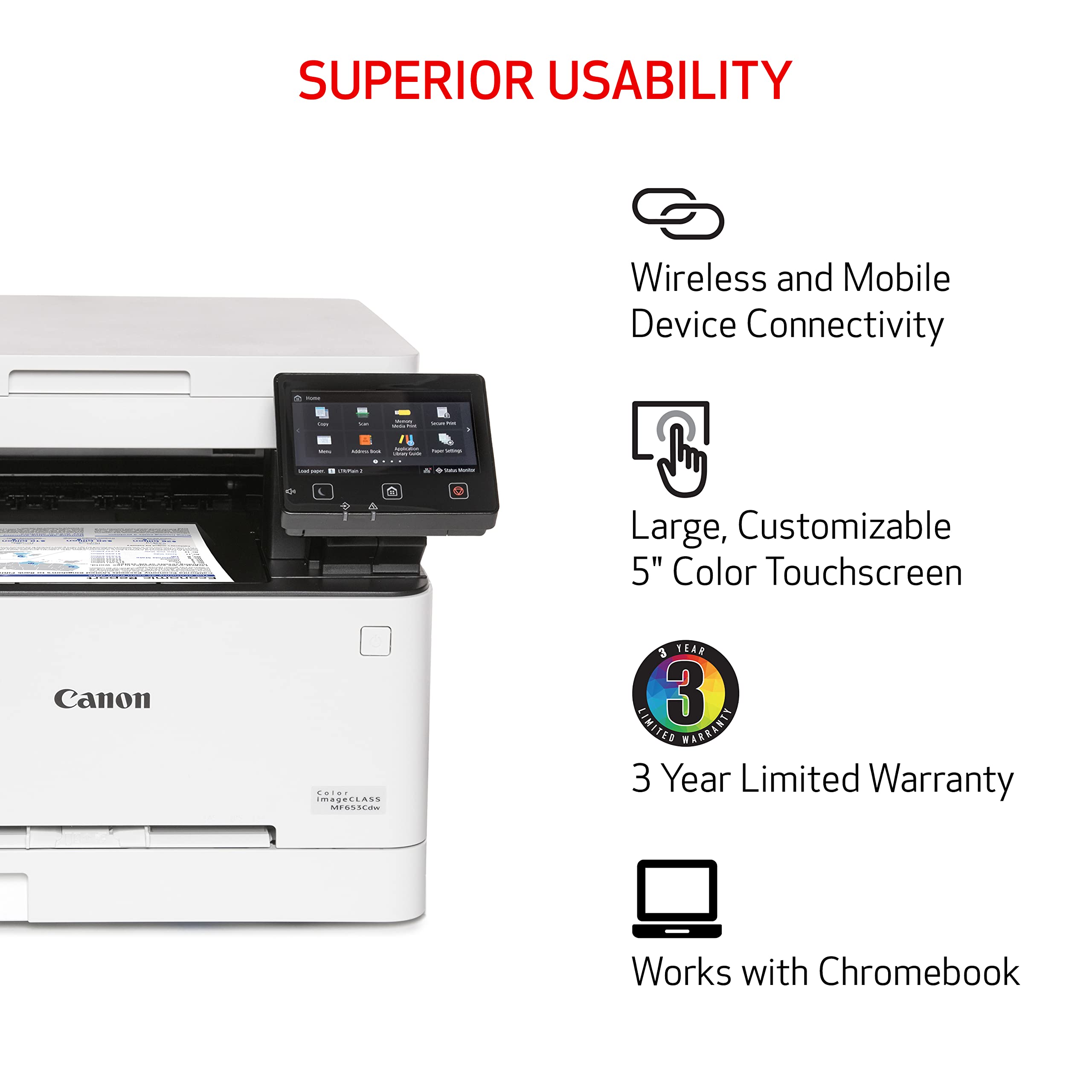
The Canon imageCLASS MF653Cdw is a wireless, multifunction color laser printer designed for small to medium businesses. It delivers fast 22 ppm printing with high-quality 1200 x 1200 dpi resolution, supports automatic duplex printing, and offers versatile media handling. Mobile-ready and ENERGY STAR certified, it combines efficiency with eco-conscious features. Backed by a 3-year warranty, it ensures reliable, professional-grade performance for busy workspaces.


| ASIN | B0BSN14MKY |
| Additional Printer functions | Copy, Scan |
| Best Sellers Rank | #64,125 in Office Products ( See Top 100 in Office Products ) #72 in Laser Computer Printers |
| Color Depth | Greater than 1 bpp |
| Compatible Devices | Smartphones |
| Control Method | Touch |
| Controller Type | Android |
| Customer Reviews | 4.3 4.3 out of 5 stars (250) |
| Date First Available | February 8, 2023 |
| Dual-sided printing | Yes |
| Duplex | Automatic |
| EU Spare Part Availability Duration | 3 Years |
| Global Trade Identification Number | 00013803342048 |
| Hardware Interface | USB |
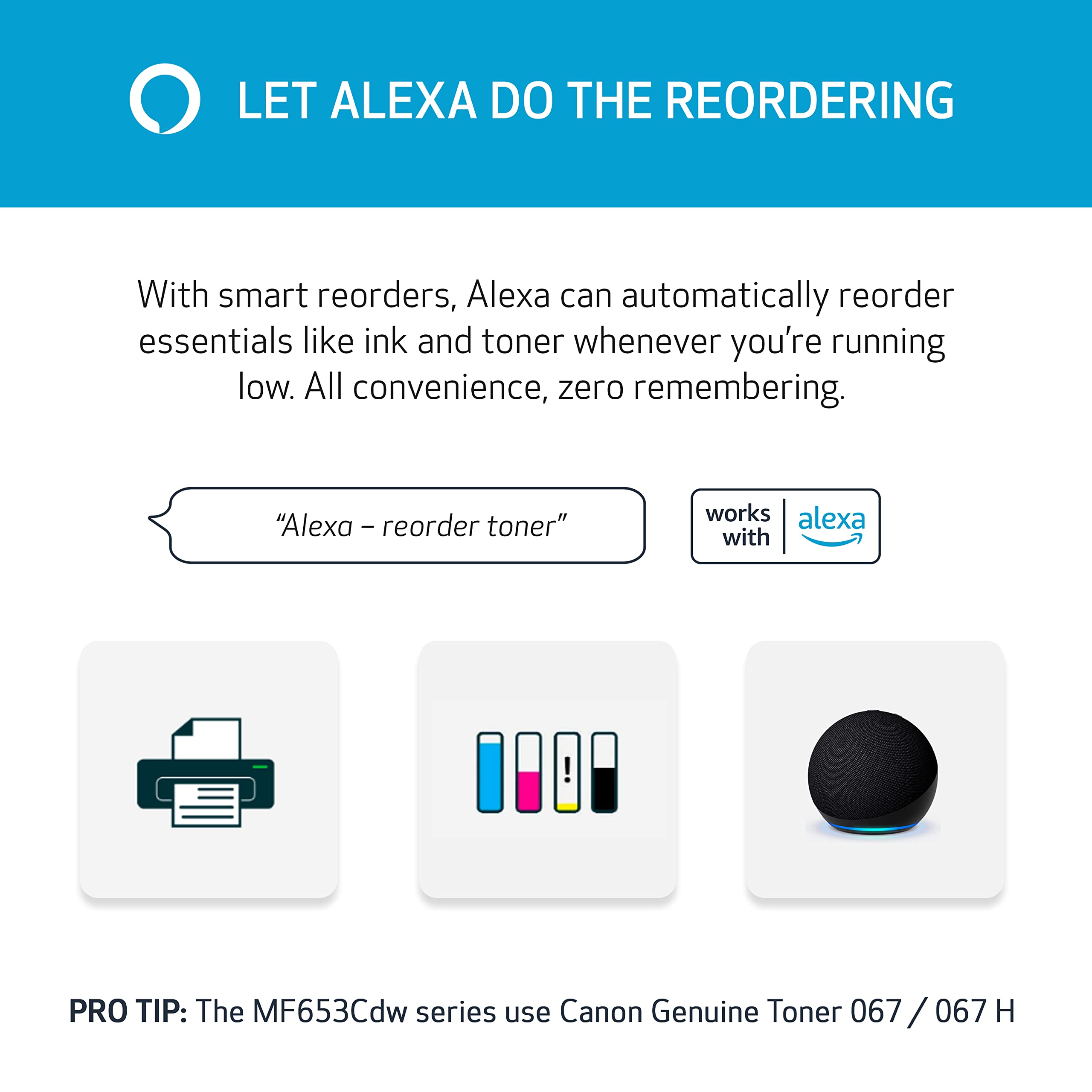
| Included Components | Cartridge 067 CMY: Starter 680 Yield / Black, Standard: 1,350 Yield, Documentation, MF653Cdw Product, Power Cord |
| Initial page print time | 10.3 Seconds |
| Ink Color | Multicolored |
| Item Weight | 39.7 pounds |
| Item model number | 5158C007 |
| Manufacturer | Canon |
| Max Copy Speed (Black & White) | 22 ppm |
| Max Input Sheet Capacity | 250 |
| Max copy resolution black-white | 1200 x 1200 dpi |
| Max copy resolution color | 1200 x 1200 dpi |
| Maximum Black and White Print Resolution | 1200 x 1200 dpi |
| Maximum Color Print Resolution | 1200 x 1200 dpi Dots Per Inch |
| Maximum Media Size | 8.5 x 14 inch |
| Maximum copies per run | 2500 |
| Memory Storage Capacity | 1 GB |
| Model Series | MF653Cdw |
| Number of Trays | 2 |
| Output sheet capacity | 250 |
| Print media | Paper (plain) |
| Printer Ink Type | toner |
| Processor Count | 1 |
| Product Dimensions | 18.2"D x 17.8"W x 14.2"H |
| Scanner Type | Sheetfed |
| Series Number | 653 |
| Sheet Size | 3 x 5, 8.5 x 14 Inches |
| Supported Media Sizes | 3 x 5 inches |
| Total USB Ports | 1 |
| UPC | 013803342048 |
| Warranty Type | Limited |
B**E
Great printer, great support
My $99 Epson All-in-one printer served me well for 15 years but cost me a heck of a lot in ink. I was waiting for it to finally break so that I could replace it with something that didn’t go through ink cartridges so fast. And I’m looking for wireless this time around. I researched all the comparable All-in-one ink jet printers with wireless capability and was disappointed to find that reviews for every brand and model were disappointing. Pretty much every printer had 1-star reviews no less than 10%, and combined 1,2,&3-star reviews about 50% of the total reviews. Complaints consisted of printers failing after a short time, using too much ink, connectivity problems, setup difficulties, paper jams, lack of support, etc. Then, I found this Canon model, which is not an ink jet. It’s a laser printer. Reviews are excellent. The only downside I can see is the cost of toner cartridges, which are expensive but last a long time. This may be overkill for a home printer but I wanted an easy to setup printer with virtually no complaints. It comes with a 3-year warranty, but I opted for the better, full featured Asurion warranty through Amazon. I had wireless printing working from my iPhone and Windows PC in about 15 minutes. After registering my printer on the Canon website, I called Canon support, and (after a little wait) connected with a patient and friendly support guy who helped me download and install the scan utility driver on my PC, which saved me a lot of time. I can’t say enough nice things about this printer. It’s not the quietest printer, but output is crisp, colors are bold, and it does automatic duplex printing. Scans are manual. UPDATE: 1 year later I’m still loving this printer. Air Print from my iPhone has worked flawlessly. Sometimes it loses connectivity with my PC, but a simple reboot of the printer resolves it. And, my biggest concern when I bought this printer was the cost of toner. Well, I’m still not ready to buy any. After a year! (Keep in mind that I don’t do a lot of printing). But check out this toner report that I just attached (after a year of use!). At this rate, when I do buy toner, I’m paying for the good stuff from Canon, especially after viewing the reviews on the knockoff toners.
T**Y
Excellent Printer
We are absolutely loving this printer. We came from a typical inkjet but I wanted a laser printer for speed and quality. We did significant amounts of research and felt that for the price this offered everything we could ask for. That being said, this printer is super fast and the color is beautiful on everything. I was up and printing faster than it took me to get the printer out of the box (you’ll spend more time taking all of the protective tape off than you will setting it up!). I like that you can insert photo paper and not worry about it being bent and/or getting stuck. Having printing on both front and back is also a nice bonus. It does show up under Air Printers. However, it will not show up when the printer is offline… even when it’s in sleep/standby mode (not sure why but it doesn’t always exit standby mode). For everything this does I don’t think you can beat the price. Our only concern is the cost of replacement cartridges. I see that they are readily available but they are $$$. I haven’t had to replace them yet so we’ll have to see just how efficient it is when it comes to ink usage. Perhaps the one area that could use some improvement is the app. The app is missing some basic functionality that other companies have (like access to certain locations of documents and images). I have also had some trouble resizing the image within the app. I get around this by opening it up on an editor and resizing it, then saving a copy and using that to print. This works but it isn’t the most ideal way to accomplish what is otherwise a very basic task. Important: if you’re looking for a small printer, this is NOT the one for you. It has a similar footprint to a standard inkjet printer, but it’s much taller and perhaps a bit wider depth-wise. You will need a dedicated space for this one.
J**S
Dependable and ease of set up.
My last Canon was much larger and lasted nearly 20 yrs. No paper user manual all online. I like the smaller size. The price is roughly the same from 20 yrs ago ( that’s good). WiFi connection was super easy ( no passwords needed). Yes I would by again. 50lbs for mf662, the old mf8580 weighed in at around 90lbs. Great Buy!!! Oh prints are crisp and nice, Canon style.
D**.
Fast and efficient
Print quality is excellent. Fast. Scanner works well, too. Only glitch was trying to get it to communicate wirelessly with my Mac. It wouldn't wake up automatically. Had to push a button on its control screen. But Canon had good customer support and we figured it out. Now it works how we want it to. One set of ink cartridges costs about as much as the printer. But they have lasted us 10 months so far (it is for personal/household use). Unlike our previous ink jet whose nozzles would clog all the time and that wasted ink on purpose. Overall, it will be much cheaper to run for us than the ink jet.
A**R
Great laser printer
This printer is pretty good. Set up was super simple. Connecting it to WiFi was simple. Easy to use and prints fast with great color. Glad I made the purchase.
R**S
Great printer if you like issues
I hate this printer. I constantly have to tell it what paper size which may be fixable but older printers worked better. It makes horrible noises like the gears are going to break. I am just waiting for it to break so I can buy another and stick it in a landfill. The software also is not good; if a print fails it takes forever to clear the queue and you will have to reboot. BTW - I am a software engineer.
C**S
Easy to use and set up.
I have gone through several inkjet printers and wanted something more sustainable. I chose this product and have been pleased with its performance. The printer is easy to use and set up. It is perfect for home use.
C**G
Great Canon Laser printer
This is hand down the first and best Color Laser printer period! Setup was a little challenging because I’m just not tech savvy! But Apple Store help me with what to do at home! Print is fast Color are amazing! Yes it a little noisy but livable! All in all don’t wait buy this laser printer it is fine!
Trustpilot
2 weeks ago
2 weeks ago