Some deliveries may take a little longer than usual due to regional shipping conditions.

DOWNLOAD THE APP


Customer Services
Copyright © 2025 Desertcart Holdings Limited
DOWNLOAD THE APP

🎧 Elevate your sound. Stream smarter, not harder.
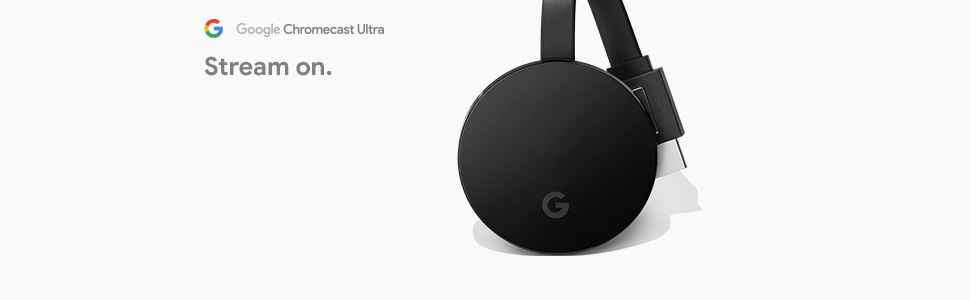
Google Chromecast Ultra is a compact streaming media player that connects to your speaker’s aux input, enabling seamless wireless streaming of music, podcasts, and radio from smartphones, tablets, or computers via Wi-Fi. Lightweight and easy to use, it supports multi-device casting and receives regular software updates to ensure a smooth, high-quality audio experience.

| ASIN | B0157OY5EA |
| Best Sellers Rank | 42,972 in Electronics & Photo ( See Top 100 in Electronics & Photo ) 435 in Streaming Clients |
| Guaranteed software updates until | unknown |
| Item model number | GA3A00403A14 |
| Product Dimensions | 5.82 x 1.35 x 5.82 cm; 45.36 g |
A**R
Goggle chromecast
Great bit of kit would highly recommend it to anyone
S**O
Hot
Gets very hot if left plugged into tv
A**X
Value for money 4k casting machine
Great value. Does what it says and also fantastic for streaming HI-Res music to a AVR music audio system. 5 out of 5.
W**I
Good Product
Very good streaming and image quality
K**S
I was wanting a way to watch videos that I could bring up on my desktop computer and view them on my TV in another room. There really wasn't a good way to run an HDMI cable from the computer to my TV, so I needed some sort of wireless option to send the signal. As I was using a desktop, I was not 100% certain it would work unless I installed a Wi-Fi device on my desktop. As I found out to my relief, I didn't need to install a Wi-Fi device. It must be connecting from the Comcast Wi-Fi device. The instructions are pretty easy. They give you a pamphlet with like 3 simple 1-2-3 like instructions. It also gives you a website address you can enter that gives instructions. Here's how simple it is... 1) Make sure you have Google Home installed on your phone 2) Plug in the device to an HDMI port on your TV 3) Plug the device into a nearby power source 4) Turn your TV to the HDMI port that the device is plugged into 5) Follow the instructions on your TV screen 6) I think there's a code you scan that comes up on the tv, then there's like a confirmation code you enter 7) On the Google Home app it lets you pick what subscriptions you want to include like Netflix, etc. 8) Go to the computer, click the little 3 dot button in the top right corner of the Google Chrome browser. Then click Cast. Once you click Cast it casts to your TV. The picture was very clear and there was no skipping/flashing like if it is having trouble getting a signal. I compared it to the wireless HDMI option and not only was the Chromecast Ultra cheaper but it was better rated. Not to mention, I think the Chromecast can connect with Google Nest Hub. So it's definitely worth the money. The only thing I was surprised by was that when I casted the computer screen, the computer screen no longer shows the video. It is only shown on the TV. I thought it might show on both. I'm not sure if there is an option to show on both (I doubt it). But overall.... GREAT PRODUCT!
M**S
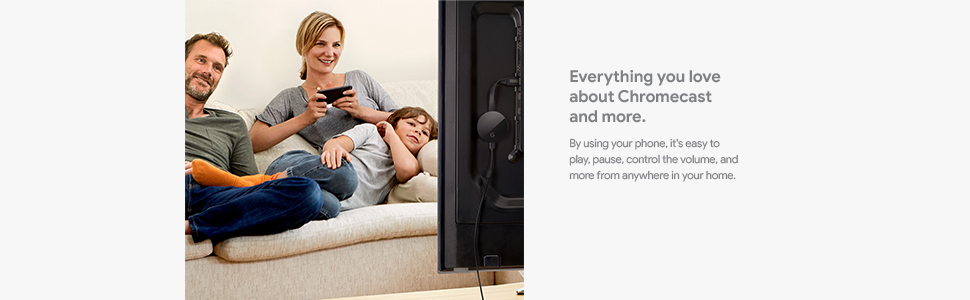
These are very useful devices and allows us to use our ipads as remote controls for our TV's. So much better than firesticks etc. Easy to set up and great functionality.
D**.
Super produit fonctionne super bien , très facile à installer , moi j’ai du produit Apple chez moi (iPhone,iPad) et tout fonctionne à merveille.
G**N
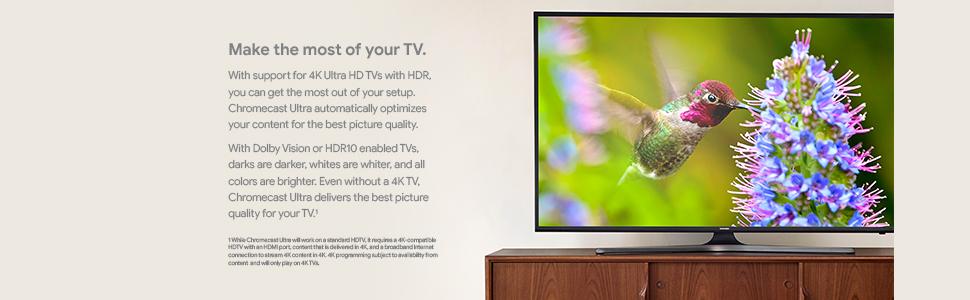
This is the only external Chromecast that supports 4K HDR. If you have a 4K TV without a built-in Chromecast, don't buy any other Chromecast models. Installation is beyond user-friendly and easy. The device works flawlessly. It comes with a 3 A power adapter with a captive cord. The adapter also has an Ethernet port, but you don't need to use it, as it has built-in dual-band 11ac Wi-Fi. You cannot use any other kind of power source or adapter. You need it to install the Google Home app in order to set up the device. Note that some users reported that built-in Chromecast devices on their 4K TVs didn't work with some 4K streaming services such as AT&T Watch TV; however, an external Chromecast Ultra did. I have also been doing successful 4K streaming through AT&T Watch TV with the Chromecast Ultra.
J**P
I bought the Google Chromecast ultra to play my games with Stadia. And it works perfectly fine. Streaming video is extremely easy with this thing. It does exactly what’s advertised. Still trying to figure out how to cast VLC to Chromecast. But other than that everything works exactly as advertised. Worth every penny and I’ve suggested this product to every single person I know.
Trustpilot
3 weeks ago
2 weeks ago