Some deliveries may take a little longer than usual due to regional shipping conditions.

DOWNLOAD THE APP


Customer Services
Copyright © 2025 Desertcart Holdings Limited
DOWNLOAD THE APP

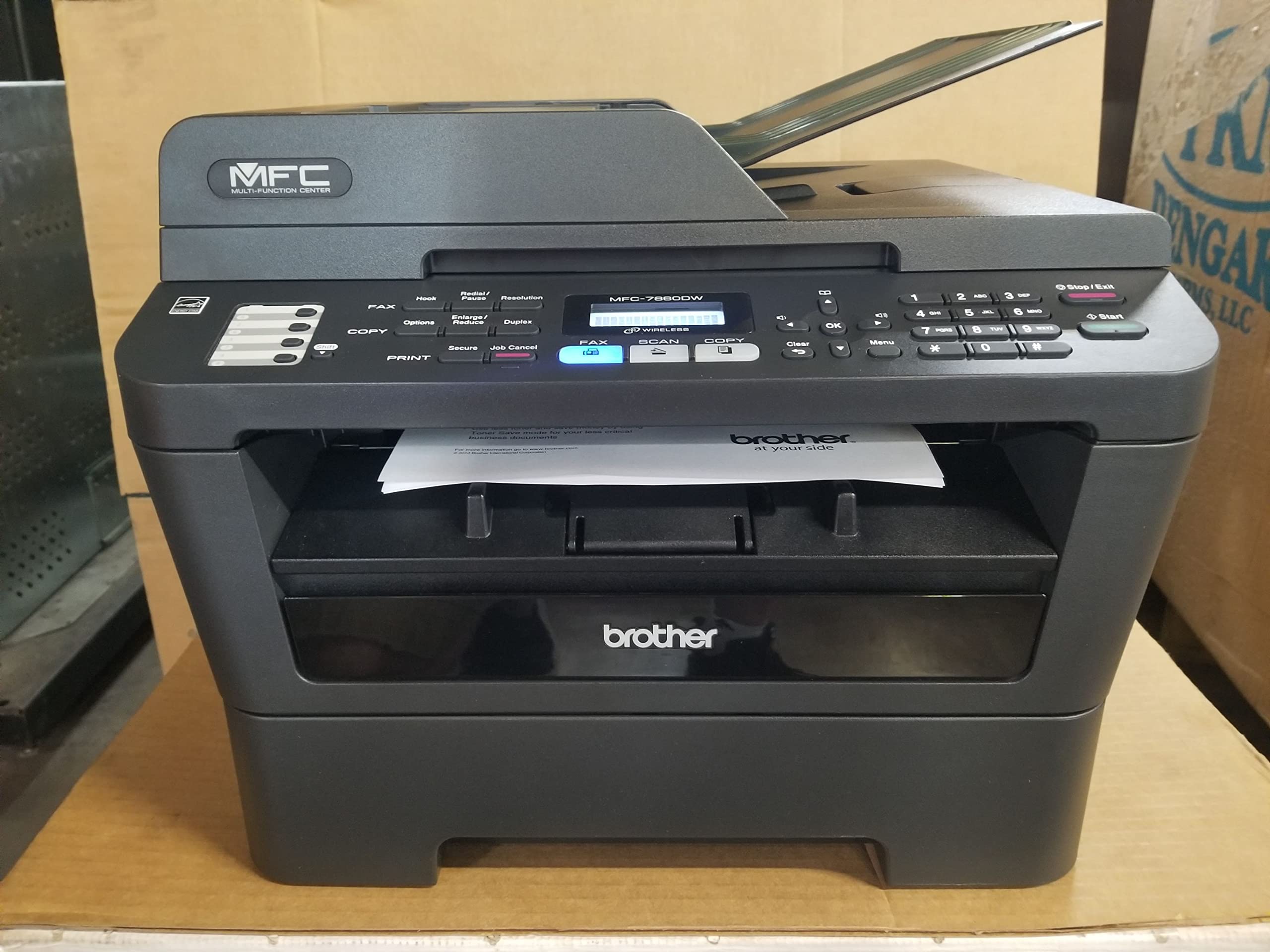
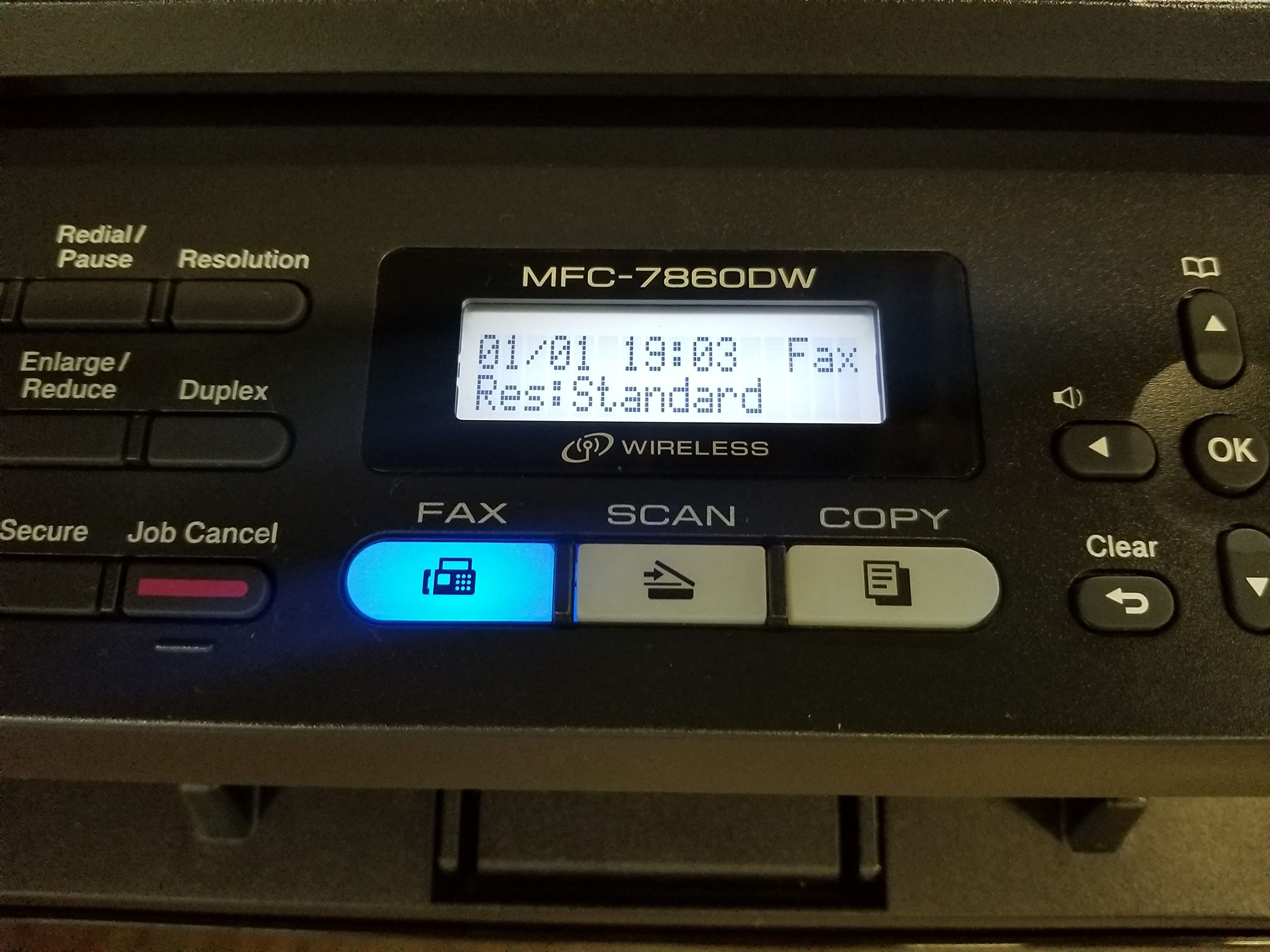
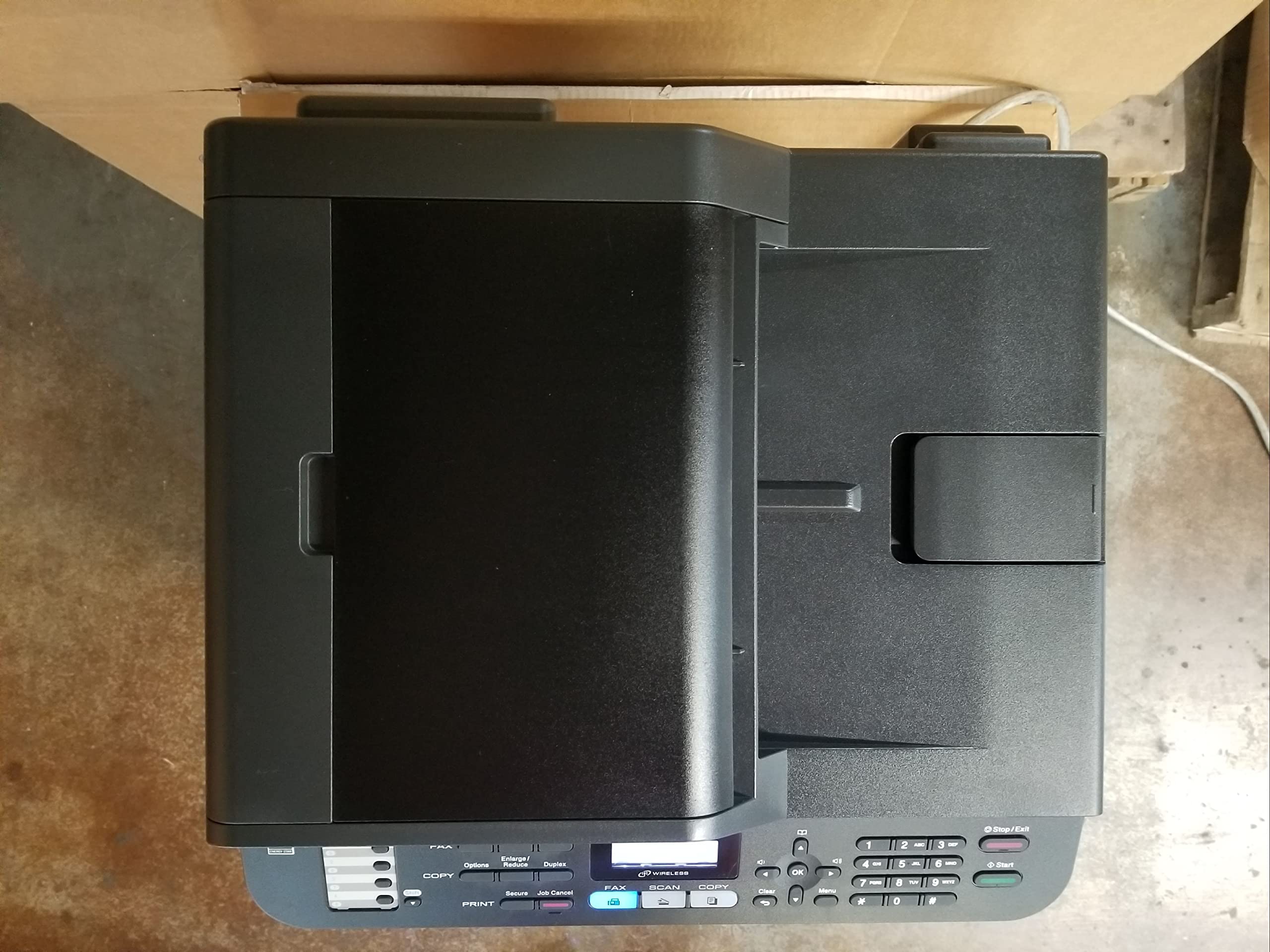
📈 Elevate Your Office Game with the Ultimate All-in-One Printer!
The Brother MFC7860DW is a versatile wireless monochrome printer that combines printing, scanning, copying, and faxing capabilities. With a print speed of up to 27 pages per minute and a 250-sheet capacity paper tray, it is designed for efficiency and productivity. Its automatic duplex feature and 35-page auto document feeder make it an eco-friendly choice for busy professionals. Compatible with smartphones and PCs, this printer ensures seamless connectivity and ease of use.
| B&W Pages per Minute | 26 ppm |
| Color Pages per Minute | 27 ppm |
| Total USB 2.0 Ports | 1 |
| Total Usb Ports | 1 |
| Hardware Connectivity | USB 2.0 |
| Connectivity Technology | Ethernet |
| Resolution | 2400 x 600 |
| Additional Printer Functions | All In One |
| Warranty Type | Full warranty |
| Control Method | App |
| Controller Type | Android |
| Print media | Envelopes, Paper (plain), Labels, Fabric |
| Scanner Type | document |
| Maximum Copy Speed Black and White | 27 ppm |
| Compatible Devices | Smartphones, PC |
| Printer Type | Laser |
| Additional Features | Auto-Document Feeder |
| Printer Output Type | Monochrome |
| Item Weight | 25.6 Pounds |
| Output sheet capacity | 250 |
| Maximum Sheet Capacity | 35 |
| Media Size Maximum | 8.5 x 14 inch |
| Wattage | 445 watts |
| Is Electric | Yes |
| Duplex | Yes |
| Color | Dark grey |
C**N
Great Printer!
I've had the brother MFC-7860 for a few weeks now and am very happy with it. I've been using a brother 4800 series MFC for about five years now. I bought the original because I wanted a laser printer, automatic duplexing, and low-cost toner. The original delivered all that. I got a terrific deal on it as it was a refurbished model, but couldn't tell it from brand-new. It has worked flawlessly since I bought it.A while back I purchased a new laptop with Windows 7. I couldn't get the software for the older brother to work on my Windows 7 laptop. Time to buy a new printer.One thing was a must-have and that was automatic duplexing. Another feature that I really wanted was a wireless connection. I got both with the MFC 7860DW. Another feature that was at the top of my list was low-cost toner. The toner for this model is a little bit higher in cost than my old one, but not a deal killer, it's still reasonable.Installation was relatively simple though a little more complex than installing your average printer. Wireless connectivity though was a little more complicated than my inkjet printer. With my inkjet there's a menu choice that says "connect". I then enter my password code, push okay and everything is done. With my new laser there are quite a few more steps involved, making things somewhat more complicated. Not a big deal if you only do it once, but it becomes quite a hassle if you have to do it on a regular basis, as I did. The unit kept dropping the connection if the unit wasn't regularly used. I may be gone several days at a time and upon returning home would have to reconnect the printer. However I discovered my laptop was doing the same thing. The issue apparently was in the router, as I tweaked some settings and haven't had an issue since. I have two desktops and laptop and they all work fine with the new printer.These unit does what it's supposed to do..... Clean crisp text, flawless duplexing, and fast printing. I haven't really had a chance to use the other features such as scanning, and faxing. What few things I have scanned I've been very pleased with.All in all I am quite happy with this unit. Simply that it does what it's supposed to do. It's also an attractive piece of equipment. One thing I have noticed though it is quite a bit quieter than my old laser MFC. With the old one I could sit in any room and hear it printing, with the new one I have to get up and physically check the machine. This should please a lot of people as one of the complaints I have heard on the Brother MFC's is the noise. This one makes less noise in my inkjet.Would I recommend this to a friend, definitely. Based on my experience with Brother I will receive many years of service from this unit. If you're looking for a full-featured laser MFC at a reasonable cost this unit is it.
S**S
GREAT little MFP
Based upon my initial impressions, I am very happy with this MFP. My opinion may change as time goes on and I get into replacing the consumables, but I'll update as necessary and base this initial review on my out-of-the-box impression.First off, I have to say that Amazon Customer Service has been great. They took back my Canon Imageclass D550 without question and I purchased this one immediately after. Less than a week after I ordered this printer, and on the same day I received this printer into my home, the price dropped from 249.88 to 169.99. Amazon price matched this without question as it was only 5 days after I placed the order that the price dropped this drastically. Amazon Customer Service has always been a pleasure to deal with to date and I hope they continue to strive and keep the same level of service.Brother has really came a long way in the last few years. I have always steered clear of Brother in the past, but when I was in the market for a printer to work with OS X 10.8, I started looking again. I had the Brothers recommended to me by a friend, former co-worker and a big time HP salesman. I used to push HP and Xerox at a former company I worked for and at that time, we did not have too many nice things to say about Brother back in those days. When I went to my former co-worker for advice and he recommended Brother, I snuffed it off initially, but the more I got to looking, the more it looked like Brother was starting to get things together. So I gave this one a whirl.WOW, all I can say is that this is a GREAT little MFP for the small office or home. The setup was easy and it took on the first run-through on Mountain Lion. Printing is as fast as you would expect from any laser printer of this size and class. Not super zippy fast like the $3000 HP LaserJet's, but definitely not slow in any sense of the word.Once you get this thing connected, you can set up a wired network or wireless network. It took me a few minutes to figure out how to get this thing talking on my secure WPA2 wireless, but perhaps if I would have read the manual, I would have done correctly the first time. As it was, I was able to figure it out on my own fairly quickly and it works swell!Copying works, scanning works, faxing works, all wirelessly and with a very intuitive and easy setup process.If there is a single complaint I have it is the single sheet multi-purpose tray, but that is small peas. Unless you're in an office, when do you print more than one envelope at a time? It is probably easier to just use labels, in which case you just stick them in the paper drawer.I LOVE this MFP and the only reason for 4 stars is the single-sheet MPT. You will not be sorry for purchasing this printer.
Trustpilot
5 days ago
2 weeks ago