We remain fully operational. Our teams are working around the clock to ensure your deliveries continue safely.

DOWNLOAD THE APP


Customer Services
Copyright © 2025 Desertcart Holdings Limited
DOWNLOAD THE APP


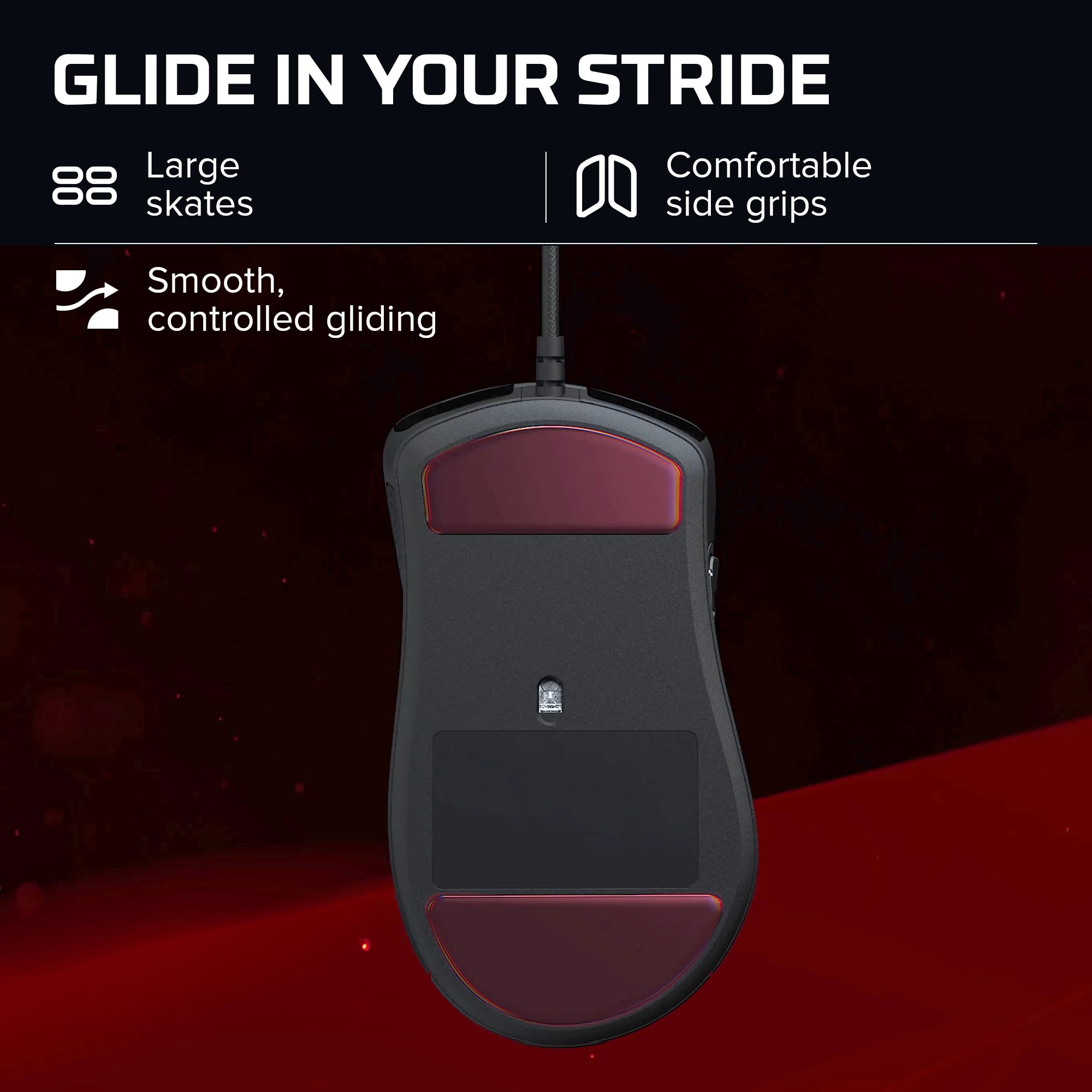

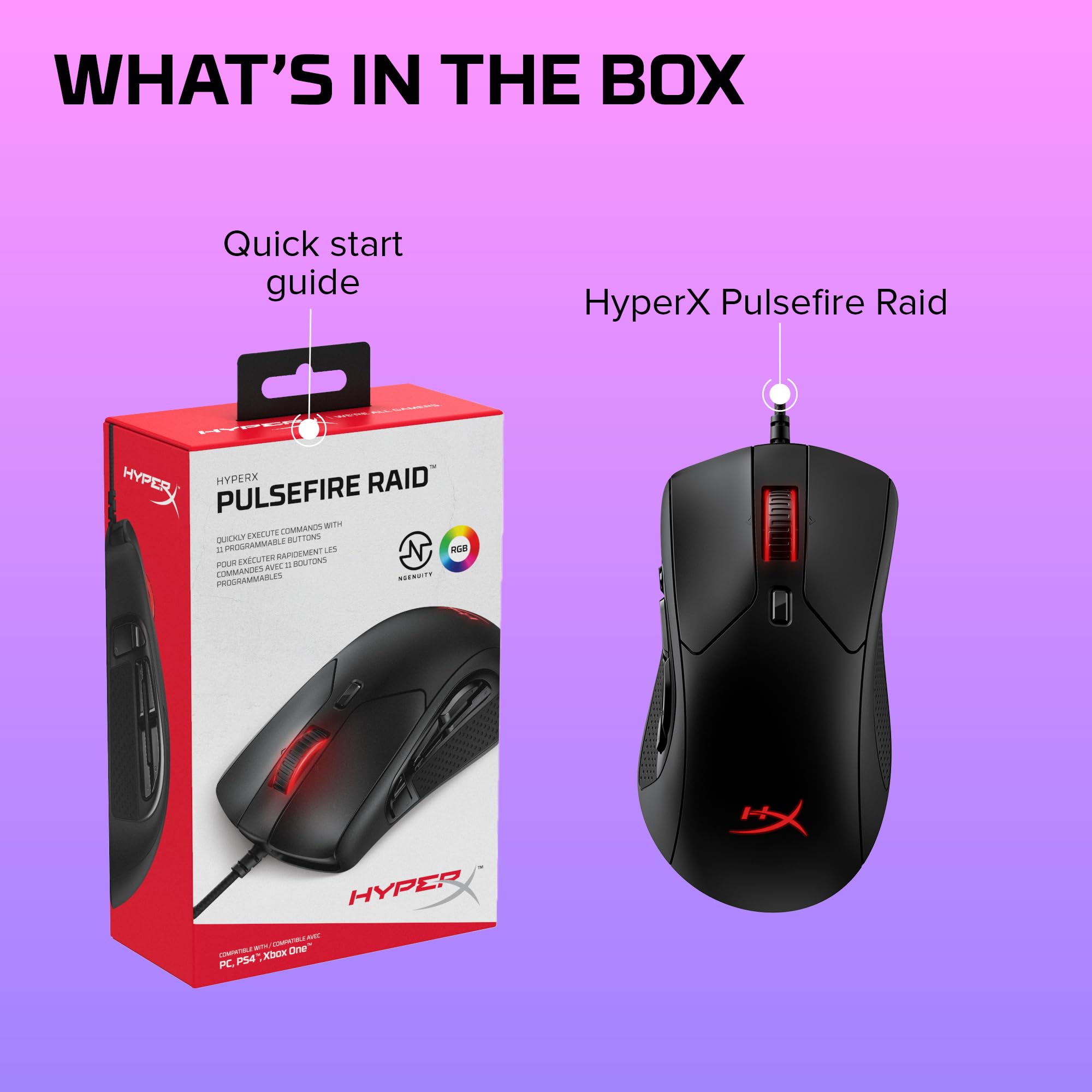

🎯 Elevate your command game with precision, comfort, and style.
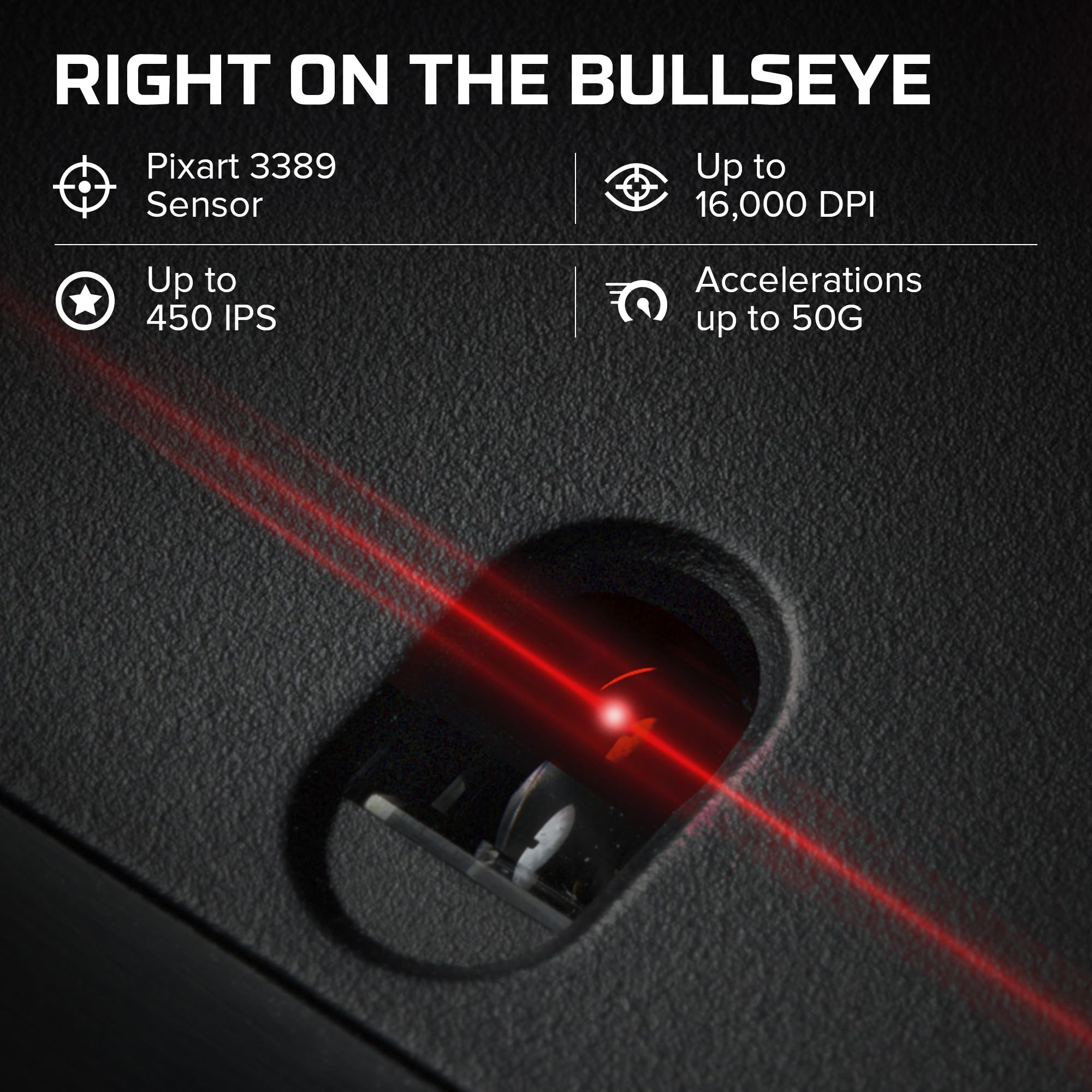
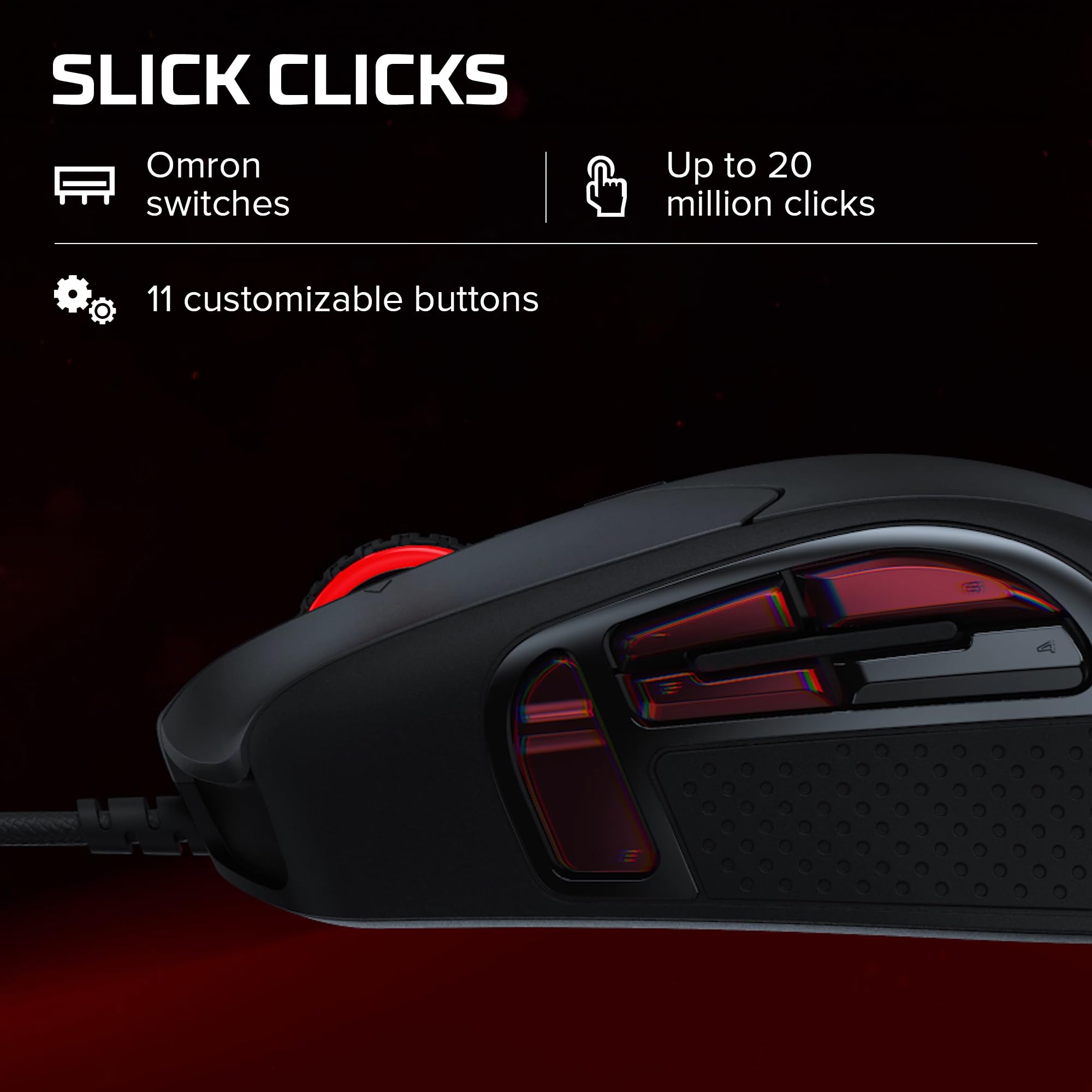
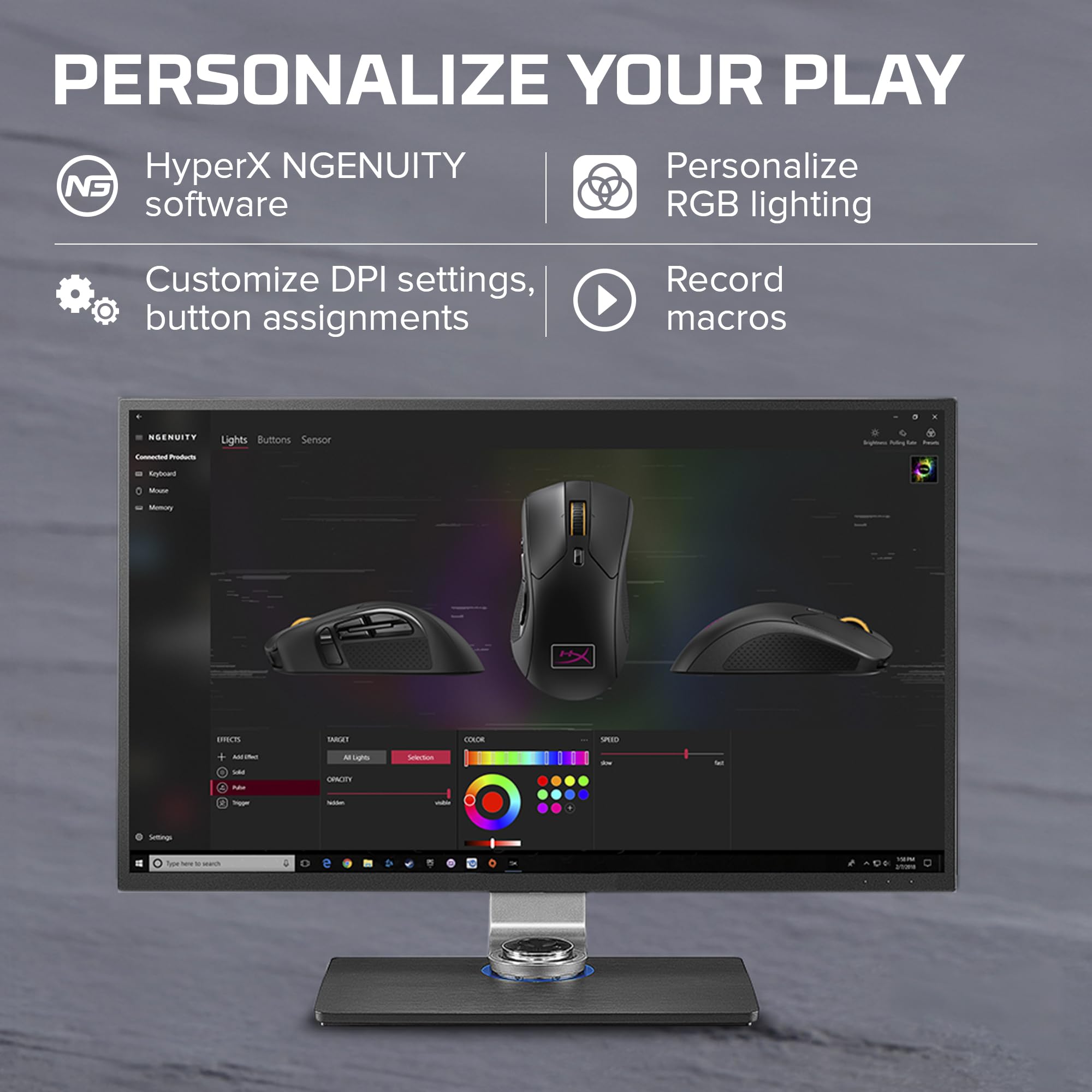
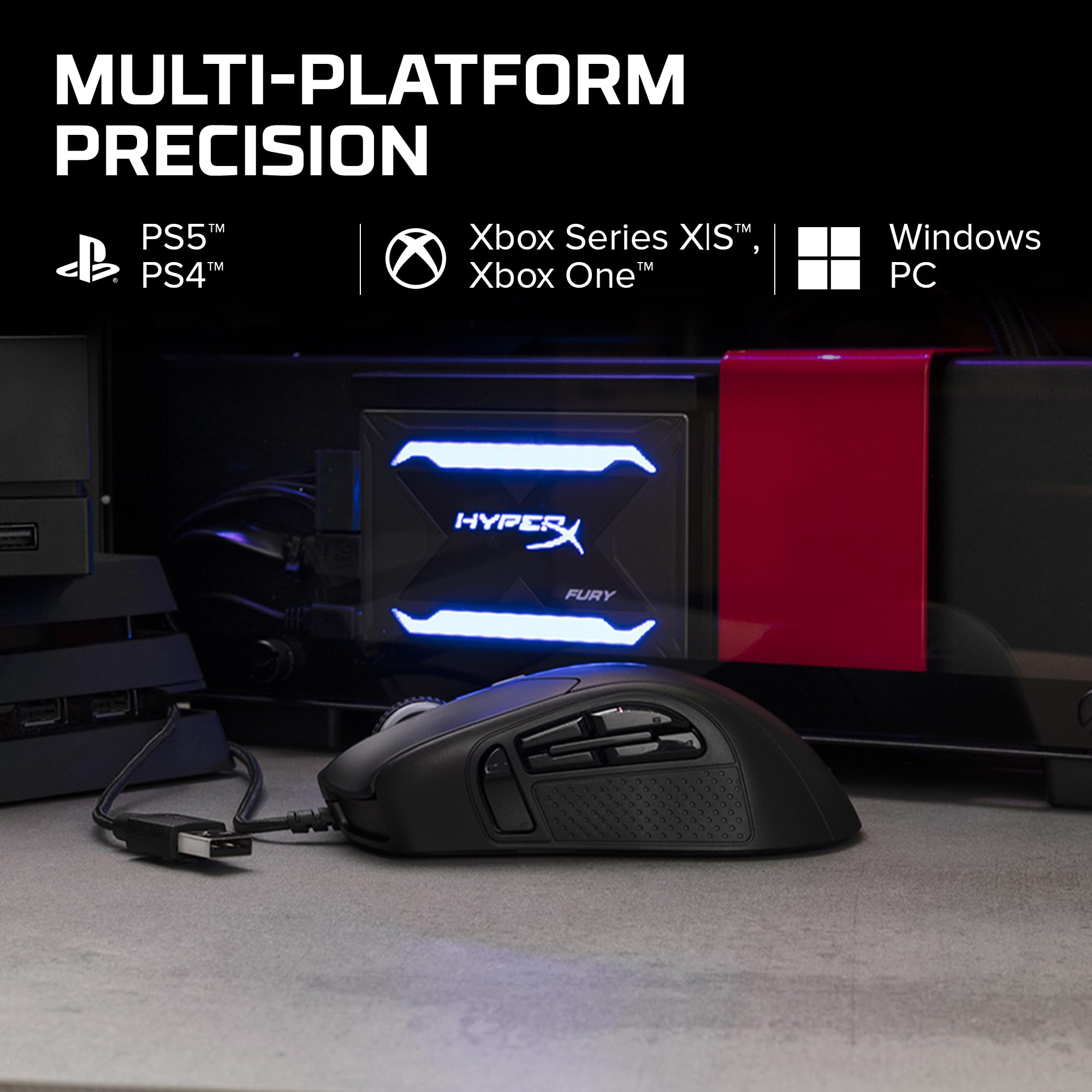
The HyperX Pulsefire Raid is a lightweight, ergonomic gaming mouse featuring 11 programmable buttons and a premium Pixart 3389 sensor with up to 16,000 DPI. It offers customizable RGB lighting, large skates for smooth gliding, and a flexible braided cable. Compatible across multiple platforms, it supports advanced customization through HyperX NGENUITY software, making it ideal for gamers and professionals seeking precision and efficiency.


| ASIN | B0828NDB43 |
| Antenna Location | Gaming |
| Are Batteries Included? | No |
| Are Batteries Required | No |
| Best Sellers Rank | 26,395 in PC & Video Games ( See Top 100 in PC & Video Games ) 590 in PC Gaming Mice |
| Box Contents | Mouse, Quick Start Guide |
| Brand | HyperX |
| Brand Name | HyperX |
| Button Quantity | 11 |
| Colour | Black |
| Compatible Devices | Personal Computer |
| Connectivity technology | USB |
| Customer Reviews | 4.4 out of 5 stars 2,227 Reviews |
| Embellishment Feature | LED |
| Enclosure Material | Plastic |
| Global Trade Identification Number | 00196188049549, 00740617286717 |
| Hand Orientation | Right |
| Hardware Platform | Personal Computer |
| Item Dimensions L x W | 12.7L x 7.1W centimetres |
| Item Type Name | gaming mouse |
| Item Weight | 127 Grams |
| Manufacturer | HyperX |
| Model Name | The HyperX Pulsefire Raid |
| Model Number | HX-MC005B |
| Mouse Maximum Sensitivity | 16000 Dots per Inch |
| Movement Detection | Optical |
| Movement detection technology | Optical |
| Network Connectivity Technology | USB |
| Number of Batteries | Unknown batteries required. |
| Number of buttons | 11 |
| Operating System | Windows, macOS |
| Power Source | Corded Electric |
| Product Features | Ergonomic Design, LED Lights, Lightweight |
| Product Warranty | 2 years |
| Range | 10.0 meters |
| Special feature | Ergonomic Design, LED Lights , Lightweight |
| Style Name | Single |
| Theme | Video Game |
| UPC | 196188049549 740617286717 |
| Unit Count | 1.0 Count |
P**D
A great non gaming mouse
I bought this mouse mid August 2021 for about £28. The model number is HyperX HX-MC005B Pulsefire Raid and it has 11 buttons. I didn't buy it for gaming as I don't do any. I basically wanted an 8 button mouse with a tilt wheel for normal use to replace an old Dell 8 button mouse. I wanted it corded so it didn't go 'walking' in the office. Some parts of the mouse are lit up with colours and the colours change through a cycle of colours. The lit up colours didn't bother me so I left it. The mouse has is brilliant so far. It is very flat on the bottom all the way round so if you have a breadcrumb in the way, the mouse will swish it off the desk. All the buttons work really well and I wouldn't say any of the buttons were noisy. I would say that the mouse was on the big side, but it is very comfortable. My wife who has much smaller hands than me still found it comfortable. The mouse is also very light which makes it easier to push around for long periods. I had a bit of trouble setting it up but that is because I am very particular as to what each mouse button is set for. I run Windows 10 and after connecting the mouse (it just installed itself), I went onto the HyperX website and downloaded the NGENUITY software. When you run the software, you can go onto the button section to assign different things to each button. The NGENUITY software doesn't offer a great deal of choices for each button though and I generally prefer to use a freeware software called "X-Mouse Button Control" as it gives you a lot more choices for what each button will do. When I received the mouse the left and right clicks were set the same as any mouse would be. I can't really remember what all the other buttons were set to do by default, however, I do remember the setting for the following buttons... On the side of the mouse, the vertical side button (nearest the front) was set to toggle between volume mute and volume un-mute. Also on the side there are 4 x horizontal buttons. The top buttons were set so that the one nearest the front turned the volume down and the one nearest the back turned the volume up. There is a small button behind the tilt wheel and when you repeatedly click it, the DPI changes between three settings which basically means you can set the mouse cursor/pointer speed to slow, medium or fast. I have it set to medium and that's a nice speed. You can also change the speed to more exact values using the NGENUITY software. The NGENUITY software does allow you to assign macros the the buttons. A macro is when you press a key or a combination of keys and the mouse software records what you have pressed and it will repeat that every time you press that particular mouse key. For example, I changed the button behind the tilt wheel so that when I pressed it, all open windows would be minimised. This is called "show the desktop" and I recorded the shortcut key combination "windows key + M" as the macro. I had to go into the NGENUITY software and reasign certain buttons and disable some of them so that the NGENUITY software wouldn't pick them up when pressed. I then used the X-MOUSE software to pick up what happened to those buttons. I have the following buttons assigned... Left tilt wheel click is set to "back" so and right click tilt wheel click is set to "forward". This makes going back and forward in an internet browser window very easy. I have set it so that when I press down on the wheel the PC switches to "task view". On the side of the mouse, the two lower horizontal buttons are set to "close current window" (front most button) and "minimise current window" back most button. For some reason, the other three buttons on the side (which all control the volume) don't show up on the "X-Mouse Button Control" software so I've just left them to still control the volume levels and the volume mute. I think this is because the "X-Mouse Button Control" software is written for a mouse that only has up to two side buttons. So, to summarise, I am using the NGENUITY software and the "X-Mouse Button Control" software side by side and the mouse does exactly what I want it to do.
V**.
Best mouse between gaming and development
The choice for a new mouse has revealed to be an incredible challenge considering how many parameter and brands are now avaiable,i chose hyperx merely because i already had the mat and the mouse offers 11 buttons, with great surprise i got addicted to use it.Now i have to take it with me even at work, or i will not be as precise as i usually am while playing games. The mouse is really confortable and the software developed by hyperx is really user friendly and allows you to configure any parameter you want and save that configuration, i have already set 3 different configurations: gaming, development and photoshop. I suggested this mouse also a friend of mine who works with cad software and she loved the possibility to configure the keys and how confortable it was even after long usage. In conclusion: Price is reasonable considering the level of customisation. Confort is very good. Aesthetics is also good i never had an rgb mouse and i like that this one doesn't create a disco light when you use it.
G**K
Really good budget MMO mouse
This mouse is fantastic value for anyone who wants to have lots of side buttons and a 4-way wheel. + Lots of buttons + Good build quality + Good mouse wheel + Good sensor - One of the worst mouse softwares I have ever seen. Setup the buttons once and never look at it again. - Cable is very stiff (use a mouse bungee)
M**Z
Fantastic mouse
Great, lots of settings and a profile for games if you want to use it. I have small hands and it feels comfortable in my palm.
A**R
Got exactly what I wanted.
Brilliant mouse, does everything you want it to. Good quality and easy to use software.
A**N
Fab mouse 🐁
Been searching for a mouse than was as comfortable as my old Dell one. Finally found it, and this one is more precise and has more functions. Great mouse. Really happy 😊.
B**N
Great mouse!
Great mouse for a great price. For me and my giant ape hands it is on the smaller size but I've not had any aches using it yet. The software is easy to use too and doesn't feel like spyware which is a big problem for other peripheral manufacturers.
N**L
Well impressed with this
Fussy son loved it and its still in 1 piece and working very well helping my son with his a levels. Im surprised how long its lasted given its daily battering
Trustpilot
2 weeks ago
2 weeks ago