


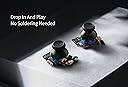





GuliKit Hall Effect Joystick Module For Steam Deck OLED, Electromagnetic Thum...
Product ID: 684757144
🎯One-key precision calibration
🔧No-soldering plug & play
🕹️Hall effect anti-drift tech
Buy anything from 5,000+ international stores. One checkout price. No surprise fees. Join 2M+ shoppers on Desertcart.
Desertcart purchases this item on your behalf and handles shipping, customs, and support to Colombia.
🕹️ Upgrade your Steam Deck OLED with pro-grade precision and zero hassle!
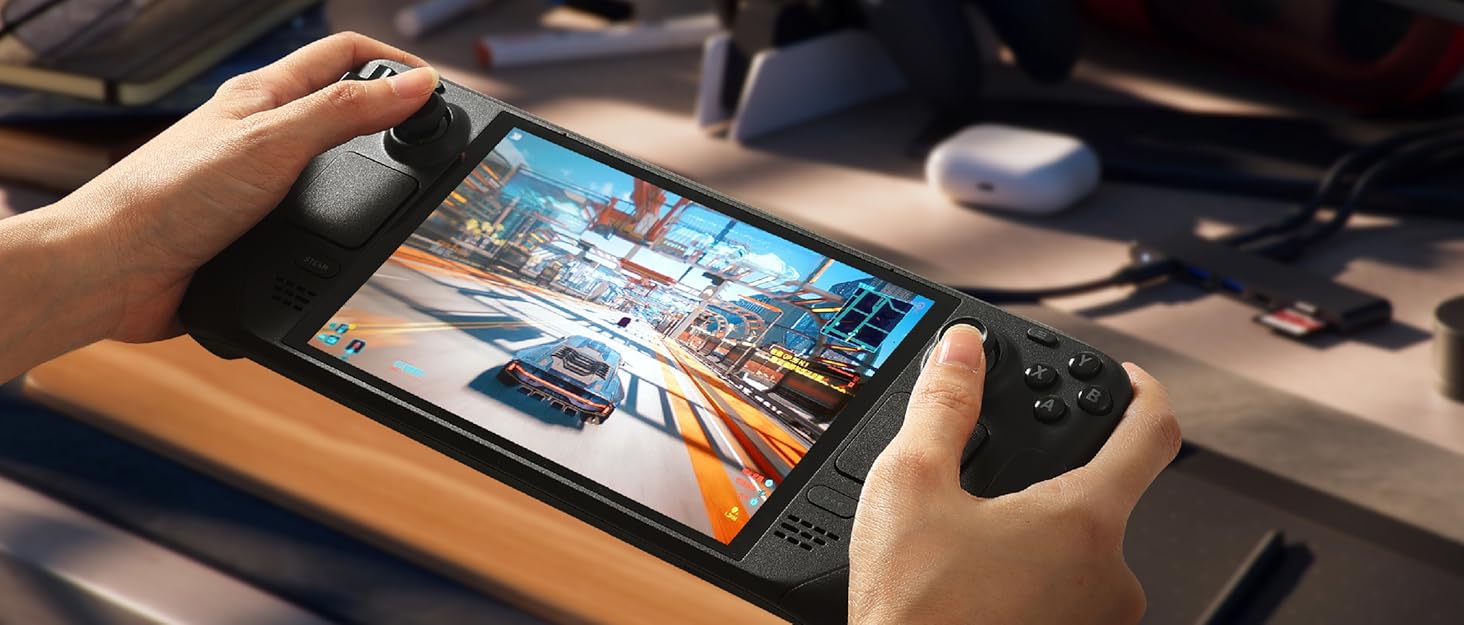
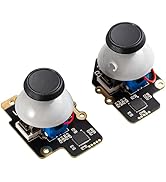
The GuliKit Hall Effect Joystick Module is a direct replacement for Steam Deck OLED joysticks, featuring advanced hall effect technology for anti-drift performance, original touch sensing compatibility, and a no-soldering installation process. It includes one-key calibration and supports dead zone reduction for enhanced gaming precision, making it the ultimate upgrade for gamers seeking durability and flawless control.





| ASIN | B0DP61XVJP |
| Additional Features | Anti-drift Hall effect magnetic joystick |
| Brand Name | GuliKit |
| Button Quantity | 2 |
| Color | Black |
| Compatible Devices | Steam Deck OLED |
| Connectivity Technology | Modular plug and play |
| Controller Type | Gamepad |
| Customer Reviews | 4.3 4.3 out of 5 stars (159) |
| Global Trade Identification Number | 06977836850144 |
| Hardware Platform | Gaming Console |
| Item Dimensions | 1.6 x 0.8 x 1.2 inches |
| Manufacturer | GuliKit |
| Model Name | SD05 |
| Package Quantity | 1 |
| Power Source | Battery Powered |
| Warranty Description | 1 Year |
M**E
Easy repair and perfect replacement
Perfect fit for OLED Steam Deck. This replaced a broken switch. Instructions were easy. My son swapped them out, his first repair of an electronic device, calibrated as instructed, had it done in no time. They work perfectly. Make sure you get the right ones for your model. Highly recommended.
P**E
Large upgrade over stock sticks
Noticeable improvement over the stock sticks. I replaced both since the original OLED right stick developed serious stick drift. The installation was simple following the ifixit guide video. I already had a T6 bit and spudger on-hand. I also ran into the Steam button not working after install problem but after making sure the TS cable was secured into the port the issue went away. This was a bit tricky as the connector is very tiny and it took a few tries to ensure it was snug. Using the calibration button on the back of the joystick module along with the calibration in game mode worked well. To further dial these in I went into desktop mode, opened console, and typed thumbstick_cal and followed the prompts and then went back into game mode and that allowed me to further lower the deadzones to almost zero. Very pleased with these and would recommend.
C**O
Amazing when dialed in!!!!
Works amazing.........if you take the time to calibrate them with the internet little button on the back of the board. I also dropped my deck from five feet up directly on the right stick. Thinking that I probably cracked my screen, cracked the circuit board, you destroyed my deck! I was shocked to find out that the stick absorbed the entire impact. Even though the click mechanism was gone, the deck was still brand new. Would highly recommend if you don't mind the calibration process.
K**N
Good product
Worked good until I got in peak, and it kept moving me to the left, could probably make it work if I tried a little harder.
A**A
Installs well and feels great
These are a great replacement for a busted joystick on a handheld gaming system. I bought a IFixIt kit to help with installing the joysticks and it was extremely easy to do and much cheaper than the company had quoted (albeit a scary experience for a first timer). So far I haven’t had any issues with the joystick and can barely tell the difference between the original joystick and these. The biggest thing is to pay attention to a good step by step instruction manual. Plugging in all the necessary cords is definitely necessary. It’s been a few months and the sticks are still in good condition. Overall I’m happy with my purchase and find the joysticks to be quite good. Overall it’s a good value for the price.
B**E
Great product worth it!
I picked up these bad boys when I bought my Steam Deck. I never had any issues with the factory joysticks; I just wanted to upgrade them to prevent stick drift. The hall effect joysticks work great. No issues with them; and they were easy to install. There are different joysticks sets one for the LCD Steam Deck and one for the OLED version. Just make sure you buy the one that fits your particular SD.
M**T
Two sets, both disable the steam button, OEM fixes it
This is my second set of GuliKit joysticks for the Steam Deck OLED. I just got my replacement kit in, installed them, just like the first set, they disable the steam button function and turn it into a cursor that only moves down on the screen. There is NO stick drift with the joysticks, as Amazon AI is stupidly trying to tag this review as, the joysticks work perfect. The only issue is they make the steam button inoperable, forcing me to reboot the deck when I want to close a game or go to the home screen. I have checked ALL connections on EVERY socket on EVERY board in more than triplicate, and everything is prim and propper. The issue is completely resolved when I reinstall my OEM joysticks, so the only possible culprit is the new GuliKit joysticks. I know from hundreds of review and youtube clips that these used to work amazing, so I don't know why both of the sets I received are doing this. Maybe a bad batch or QC decided they didn't want to do their job anymore? All I can say for certain is I'll be returning two sets on the same day
N**O
Works but not the best quality
The OLED models quality is pretty poor - especially the V3. I bought the same sticks for my LCD deck and I loved it - when I got an oled I chose to get these and they work, however they are super scratch and both sticks make a slicking noise when moving either direction. I also bought these sticks from a different marketplace to verify and it still does that.
J**A
ÓTIMO PRODUTO...
ÓTIMO PRODUTO... RECOMENDO O VENDEDOR!!!
N**N
Good but fiddly
Installing them is easy, they are fiddly to calibrate the little button is hard to press. Make sure you move the little cable when installing them otherwise it can catch and make noise. You also need to go into desktop mode and calibrate them there too using the console command thumbstick_cal Got my dead zones down to about 3400 couldn't get them fully centre but I think that's coz I didn't take loads of time to get them perfect
D**D
Parfait pour remplacer ceux du SteamDeck
Remplacement idéal des Joystick de base du SteamDeck OLED, en effet, la techno Hall garantie qu'il ne drifteront jamais. Le remplacement est relativement simple (il faut quand même démonter le Steamdeck, mais ça n'annule pas la garantie si vous faites attention en le faisant), pas de soudure à faire pour récupérer le fonctionnement capacitif du joystick puisqu'ils sont livrés avec leurs propre pad.
K**E
Incredible upgrade and replacements to original steamdeck hardware
Super easy installation and great quality. I bought these out of necessity from accidental damage to my deck but I am very pleased with these. They're an upgrade to the original hardware that works perfectly with the steam deck oled. Pair these with a simple ifixit kit and you've got an incredibly easy (14 screw) upgrade to you're steam deck.
G**G
Simple easy upgrade for Steam Deck.
Easy to fit with phone repair toolkit. Unscrew the 8 screws. ( dont forget to remove the micro sd before removing the back as I found out it snapping when changing the NVMe card last time) 3 screws and the old pops out after removing the connector and cable. Put the new in slightly to the right and swing in as the top button switch is on the end of the pcb. Screw down and same for the other . Leave back off turn on and press buttons and recalibrate easy enough then screw back on and put card in . Its really that quick and easy. Centres better than oem and feels slightly more feedback on motion. Once calibrated and gyro reset the jitter goes and zero spot on. Will how long they last but so far, spot on.
Trustpilot
1 month ago
4 days ago