Desertcart purchases this item on your behalf and handles shipping, customs, and support to Colombia.
⚡ Upgrade your network game with 10G speed and zero compromises!
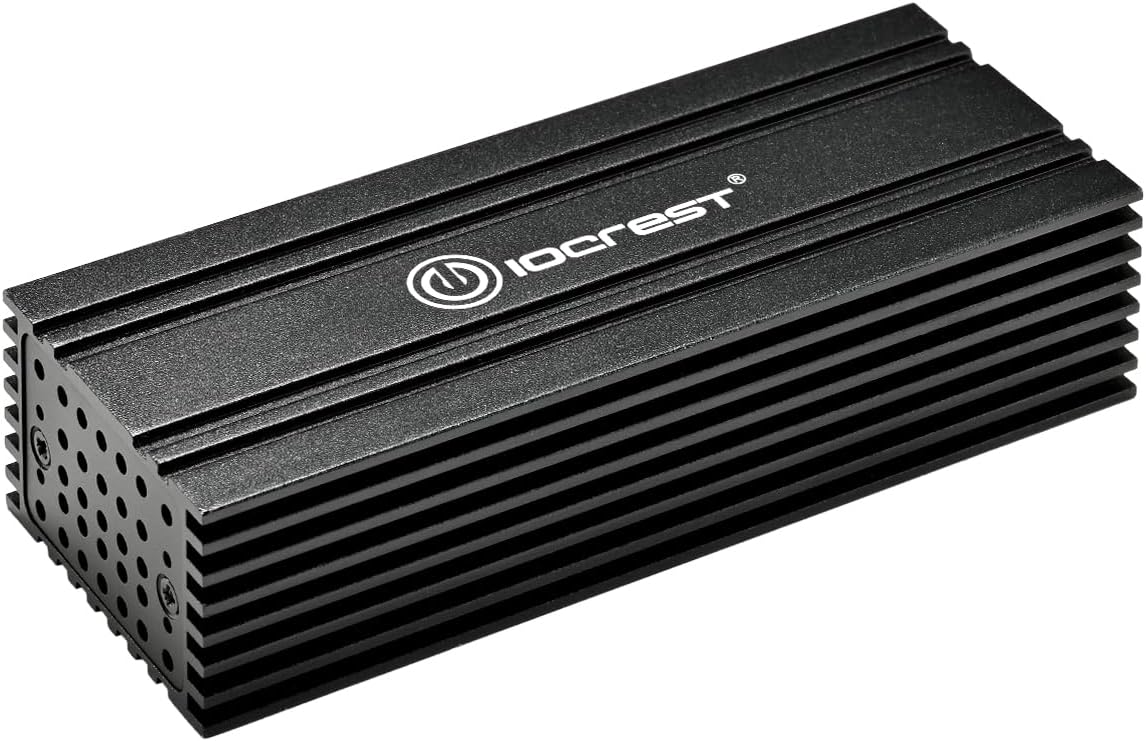
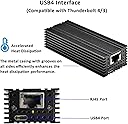
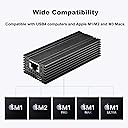
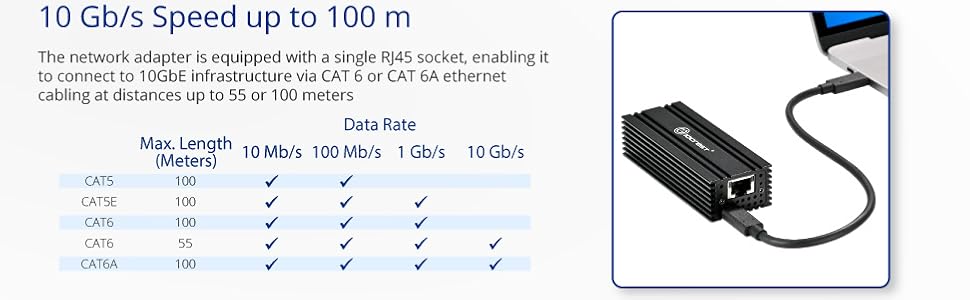
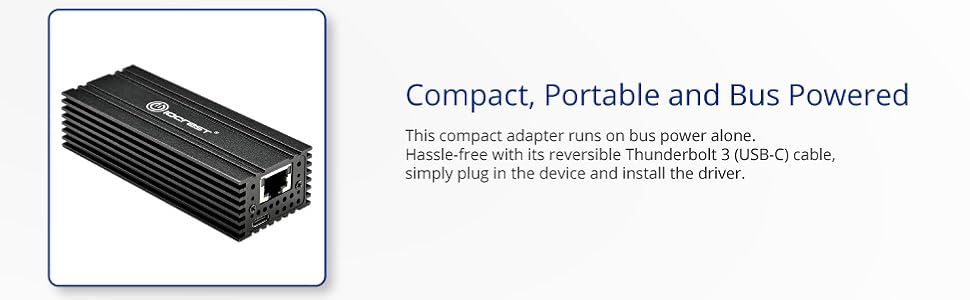
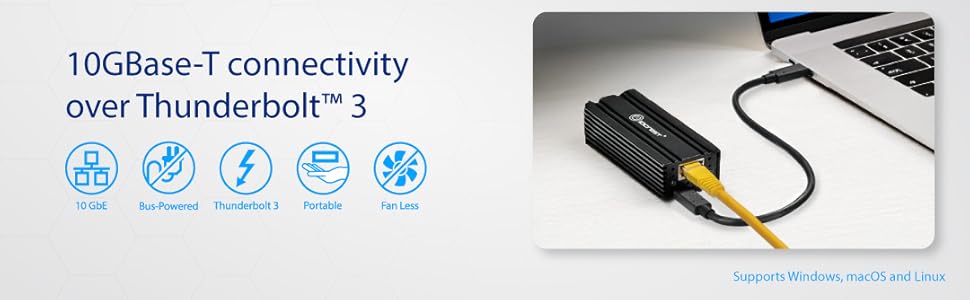
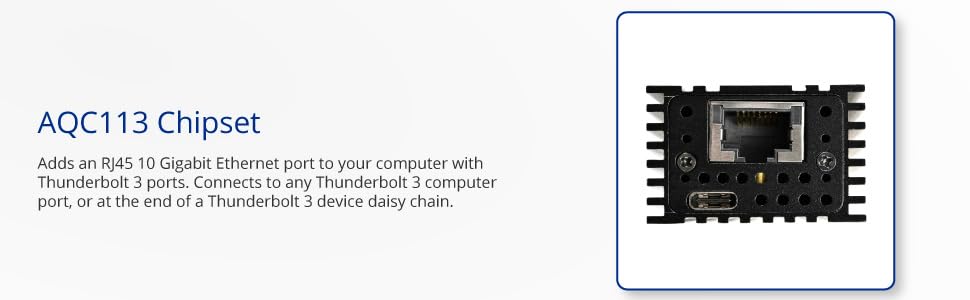
The IO CREST USB 4.0 Type-C 10G Ethernet Adapter delivers ultra-fast 10Gb/s wired connectivity via USB-C or Thunderbolt ports. Featuring passive cooling, multi-gigabit support over CAT5e+ cables, and advanced VLAN and energy-efficient Ethernet standards, it’s a plug-and-play powerhouse designed for professionals demanding high-speed, reliable network access on Windows and macOS devices.


| Asin | B0DHSWSSBY |
| Best Sellers Rank | #368 in USB Computer Network Adapters |
| Brand | IO CREST |
| Built In Media | USB-C Cable and User Manual |
| Color | 10G |
| Compatible Devices | Desktop, Laptop, Tablet |
| Compatible Operating System Family | Windows |
| Customer Reviews | 3.3 3.3 out of 5 stars (56) 3.3 out of 5 stars |
| Data Link Protocol | Gigabit Ethernet |
| Data Transfer Rate | 10 gigabits_per_second |
| Hardware Interface | Thunderbolt 3, USB Type C |
| Manufacturer | IO CREST |
| Mfr Part Number | 850039353376 |
| Minimum Required Operating System Version | Windows 10, Windows 11 |
| Model Number | 850039353376 |
| Number Of Items | 1 |
| Upc | 850039353376 |
| Warranty Description | 2 Year Manufacturer |
User
Gets HOT, but pulls data at 10GbE. Requires Thunderbolt, not just USB 4!
Have not used it for extended periods of time, but seems to work correctly when combined with a USB4 or Thunderbolt4 port. It does get HOT, so don't put anything on top of it. Windows 11 driver worked just fine out of the box, but I did tweak some settings. I do this on all my Ethernet adapters.If your USB4 port is not also Thunderbolt, this device will not show up as a network adapter. It uses the Aquantia chip. It will show up as a USB device with no function.
User
Garbage. Overheats and fails with great regularity.
Good luck finding the driver. While the product worked, it was nice. Exceptionally hot to the touch; no active cooling. Perfect to cook some eggs on. Well, after about 6 months, the device would top working. Unplugging and letting it cool off for an hour would seem to get it working again. Not practical. I'd give it a zero star review if I could. Despite it no longer working for network communications, I can still use it to keep my coffee warm by balancing my mug on top of it, and that has to be worth one star...
User
Finicky but works
I managed to get this working pretty quickly.However I had to tweak a lot of settings to get this working how I want it. I use it to connect my media server(NUC) to my NAS. I was constantly getting crashes whenever I would stream something to my TV. After about a week of tinkering with NFS settings, I was about to give up but finally stumbled upon the issue with "pause frame" instability on the driver documentation. Disabling pause frames fixed the crashes.I've not used this long term. Right now, it doesn't really get hot since my load is intermittent. I'll be back for a long term review.
User
Works great, once you replace the cable
I'm using this to connect an M3 MacBook Pro to a 10Gbit network (Mikrotik CRS309-1G-8S+ switch with ipolex sfp+ modules). The adapter itself works great, but the cable it came with limits it to a 20Gbit connection to the host, which is barely adequate for 10Gbit throughput, given the driver overhead.Replacing the cable with a higher quality one that's rated for 40 or 80Gbit removes the bottleneck and allows this device to run at full 10Gbit bandwidth (iperf3 reports a solid 9.41Gbps, which is the practical max for a 10Gbit network).I'd knock a star off for the dodgy cable, but frankly it's such an easy problem to fix that I'm not even mad. :)
User
NOT WORTH ONE STAR!!!
WARNING!!! WARNING!!! WARNING!!! Run from this piece of junk! It would not even give me 1Gbps speeds nor would their driver download work (it would not even download! Waste of time! Would not recommend this junk!
User
10gb connection at very good price for your mac
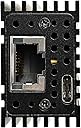
installed it to add the 10gb to my macbook, get full 10gb speed out of the box, when I did a test using iperf3 and openspeedtestI like the build quality, the unit does get warm, but not hot. the design where both cable on the same side of the unit is odd.
User
Works fine in Windows 11 Pro but needs to be unplugged for reboots
This USB 4.0 Type-C 10G Ethernet Adapter, with RJ45 Port does get recognized at 10Gb/s by Windows 11 Pro and works fine, except that it needs to be unplugged for every reboot otherwise confusing the Bitlocker in my Dell laptop. It does need to be connected to a proper USB-C Thunderbolt port as its manual says and gets quite hot.I have not tested the max speed of the adapter itself.
User
Keeps disconnecting
Keeps disconnecting, requires a computer restart or to be unplugged and reconnected. Functioned very well at first, for a few days, but now it disconnects when the computer is idle for few hours. I'm using it the with a Mac M4 and It does get up too speed but it won't stay connected. Can't recommend this product. I'm going to replace it with the OWC. Note; I haven't tried it with a windows PC yet. The drivers may work better on windows, but typically a Mac is much less temperamental, most of the time with Mac it's just plug and play.
User
Funktioniert!
Funktioniert!
User
Amazing 10gbe actually works doesnt overheat on sustaineed writes
Amazing 10gbe actually works doesnt overheat on sustaineed writes i have a 10gbe network and this is the best value to get 10gbe via USB 4/TB3
User
Buena compra
Gran velocidad y estabilidad, no necesita drivers en MACOS, está conectada a mi MacPro M4 sin problemas
User
Connectivity & Heat Issues
was working great for the first 4 months but now it’s having connectivity issues due to what i would assume is overheating since it’s extremely hot to the touch.
User
Needs modifying
This thing works as inteded, but when it gets hot it sometimes disconnects/disables the unit. I opened mine up and placed thermal pads on the compononents and that seems to have fixed the problem.
Trustpilot
2 months ago
3 days ago