🚀 Elevate your multi-computer setup with ultra-HD power and seamless control!
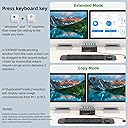
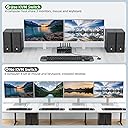
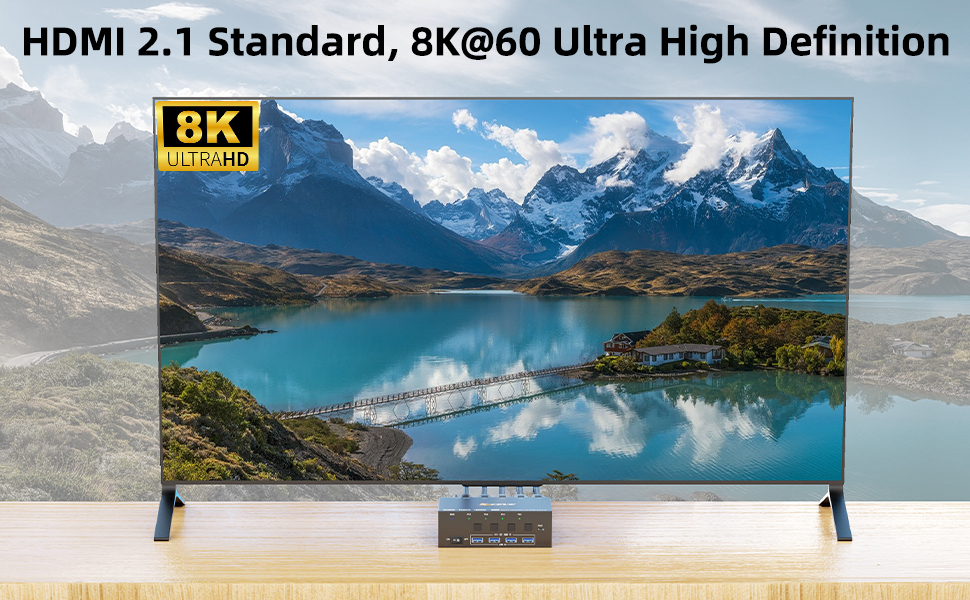
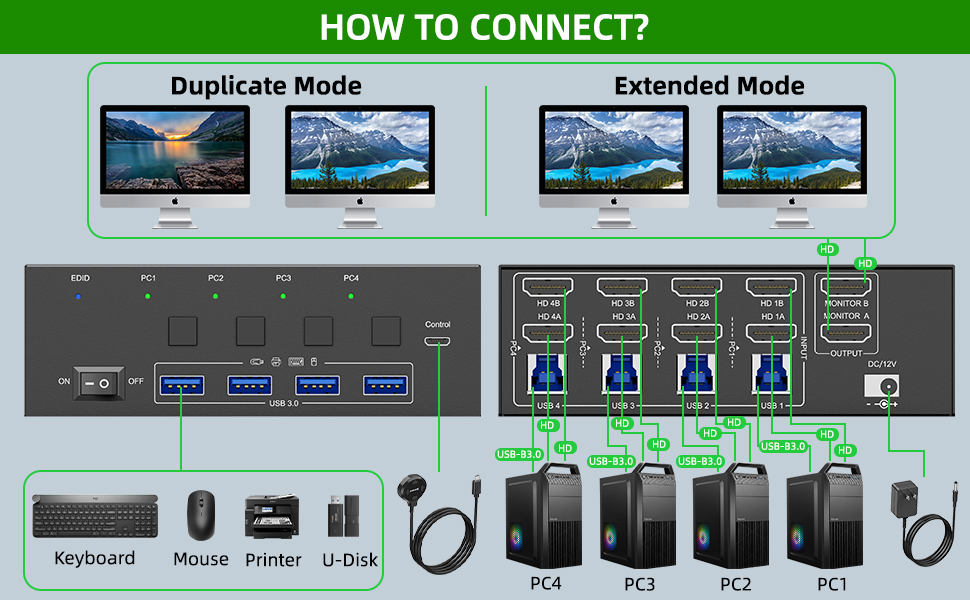
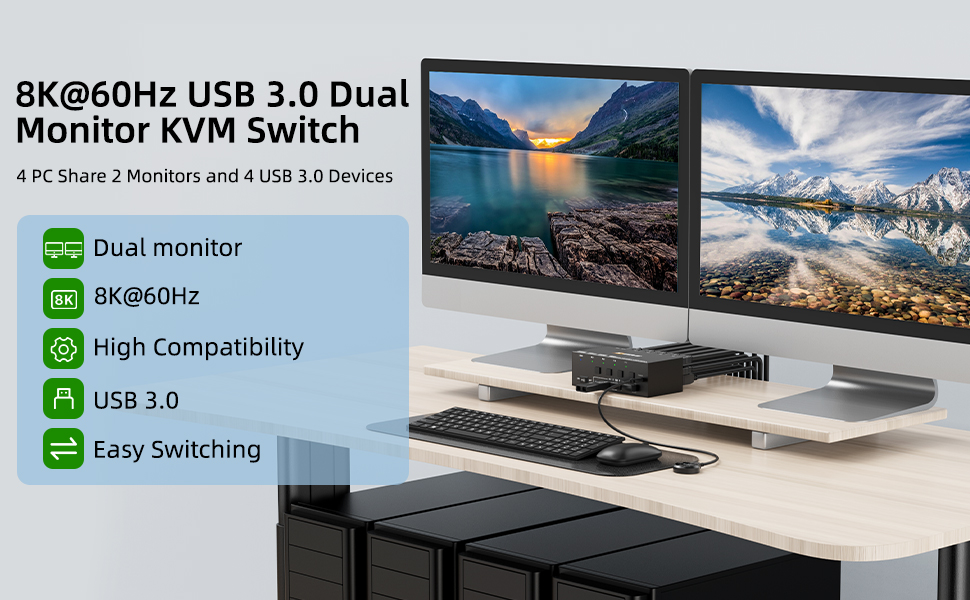
The KCEVE 4-computer, 2-monitor KVM switch supports ultra-high resolutions up to 8K@60Hz and 4K@144Hz, featuring 4 USB 3.0 ports for fast peripheral sharing. It offers physical and wired remote switching with LED indicators and supports both extended and mirrored dual-display modes, making it ideal for professional multitasking environments.


| ASIN | B0D7W3HR3N |
| Actuator Type | Push Button |
| Best Sellers Rank | #618 in KVM Switches |
| Brand | KCEVE |
| Brand Name | KCEVE |
| Circuit Type | 4-way |
| Color | Black |
| Connectivity Protocol | HDMI |
| Connector Type | Plug In |
| Contact Material | Metal |
| Contact Type | Normally Closed |
| Control Method | Touch |
| Current Rating | 2 Amps |
| Customer Reviews | 2.6 out of 5 stars 13 Reviews |
| Manufacturer | KCEVE |
| Material Type | Metal |
| Model | KCDZUS842 |
| Mounting Type | Panel Mount |
| Number of Items | 1 |
| Number of Positions | 4 |
| Operating Voltage | 5 Volts |
| Operation Mode | ON-OFF |
| Switch Type | Kvm |
| Terminal | Physical |
| UPC | 027685245618 |
| Unit Count | 17.637 Ounce |
K**N
Screen goes blank intermittently. Returning
This seemed to work fine to start with. Connected to 3 machines, with wireless keyboard, two mice, USB camera, audio headset, two monitors. But every now and then, when certain things are displayed on screen, it makes one of the two monitors go blank. It's really weird how some UXes from some web pages, or some apps, make this happen. The free/busy grid display in Outlook win32 is a super weird example which almost always makes the screen go blank. I can't live with that issue. So it has to go back. I don't know if it's something specific to the unit I got, or generic for this KVM. I see some other customers complaining about the same.
A**I
Works well across Mac and Windows
EDIT - While the switching worked, the EDID emulation didn’t work properly on the Macs and it wouldn’t wake them up from sleep. I also saw intermittent flickering. Ended up returning it and will look for another option that works well with macs . Ordered this yesterday to clean up my desk setup since I've moved to having 3 computers on my desk. Set it up today and it's working fine across all 3 of my devices (mb pro, mac mini, Win PC). I use the remote to switch and it works very well - no flickering observed when switching between mac and pc and all peripherals work and switch cleanly. Not seeing any bandwidth or power issues to any peripherals either. Going to monitor longevity/heat and will update rating....5 stars for now!
P**H
Best 8K KVM at this price point
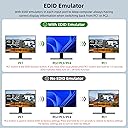
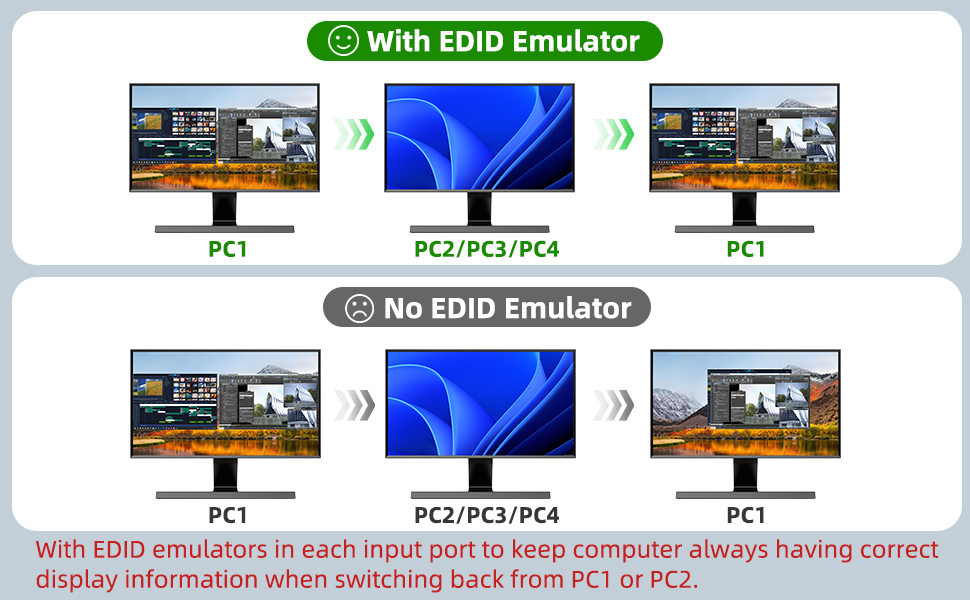
I was looking for a HDMI 2.1, 2-monitor, 4-computer KVM, and this is the best among the three I tried at this price point. Here's what I found: - EDID - It's not the full-featured variant; if you switch from PC-1 to PC-2, PC-1 will stop sensing the monitors, but it does keep the windows in place when switching back. Other KVMs w/ EDID at this price point also behave the same way. - HDMi-CEC - Surprisingly, this does pass through the HDMI-CEC Power-on signal, which is supported by M3 and M4 Macs; i.e., if you're connecting it to a TV instead of a monitor, waking up your Mac will also power on the TV. It doesn't pass through the Power-off signal, which is fine and probably the desired behavior because you wouldn't want the TV to be turned off while switching PCs. None of other KVMs I tried support HDMI-CEC passthrough at all. - Stable 4K 144hz signal. Some of the KVM I tried will occasionally blank the screen for unknown reasons. - It's not a DDM-class KVM, so all the USB devices will go away when you switch PCs. However, the other KVMs I tried have additional issues with unplugging/plugging USB devices. This one works as expected. All in all, a good KVM for the money.
K**O
not bad but not perfect
the KVM works well, it is compact in size which I find advantageous for my application, although this makes bulky HDMI connectors difficult if not impossible to accommodate. If you get this KVM, be sure to get some low profile HDMI cables/connectors. Some of the drawbacks are that there is no keyboard shortcut to switch inputs, so they included a separate USB - C switch with buttons, this makes this KVM impossible to use with a remote KVM setup impossible. Also it seems there is no standby signal being sent to the different machines, causing delay between each PC switch; not bad but not perfect.
D**R
Not true EDID
Didn't learn until this unit arrived that the EDID doesn't function as you'd expect - monitors fully disconnect when switching away. I have an imac and two external monitors, and i bought this to switch the external monitors between a couple other systems while still using the imac. When switching, the monitors fully disconnect, and all the windows assigned to external monitors get sent back to the main imac screen. In my case, it's a couple dozen, so the main screen gets totally scrambled and my workflow gets all screwed up while using any of the other ports. Will be returning this and getting a switch that persists monitor connections.
J**H
Junk
Can only run at 4K 60Hz not 144Hz and monitors are constantly losing signal and going to sleep
P**A
Causes constant monitor flickering
Constantly makes my monitors flicker. Sometimes they tirn off for a long period of time and i have to disconnect them. I even tried different monitors and different cables and had the same resilt. I do not recommend spending so much money on this.
S**L
worked until it didn't, picky on passing through video from macs
it worked ok for about 4 months. I had to get an HDMI signal booster installed after it to get past intermittent video cutouts from my macs (but it was always solid for the PC). after that it was stable for 4 months until 1 day it just stopped working at all.
Trustpilot
3 days ago
1 day ago