🚀 Elevate your workspace with speed, smarts, and seamless wireless printing!
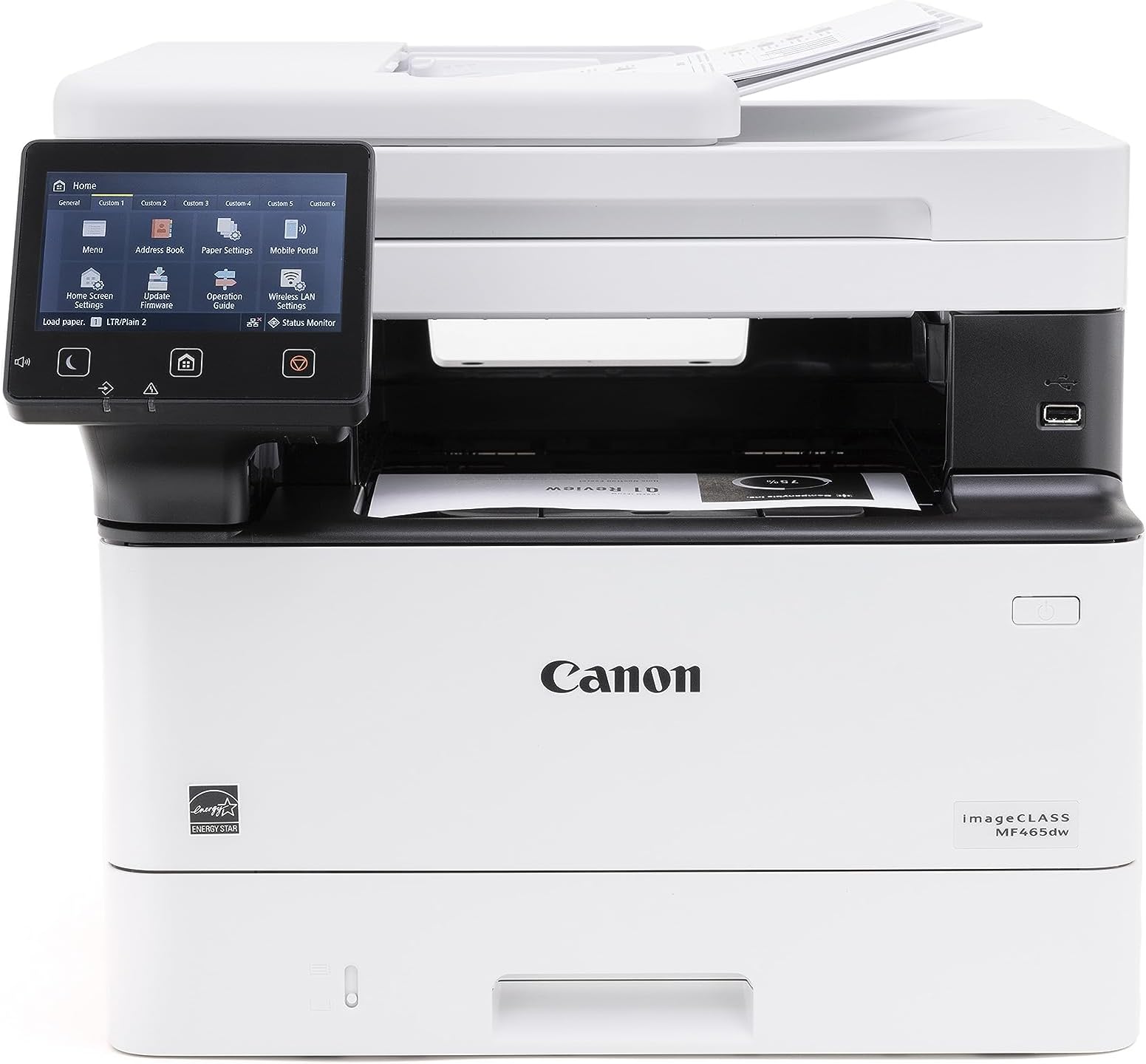
The Canon imageCLASS MF465dw is a monochrome wireless laser all-in-one designed for busy professionals and SMBs. It delivers ultra-fast 42 ppm printing, a 5-inch intuitive touchscreen, and versatile media handling including duplex scanning and printing. With mobile-ready connectivity and a 50-sheet duplex auto document feeder, it streamlines workflows while its expandable 900-sheet capacity and high-yield toner keep productivity uninterrupted. Backed by a 3-year warranty, it’s the smart, reliable centerpiece for any modern office.


| ASIN | B0C87J71B1 |
| Additional Printer functions | All In One |
| Best Sellers Rank | #7,377 in Office Products ( See Top 100 in Office Products ) #19 in Laser Computer Printers |
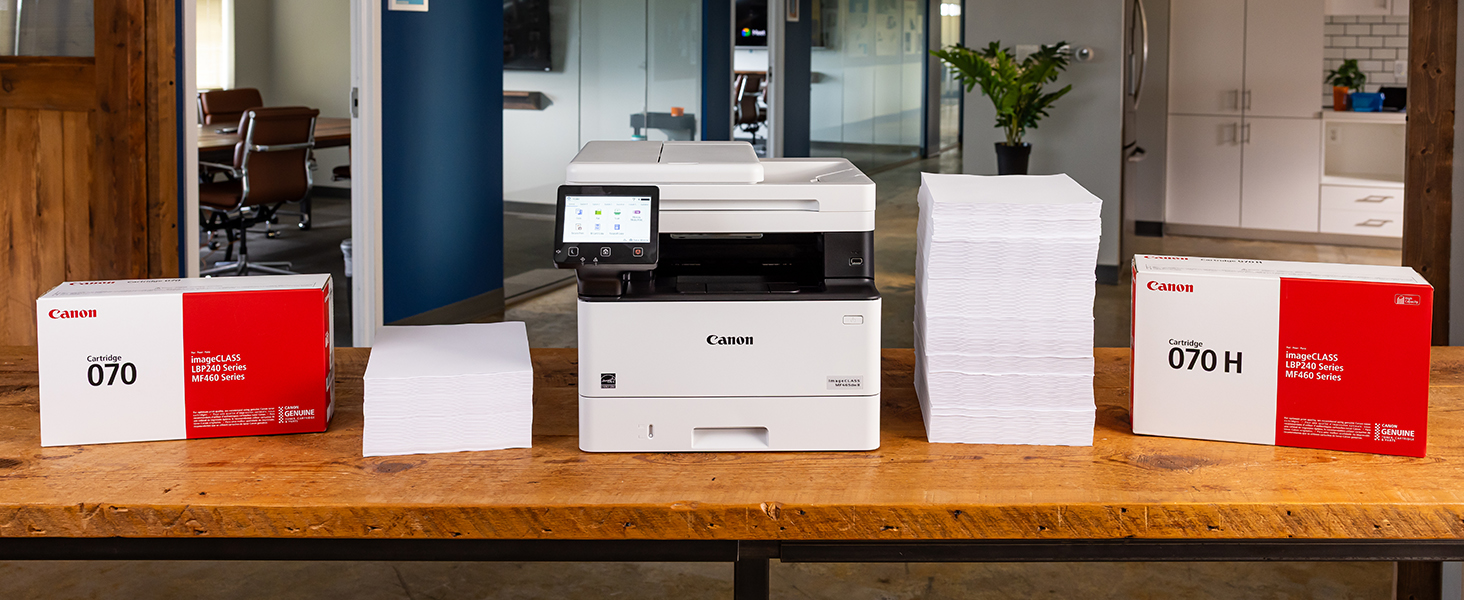
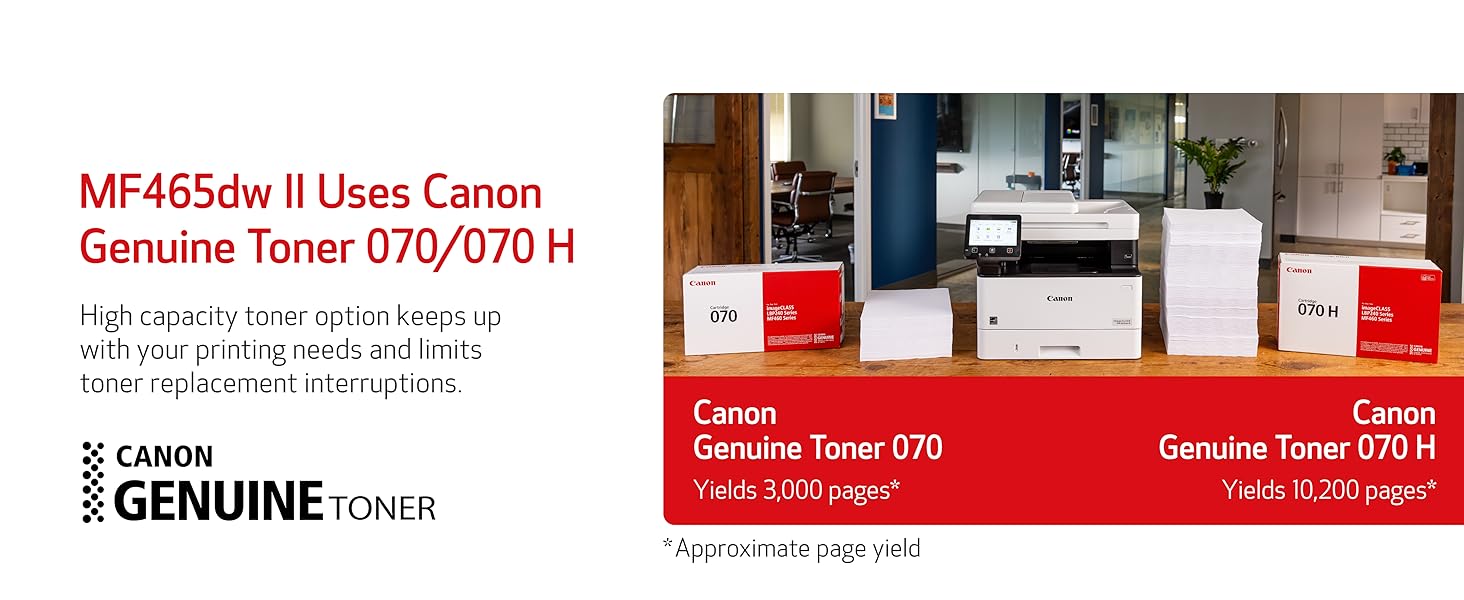
| Compatible Cartridge | Canon Genuine Toner 070 Black, 070 Black H |
| Compatible Devices | Smartphones |
| Control Method | App |
| Controller Type | Amazon Alexa |
| Customer Reviews | 4.3 4.3 out of 5 stars (479) |
| Date First Available | July 27, 2023 |
| Dual-sided printing | Yes |
| Duplex | Automatic |
| Global Trade Identification Number | 00013803356885 |
| Hardware Interface | Ethernet, USB |
| Included Components | Cartridge 070 Black Standard, Approx. 3,000 Page Yield, MF465dw Product, Power Cord, Telephone Cable, User Software DVD-ROM & Documentation |
| Initial page print time | 4.9 Seconds |
| Ink Color | Black |
| Item Weight | 34.4 pounds |
| Item model number | 5951C005 |
| Manufacturer | Canon |
| Max Copy Speed (Black & White) | 42 ppm |
| Max Input Sheet Capacity | 250 |
| Max copy resolution black-white | Up to 1200 x 1200 dpi |
| Max copy resolution color | Up to 1200 x 1200 dpi |
| Maximum Black and White Print Resolution | Up to 1200 x 1200 dpi Dots Per Inch |
| Maximum Media Size | 8.5 x 14 inch |
| Memory Storage Capacity | 1 GB |
| Model Series | imageCLASS MF |
| Number of Trays | 3 |
| Number of USB 2 Ports | 1 |
| Output sheet capacity | 250 |
| Print media | Envelopes, Labels, Paper (plain), Unknown |
| Printer Ink Type | Toner |
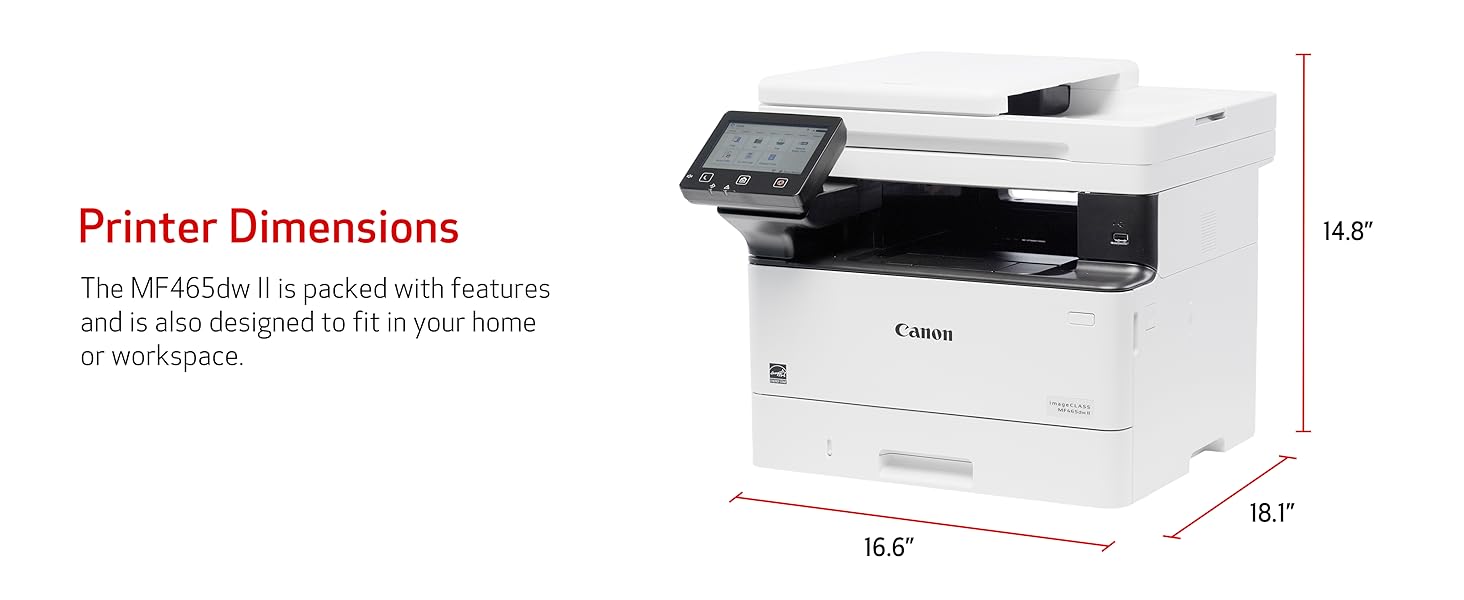
| Product Dimensions | 18.1 x 16.6 x 14.8 inches |
| Scanner Type | Sheetfed |
| Sheet Size | Standard / Optional Cassette: 4.1 x 5.8 to 8.5 x 14 Inches / Multipurpose Tray: 3 x 5 Inches to 8.5 x 14 Inches |
| Supported Media Sizes | A4, A5, A6, B5 |
| Total Ethernet Ports | 1 |
| Total USB Ports | 1 |
| UPC | 013803356885 |
| Warranty Type | Limited |
N**S
Amazing printer!
This printer does a fantastic job at printing high quality images at a very hastily pace. The printer I would consider as “medium size” for a printer and does not take up much space. It makes the minimal amount of noise compared to other printers and it’s for a short period of time because of its hasty printing speed. You can either connect it to the internet through Ethernet cable or wireless, wireless in my case and I’ve never had any issues with the internet connection. I have yet to try the color printing version of the printer because this printer set only comes with black and white ink, but I’m sure it also does a magnificent job. With the sharpness in the images, I’m sure the color quality will be great. Overall, this printer is very very good, even if it a little pricey. You can even add users with passwords if you want to use it for office work
W**L
Easy Setup, Works Great!
I have 2 homes and spend 6 months per year in each. I got tired of returning to the other home only to find out my IJ printer once again has dried out from lack of use, so now I use a laser at each home and have no issues with turning them off for 6 months at a time. Love my Canon MF465dw! Great for printing, scanning and copying.
T**N
Nice printer/copier; works flawlessly
This unit replaced an over 10 year old Canon printer, whose paper intake finally failed. (No complaints there, that one served well over the years.) We have this unit connected via Ethernet and use it as copier/printer and scanner. So far it has worked flawlessly and - unlike with a recent Brother printer that I purchased for my mom - here the driver installation was smooth and went without a hitch. As with any network device that acts as a "server" (in the broadest sense), it is a good idea to set it to a fixed IP address on your network's DHCP server (usually your router) and you should do that BEFORE installing any drivers. This is how you do that: 1. Connect the device to your network and power it up. 2. Go to your router's management interface and check the IP address and the MAC address of this printer. 3. Add this device via its MAC address as a static IP address and save this new setting. Make sure that IP address is inside your subnet, but outside of the range of dynamic IP addresses. 4. Wait until this printer has picked up the IP address, you assigned it to. This make take a few hours, but you might be able to speed this up by turning off the router and this printer, then turning on the router again and - after a minute or two - turn on this printer. 5. Get the newest drivers and software from the website, don't bother with any included CD and install them in the sequence that the manual suggests. 6. You're ready to print and scan to your heart's content.
R**N
Horrible web interface, needs to fine tune for quality, really fast scanner
I bought this Canon imageCLASS MF465dw II due to the price and capabilities. Pros: >Really cool ADF that can duplex scan on one pass, FAST >Color screen is very nice and easy to use >Print quality is good, assuming you're using the right drivers >Great value for money Cons >Really complicated web UI for advanced functions >Need to fine tune print quality with correct drivers I was about to return this printer because the print quality for simple text was bad compared to my old Brother MFC-L2900dw. But was able to fix this by installing the using the most updated PS drivers from Canon for my Mac. Do not use the default AirPrint drivers. The other thing I was about to return this unit for was it's web UI, it's convoluted and unintuitive, even for myself with a career in IT. I was trying to set the SMTP server and port so I can scan to e-mail, but Canon decided to put the port settings in a completely different part of the menu. Typically SMTP server address and port fields are in the same page, but Canon decided to put the port setting in the TCP/IP menu. I swear this web interface was about to shave a few years off my life due to stress.
W**E
Multifuction with high scan resolutions; Good printing quality
I like Canon printers. This is my upgrade to my older Canpn printers. I like the scan function: scan files directly to my NAS for file picke up. and the scan resolution is high. I can set quick buttons to scan to different NAS locations for different formats (pdf or jpg). Just to reminder that to use this device as a printer, you have to turn on "Window Protected Printing" service. Otherwise, the device is not recognized by the Window.
H**B
Excellent paperweight, usless as a printer/scanner.
After multiple calls to Canon, this paperweight will simply not scan more than once. After that, a complete uninstall (including registry) and hours of work is required to scan again. And if the printer happens to be in sleep, it won't wake back up to print (or even to completely turn off) so I have to physically unplug it and plug it back in to print. Assuming it actually prints... Tried this on three different computers, wirelessly and hardwired (with printer cord) and results are the same. Its a great paperweight if you don't mind how much space it takes up. The hours spent trying to get this to work just isn't worth it. Best to just go to Staples or FedEx. Last Canon purchase I make.
C**T
BIGGER THAN EXPECTED BUT WORKS GREAT!
Easy set up and fast print!
D**H
Quick and easy
From box to copies was about 20 minutes max. We are just using this at our small church as a copier; no computer or phone there so we don't need to do the networking parts. Easy to set up, fast printing, clear copies. Toner included and installed was a nice touch. New toner will cost more than I paid for the whole printer -- somehow I stumbled on a crazy low Amazon price the night I was shopping. I think it should serve us well, though I have only used it once so far.
D**K
Toner capacity is less, and cartridge is also expensive
ا**د
ماكينه ممتازه
N**N
Poor working
Trustpilot
1 week ago
1 month ago