👑 Rule Your Gaming Realm with GIGABYTE Z790 AORUS Elite AX DDR4
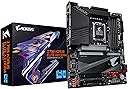
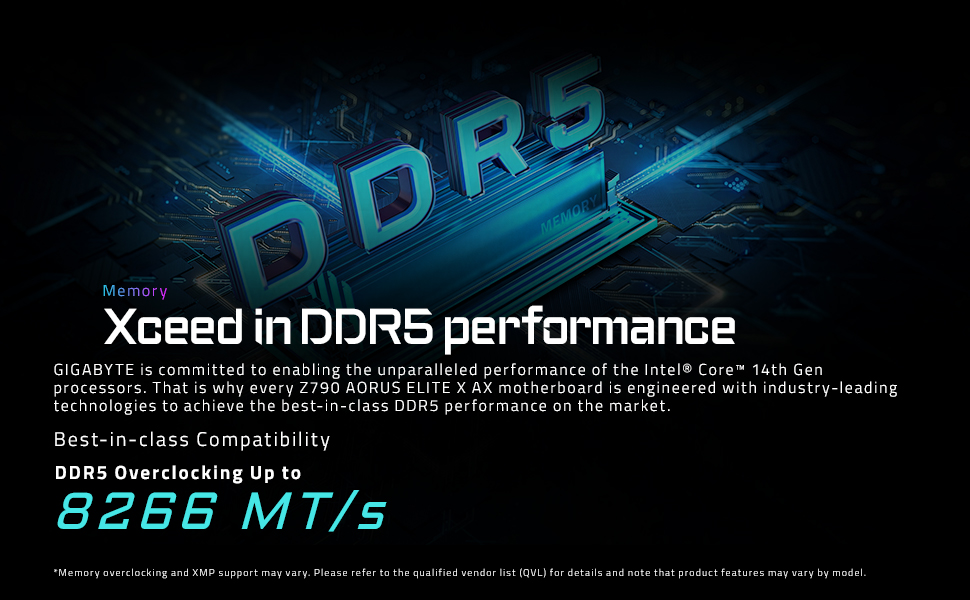
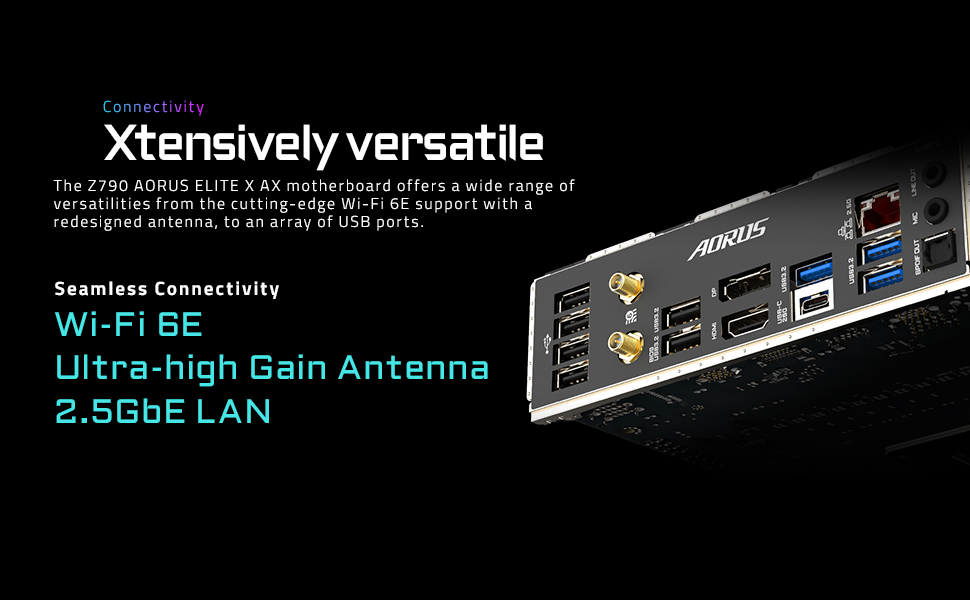
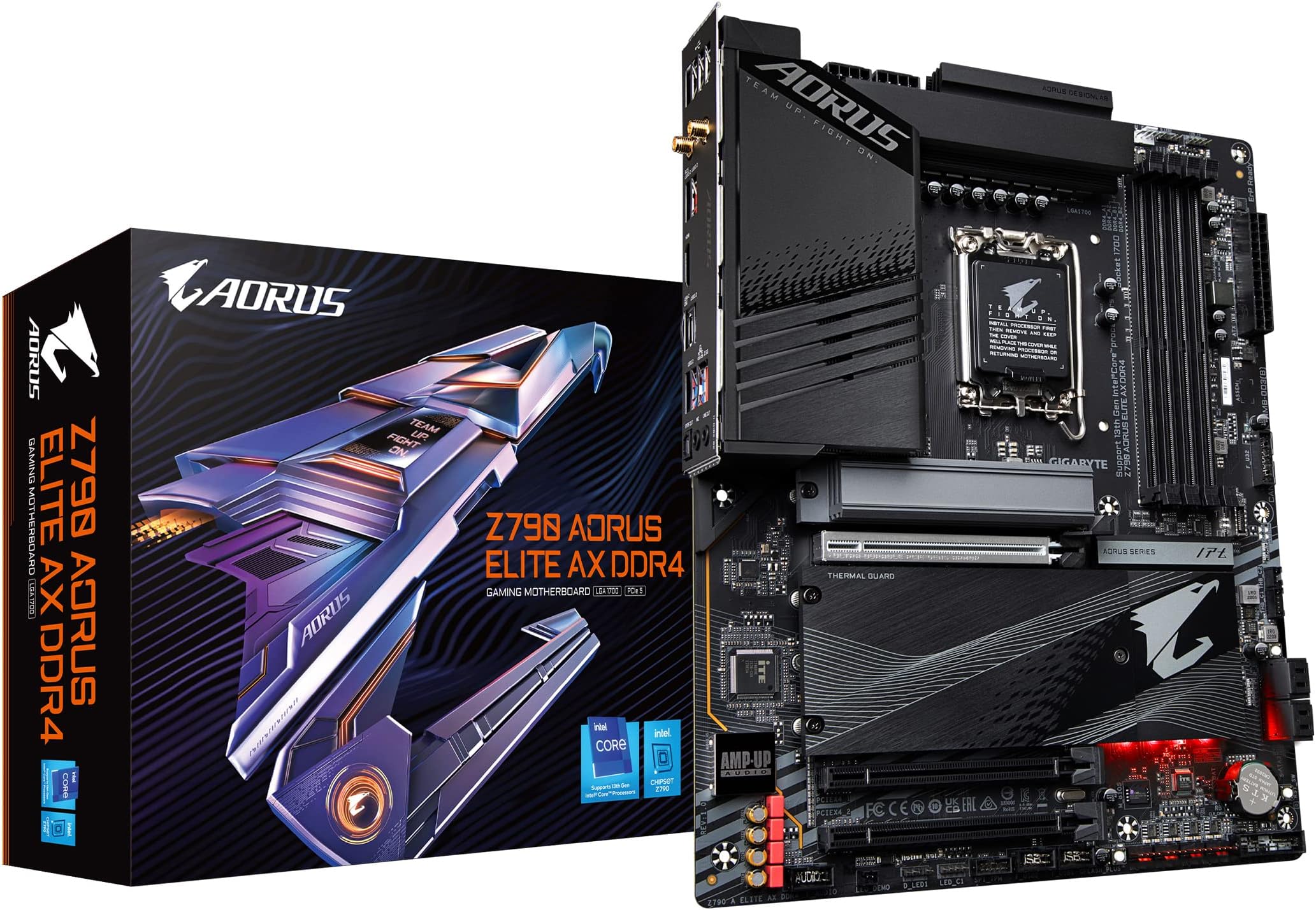
The GIGABYTE Z790 AORUS Elite AX DDR4 is a premium ATX motherboard designed for 12th and 13th Gen Intel Core processors, featuring a powerful 16+1+2 phase VRM with 70A power stages, advanced thermal solutions including M.2 Thermal Guard III, and next-gen connectivity with PCIe 5.0, USB 3.2 Gen2x2 Type-C, Intel Wi-Fi 6E, and 2.5GbE LAN. Its user-friendly EZ-Latch Plus design and customizable RGB Fusion 2.0 lighting make it a top choice for professionals and gamers seeking high performance, reliability, and style.


| ASIN | B0BHTLF2X5 |
| Best Sellers Rank | #887 in Computer Motherboards |
| Brand | GIGABYTE |
| CPU Socket | LGA 1700 |
| Chipset Type | Intel Z790 |
| Compatible Devices | 13th and 12th Gen Intel Core |
| Compatible Processors | 12th Generation Intel Core |
| Customer Reviews | 4.4 out of 5 stars 119 Reviews |
| Graphics Card Interface | PCI Express |
| Item Dimensions L x W x H | 10.62"L x 3.14"W x 13.18"H |
| Main Power Connector Type | 24-Pin |
| Manufacturer | GIGABYTE |
| Memory Clock Speed | 2133 MHz |
| Memory Slots Available | 4 |
| Memory Storage Capacity | 128 GB |
| Mfr Part Number | Z790 |
| Model Name | Z790 AORUS ELITE AX DDR4 |
| Model Number | Z790 AORUS ELITE AX DDR4 |
| Number of Ethernet Ports | 1 |
| Number of Ports | 23 |
| Platform | Windows 10 |
| Processor Socket | LGA 1700 |
| RAM Memory Technology | DDR4 |
| Ram Memory Maximum Size | 128 GB |
| S/PDIF Connector Type | Optical |
| System Bus Standard Supported | SATA 3 |
| Total PCIe Ports | 4 |
| Total SATA Ports | 4 |
| Total Usb Ports | 2 |
| UPC | 889523034101 |
| USB 2.0 | 2 |
| Unit Count | 1.0 Count |
| Warranty Description | 3 |
D**D
Nice mobo- good build quality, highly adjustable settings, a little RGB eye candy
I really like this mobo. Highly customizable settings, nice build quality, etc. My buddy just built an brand new Asus system- flashed the recently released Asus BIOS update and bricked it. Asus sent him a replacement- two of the four RAM slots did not work. Give this Gigabyte Z790 Aorus DDR4 Wifi a chance. I paired it with a new Intel i7-13700 CPU, a Thermalrite Assassin air cooler, a Samsung Gen 4 M.2 drive and 48 GB of Corsair RAM. It screams in gaming even with a legacy Nvidia 3060Ti GPU. Flashed the BIOS to version F6 (due to recent security revelations) - super easy to do right thru Windows 11. Went perfect. Super happy with this mobo so far ! This is my first new gen computer build in many years. Just BUY it !
A**Z
Great budget Intel LGA 1700 motherboard
I've had it for over a year and so far no problems. Not much to say really. My Specs: * Intel i5 -12600k * AMD Radeon RX 6700 XT * WIndows 11 * 64 GB DDR4
D**T
I needed to upgarde to PCIe 4.0x 16 mobo to handle Geforce 4070 graphics card
I use this machine for photography and video work (Photoshop, LightRoom, Topaz, etc.) So here's what happened: 1. I needed a new graphics card to meet the load Topaz can put on a graphics card. (Great software.) 2. Ordered Geforce 4070 ti (later returned it - black screen - and got the 4070 - long story) 3. Ordered the Z790 Aorus Elite AX DDR4 (DDR 4 is not a typo) 4. Ordered the i7 13700KF (no graphics unit on the chip) 5. Ordered the Corsair H115i adpator kit for the older cooler's bracket - these slightly longer standoffs work great. 6. Used my GSkill DDR 4 3200 RAM - 32 GB. 7. Used my EVGA 850 PSU. 8. Once I figured out I needed a PCIe 4.0 riser extension cable, all was well. (If you use the old PCIe3.0, you'll get black screen and pull your hair out on unneccesary trouble shooting. The picture shows the card in the PCIe 4.0 slot. When the cable comes in, I'll return the Card to the riser via the PCIe extension cable. ) This machine is grrrrreat!!!! Cinebench 23 score multicore is 29810. Monitor: BenQ SW 2700PT on Display port and Calibrated i1 Display Pro (XRite). Saved a bunch of dollars using a few older parts for this build.
D**E
Easy to install, plenty of ports
This motherboard was easier to install than some other comparable models I have worked with. It includes a large heat shield over the M.2 ports next to the PCIe, which is good for large GPUs. The USB-C port on the IO panel is a nice bonus. I have not used the WiFi feature yet, but the magnetic antenna it comes with is very easy to position on the case exterior and looks good. I would definitely get this board again, or suggest it to a friend.
E**H
Two boards, both bad w/i7-14700K
I recently rebuilt my system with an Z790 AORUS Master and i7-14700KF. It's been great after flashing the BIOS to work with a 14th gen processor--Q Flash+ works fine. I decided to upgrade my wife's PC (she's not a power user) with the same CPU on a Z790 AORUS Elite AX DDR4, re-using the DRAM from my previous machine. Installed only the CPU, 1 DRAM, and a video card, system would not POST/boot, ending with a VGA fault light and no video. Flashed the BIOS to the latest version, same result. Used 3 different video cards, 3 PSUs, different DRAM, same result. Gigabyte tech support agreed that it was either the board or the CPU and suggested I return the board. Amazon replaced it immediately and...same problem. So I replaced the CPU, this time with the i7-14700K (not KF) to eliminate the video card during troubleshooting. Same problems, and it stumped the Gigabyte tech support as well. I've returned it and will use a different model and DDR5 memory. My suspicion: this is probably a good board, but the latest BIOS (F10) don't seem to work with 14th generation processors. Your results may vary. I've built dozens of systems over the years for personal use, business use (coding), friends, family and some small businesses. Never had this much trouble. Gigabyte tech support, once you finally get off hold, was excellent; the negative results were not their fault.
R**I
Top Notch quality
Everything works like a charm out of the box. Gigabyte software (GGC) works perfect, downloaded in an instant, Even updating bios with it was a breeze. Beautiful board. Built it for my brother. Way better than my Strix motherboard ( Asus armoury crate is pure crap)
C**N
Great product, terrible support
This is my second Gigabyte motherboard I have used on a home build and have been happy with both. I bought this specifically for the support for 13th gen Intel processors. The boards and sturdy, well designed, and well equipped for the price point. But I emailed technical support 5 days ago and have not received a response. I called 2 days ago and sat on hold before the automated system asked for my number and offered to call me back. I never received a call. A great product is useless without great support to back it up.
B**T
Make sure you plug directly into hdmi
board has no speaker so you won’t get a POST beep. That’s probably more a case feature but just a heads up. For I while I wasn’t getting any display and the GPU light was on. Didn’t matter if I used onboard or GPU or pci. Turns out it really doesn’t like DisplayPort, at least to start. Make sure it’s pure hdmi to hdmi or hdmi to dvi/vga.
N**O
Simple to start without problems
Finally said goodbye to all HDD with this MB
A**N
Fantastic motherboard with great options
I upgraded from a B660 motherboard to the Z790, because this was a great Warehouse Deal, and I am upgrading my CPU in the near future (come on Prime days!!). It fits like a glove, and it was, as far as I can see, never been opened, brand new. The savings were substantial and that already put me in a great mood. What do I not like about the board? Placement of the PWM fan headers could be better spread over the board. What do I like? Well, it is compatible with the LGA1700 Intel chips, and moving the CPU from one motherboard onto this one was a breeze. Because the board is bigger (full ATX) it fit my case snugly, there is still room to poke cables through and overall the cable management was easy. Except for one fan (exhaust) that sits way far from the fan headers, but it is what it is, and luckily I have extension cables. The manual is online, I did not find one in the box, and I printed off the page where I would connect the cables. Worked out perfectly fine. Some tight spots and I would really recommend, if this is the first time, to review some build videos either on Amazon or YouTube. I needed to order some extra motherboard mounting screws and PCI slot covers since the motherboard is larger and the video card is one slot lower. The software that came with the board is fantastic. GCC (management software) is to the point and is great in setting fan curves and setting the motherboard up the way you want it. XMP profiles are new to me, so I have not even attempted to overclock at this moment. Great motherboard and great prices, they go hand in hand. A worthy upgrade!!
K**N
mudda
motherboard. i have one. get one
Trustpilot
2 weeks ago
1 month ago