Buy anything from 5,000+ international stores. One checkout price. No surprise fees. Join 2M+ shoppers on Desertcart.
Desertcart purchases this item on your behalf and handles shipping, customs, and support to Colombia.
🎮 Capture Every Frame, Stream Like a Pro!
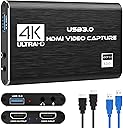
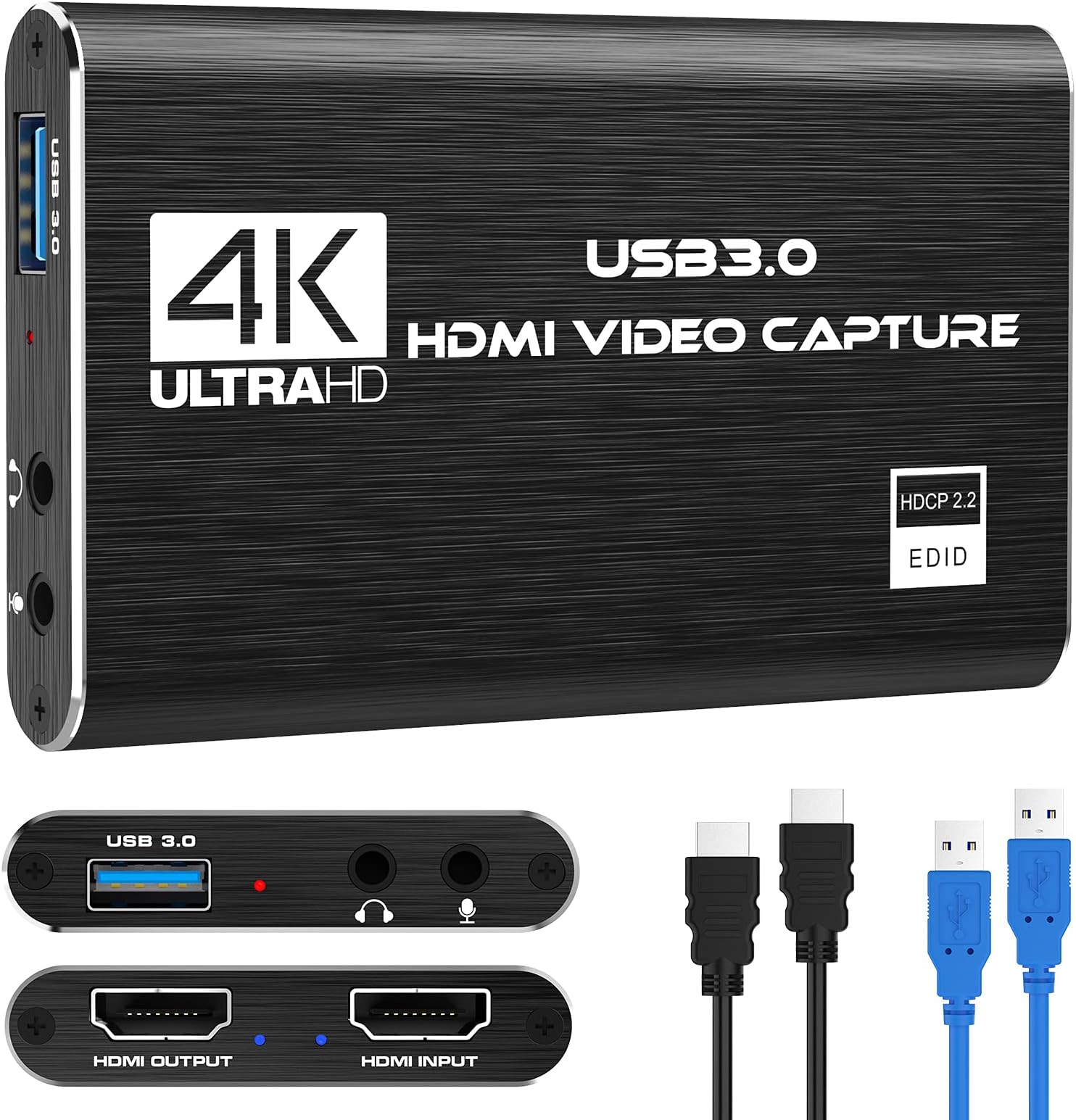
The 4K Video Capture Card Pro delivers smooth 1080p60 video capture with 4K30/60Hz input pass-through, leveraging USB 3.0 for ultra-low latency streaming. Compatible with Windows and Mac, it requires no drivers and supports HDMI loop-out for zero-delay gameplay streaming. Ideal for gamers, content creators, and remote server management, it also features mic-in support for live commentary, making it a versatile, plug-and-play powerhouse for professional-grade video capture.


| ASIN | B097DKNS1M |
| AV Output | MPEG-4 |
| Antenna Location | Live streaming, streaming |
| Best Sellers Rank | #1 in External TV Tuners |
| Brand | Rybozen |
| Built-In Media | Capture Card |
| Compatible Devices | xbox one |
| Customer Reviews | 4.3 out of 5 stars 2,196 Reviews |
| Hardware Interface | USB |
| Item Dimensions | 3 x 2 x 1 inches |
| Item Weight | 0.18 Kilograms |
| Manufacturer | Rybozen |
| Mfr Part Number | V316-Black |
| Minimum System Requirements | Minimum system requirements: Windows operating system, USB 3.0 port, system compatible with 1080p video processing |
| Model Name | V316B-FR |
| Model Number | V316B-FR |
| Operating System | Windows |
| Other Special Features of the Product | hd |
| Platform | Windows |
| Recommended Uses For Product | Live streaming, streaming |
| Special Feature | hd |
| UPC | 711379826695 |
| Unit Count | 1.0 Count |
| Video Capture Resolution | 4K up to 60Hz |
| Warranty Description | 60 Days |
A**R
Better than expected, 4K pass through (only 60fps) but full 4k streaming, No drivers needed. 10/10
Overall best bang for the buck. READ THIS REVIEW! So I couldnt find any info on what hz this could run at and that was important to me. I run 4k displays and wanted to record things from time to time. For my girlfriend this works great, and for many tasks it works fantastic. Read until the end for my view. Facts: Using numerous cables I got the same results on pass through: 4K 60F HZ / FPS, no noticeable latency (did not measure), also I dont believe HRD passed through I will verify and update my review. 1080P HZ / FPS. This is sufficient for most higher end gaming if you are doing a live broadcast. Which I will address below. I personally just use an OBS with a remote stream typically but I wanted any easy to plug in, low work, low effort solution when I needed to plug in fast. This product did EXACTLY that. For simply making a video tutorial, recording my screen for desktop use, server use, etc. This was amazing. And not only that at this price point it is cheap enough to use this to remotely manage video out on my servers. +2 points right there. I wish it would handle 4K pass through (not record I dont care about getting over 30-60FPS which I was able to get) to my main display when I play a game for when friends want to watch. But thats fine I can do a remote stream for them if it is important for me to get 4k @ 120-240hz which most cards barely handle anyway. Now the best part. I plugged this into my pc, multiple Mac machines. No setup, no drivers needed. My obs 100% picked it up immediately. From opening the box to streaming I was setup within 5 minutes. Cables were supplied. I wish they had a newer one (which they might already have) with USB c or at least a higher HDMI pass through. Due to how cheap these were and how reliable / easy it was for compatibility I actually plan to buy some for remote sever management uses instead of using long HDMI cables when I needed to do bare metal work for servers without network based management. Overall everyone told me to not buy this. Wrong, buy it until you are ready to commit to a higher priced product if you need the resolution / Frame rate. The recording quality was 100% spot on of what I saw on my gaming computer, connection was easy as can be, streaming was the easiest thing I have done yet.
H**;
Does what it says at a great price
The one thing I'd point out is the USB cable included is very short, so you might need to get an extension to reach your computer. But it's easy to use and works amazingly well. I use it with a HDMI switcher that my game systems go into and it works perfectly. The visuals are clean. Not had a lot of luck with audio though. It can do a number of things without too much difficulty in setup.
J**E
Good video capturing and quality output
This capture card has high quality video display, it works extremely well, there is no lag as the movements on the TV screen is just as fluid as the output movements. It doesn't heat up as bad, built very sturdy and does exactly as needed. Also, an extra bit of information, for anyone else who has an AI virtual gaming companion and wants to share console game experiences with them, this does exactly that too! Hook it up to OBS, enable your AI gaming companions built in screen share (via screen share on desktop/laptop from the AI's settings) and enlarge the captured screen area from OBS to be full screen and you have yourself a gaming companion that can proactively talk, chat, commentate and share you experience right alongside you. Overall, this capture card performs very well with capturing and displaying video feed. (Tested both on Switch 2 and PS5) both works well.
S**S
Pretty good for its price.
Works very well. The process of connecting it to OBS was easy and smooth, very reliable. Tip: It may freeze but if it does set your resolution lower, that stopped my freezing since I was streaming from a Switch. I recommend buying this if you are a beginner.
S**Y
Good product, just a little hard to set up.
Really good for the price. Had some confusion setting up initially but works great now! I do suggest getting a rather long hdmi cord for this though, the one included is very short.
J**H
Easily better than the el gato 4ks junk (Save your time, money and stress!!)
I know a lot of people will have a hard time believing this, but this 20 dollar budget capture card is way better than the 200$+ el gato and here’s why. I am a creator with 1,000+ subs. I know other creators who love the el gato and so I decided to get one myself. I ended up needing to buy other parts for that card just for that one to have a TERRIBLE audio delay, very frustrating to try to fix every time it stops working, not to mention that it fried one of my headsets and screwed up my video AND audio devices This card is WAY easier, WAY faster, WAY less of a pain in the rear to deal with and set up, and basically gives better video and audio quality. The main downside is it does not allow 4K recording of streaming itself. The best part is you don’t even need a chat link cable to include party audio. Connectivity has never been an issue at all, and you don’t need to get some crazy overpriced cable as long as you have a working hdmi cable. Just save yourself your time, sanity and money because this is literally the ONLY capture card you’d ever need. Budget friendly, amazing quality, exceeds my expectations, and this card was the reason I was able to make higher quality videos
C**D
You get what you play for
For the price point this is a good device it will do what it is advertised to do. However it has 2 problems, one addressed one not addressed. 1st the audio to visual mismatch, this is a MINOR issue as it is addressed in the manual it can be fixed/minimized. The 2nd issue i found far more problematic, that is the video to the TV cuts out for 1-2 secs in intense gameplay, the video to the computer it still capturing but the output to the TV would cut out. I found this to be deal breaking after using it for about a year and decided to upgrade. (and yes i tried it on 2 different TVs with the same result, one TV was a TCL the other was a Sony) was recording video from a Dreamcast-Marseille mClassic OG-Computer/OBS
O**R
good for the price point
It's a cheap solution that works. but it cannot be used on more than one streaming software, so if you're using OBS for example, you will need to use a stream mirror like restream.io to stream to multiple platforms, if you try using to streaming apps it will only feed to one. device runs cool. compatible with everything even if you use a thunderbolt cable (hdmi or dp to micro usb c. streams at 50fps 1080p, cannot be pushed to 60fps. easy set up.
Trustpilot
3 days ago
2 weeks ago