Desertcart purchases this item on your behalf and handles shipping, customs, and support to Colombia.
🎞️ Preserve your past, effortlessly future-proof your memories!
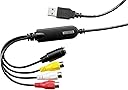
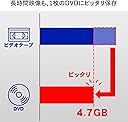
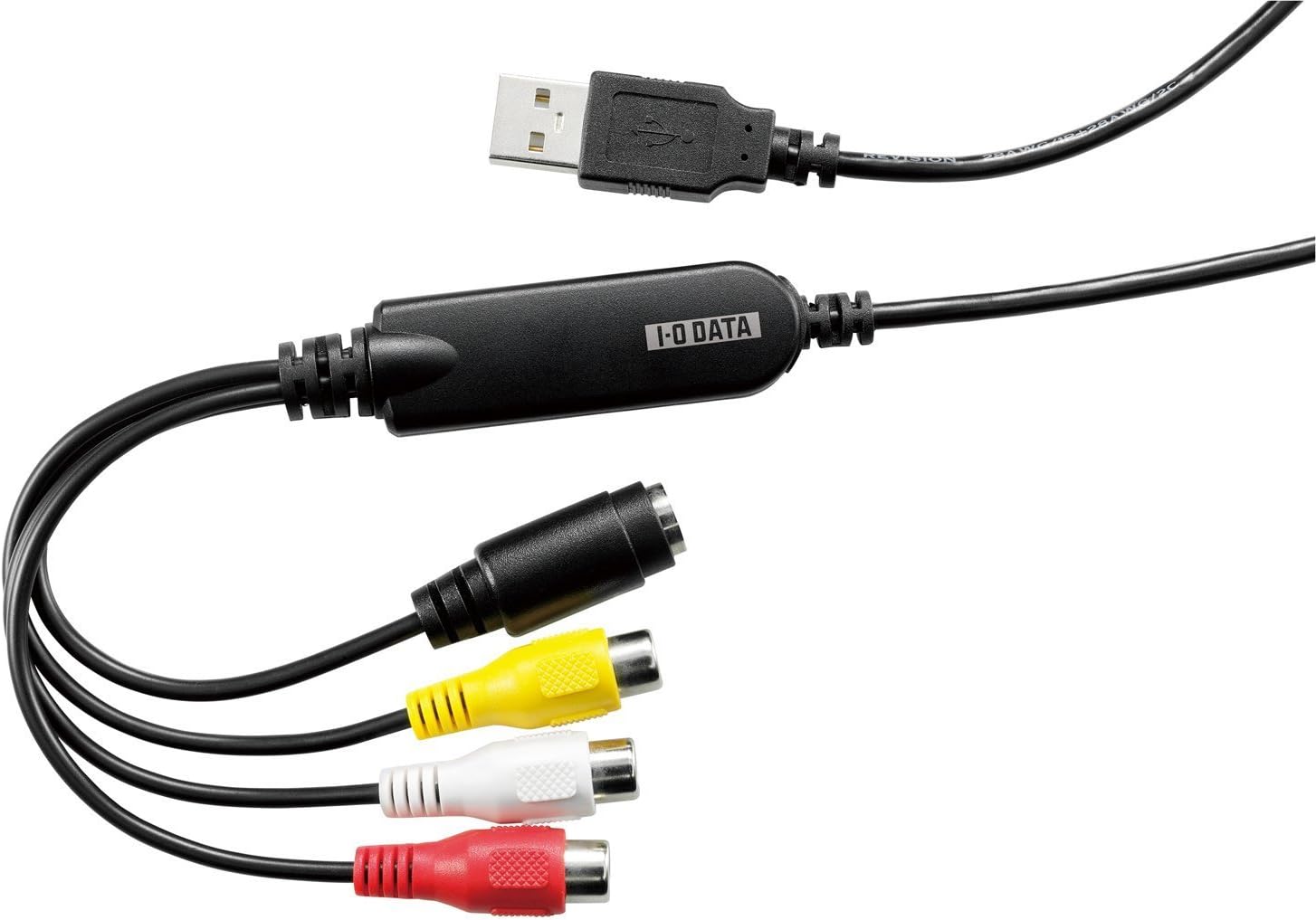
The I-O DATA GV-USB2 is a compact USB 2.0 video capture device designed for professionals and enthusiasts to easily convert analog VHS and 8mm tapes into digital DVDs. Featuring AV and S-Video inputs, direct DVD recording, auto chapter creation, and smart video compression, it supports a wide range of Windows OS versions and delivers 720p capture resolution for high-quality archival.
| ASIN | B00428BF1Y |
| AV Output | RCA, S-Video |
| Antenna Location | ビデオ |
| Best Sellers Rank | #25,738 in Computers ( See Top 100 in Computers ) #19 in External TV Tuners & Video Capture Cards |
| Brand | I-O DATA |
| Built-In Media | AV Adapter, TF Card Reader |
| Compatible Devices | Gaming Console, Monitor, Television |
| Customer Reviews | 4.2 out of 5 stars 4,333 Reviews |
| Hardware Interface | USB |
| Hardware interface | USB |
| Item Dimensions | 18 x 57 x 13 millimeters |
| Item Weight | 50 g |
| Manufacturer | I-O DATA |
| Mfr Part Number | GV-USB2 |
| Model Name | GV-USB2 |
| Model Number | GV-USB2 |
| Operating System | Windows 10, Windows 8.1, Windows 8, Windows 7, Windows Vista, Windows XP |
| Operating system | Windows 10, Windows 8.1, Windows 8, Windows 7, Windows Vista, Windows XP |
| Other Special Features of the Product | Direct Recording, Auto Chapter Function, Smart Fit |
| Platform | Not Machine Specific |
| Recommended uses for product | ビデオ |
| Special features | Direct Recording, Auto Chapter Function, Smart Fit |
| Unit Count | 1 Count |
| Video Capture Resolution | 720p |
| Video capture resolution | 720p |
M**R
GV-USB2 device is excellent, time I bought a faster computer
The GV-USB2 device works well. My usage is to make mp4 copies from PAL recordings on VHS tapes. My first time video editing, trying VirtualDub first. I discovered that I have to change the PAL capture frame rate from 50 to 25fps for deinterlacing to work. Difficulty getting a preview picture on VirtualDub during capture but I think this is because the 8th Gen i5 in my aging laptop is not fast enough. When I did manage to get a preview picture the gui wouldn't let me stop the capture. I'll try the Esc key next time this happens or just find a way to get a picture on a separate display.
P**T
ممتاز ولا تاخد البدائل الرخيصه
ممتاز للي يبي يصور المقاطع من الكاميرات القديمه واشرطه الكاسيت VHS
P**L
Worth every penny! Works fantastic on NTSC, PAL, and SECAM!
It took me a few attempts to get the right equipment to capture my old VHS tapes; I wasted money on adaptors to convert YPbPr to HDMI, PAL to NTSC, and even a digital stabilizer, and this device is an absolute winner! It allows you to manually over-ride the video mode (NTSC, NTSC J, PAL, PAL60, SECAM etc.) which is EXTREMELY helpful on worn out foreign tapes played on a multi-region VCR that would otherwise confuse automated devices. Commercial tapes are recorded without problems. The capture card is made in Taiwan by a Japanese brand, which is a huge plus. It's a quality device that was well thought out. The software came on a disc, and was in Japanese, but getting the drivers to work with OBS was a piece of cake with Google Translate on my phone. My only minor, minor complaint is that the choice of resolutions is a little restrictive. I'd like to have the option to record at higher resolutions, especially when capturing from S-video. If I/O Data ever releases a capture device for YPbPr video signals, I'll be first in line to buy one.
G**A
Nice Japanese packaging!
Works well. Tried various solutions. This was the best.
A**N
Capturadora de vídeo con calidad decente y cero errores de señal
Muy buena capturadora de vídeo en comparación con todas las que tengo. Cero errores de señal y calidad decente pero tengo algunos problemas de desincronización con los FPS de la capturadora de vídeo y los FPS de OBS Studios que todavía no sé como resolver pero por lo demás todo bien.
Trustpilot
1 month ago
1 month ago