⚡ Scan smarter, work faster—your desk’s new MVP!
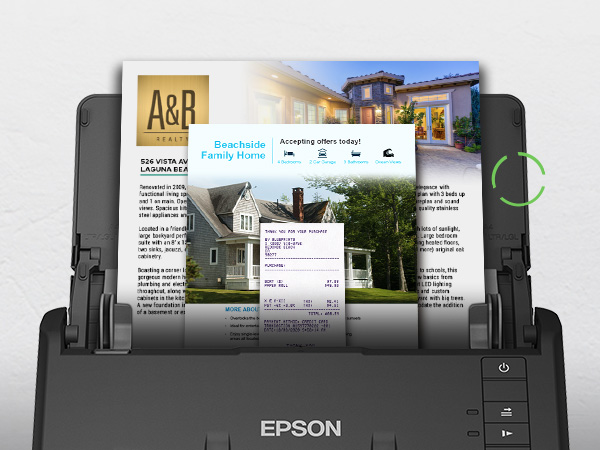
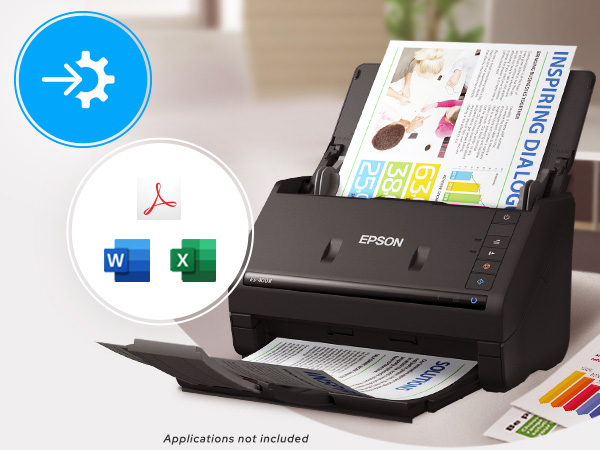
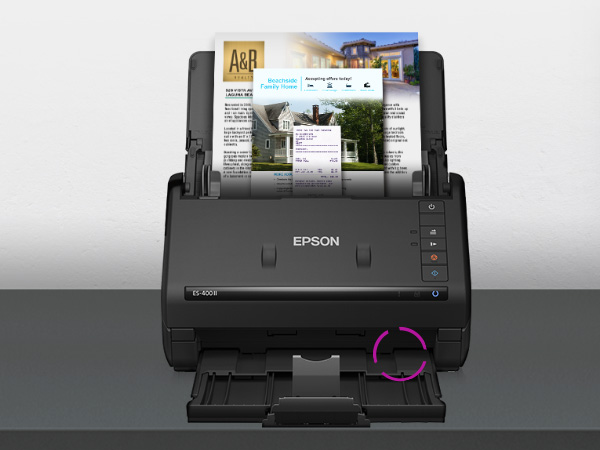
The Epson Workforce ES-400 II is a high-speed duplex desktop scanner designed for professionals who demand efficiency. With a 50-sheet auto document feeder and 35 pages per minute scanning speed, it effortlessly digitizes double-sided documents. Its intuitive ScanSmart software enables seamless cloud uploads, email sharing, and automatic file naming. Compatible with PC and Mac, it supports OCR for searchable PDFs and editable file formats, making document management streamlined and professional-grade.


| ASIN | B08P3YVH3X |
| Best Sellers Rank | #2,690 in Office Products ( See Top 100 in Office Products ) #3 in Document Scanners |
| Brand | Epson |
| Color Depth | 8 bpp |
| Connection Type | USB |
| Connectivity Technology | USB |
| Customer Reviews | 4.5 out of 5 stars 1,155 Reviews |
| Item Dimensions D x W x H | 14.5"D x 10"W x 11.25"H |
| Item Height | 6.9 inches |
| Item Type Name | Document Scanner |
| Item Weight | 3.7 Kilograms |
| Light Source Type | LED |
| Manufacturer | Epson |
| Media Type | USB |
| Minimum System Requirements | PC and Mac compatible |
| Model Name | B11B261201 |
| Optical Sensor Technology | CCD |
| Paper Size | Letter |
| Product Dimensions | 14.5"D x 10"W x 11.25"H |
| Resolution | 300 dpi |
| Scanner Type | Document |
| Standard Sheet Capacity | 50 |
| UPC | 010343960183 |
| Unit Count | 1.0 Count |
| Warranty Description | 1-year limited warranty in the U.S. and Canada |
A**E
Great job Epson!👍🏼
As far as I am concerned, this is one of the greatest little devices since… Forever. I have been intending to buy a scanner like this for a long time, but I couldn't really justify spending the money. However, I have come across many times when one would've been very handy to have, especially when sending documents back-and-forth between attorneys or other professionals, regular people and myself. I'm just an average person out here, not a high-powered anybody. Thus, I just tottered along making do with the stuff I had. I recently had the need to send documents to an accountant for tax purposes. When needing to do something like this in the past, it was a tedious job of moving files to a printer, and then scanning, then uploading and THEN having to send them through email. Just a chore. However, I did decide to go ahead and buy a scanner after that last episode of hellish back and forth fun doing it the old way. I did some research and settled on the Epson ES-400 II. Other customers seem to be satisfied and I took that leap of faith, having purchased Epson equipment many, many years ago and not having had previous problems with the brand. The next time an opportunity came, I powered on the Epson, (by the way, setting it up was as simple as plug and play) put in my documents, and I was simply astonished with how easy it was to use the product to get the information out of my home and into the office of the accountant. I could almost slap myself (but I don't believe in self-flagellation) for waiting so long to buy a standalone machine. Instead, I was making do with my all-in-one printer that was quite ancient. It's been replaced too, with a simple laser printer that does nothing but print. The bottom line is that I appreciate the simplicity of operating this machine. It scans beautifully, the image quality is good, it's simple to operate, has tons of options of where you can send the images to, it was worth every penny, and I recommend it to others.
L**W
Fast desktop digitizer
Excellent technology tool. Fast, accurate. Have digitized approx. 10,000 pages to date without issues. Just be sure the pages are flattened and without staples or sticky notes or tape. Works on all sizes. Software is decent as well.
L**L
Efficient and Reliable Document Digitization with Epson Workforce ES-400 II Scanner
Today, I had the opportunity to test the Epson Workforce ES-400 II document scanner and I must say that I was pleasantly impressed. This duplex desktop scanner is an excellent tool for any office or workspace that requires quick and accurate document digitization. The initial setup was very simple - I just connected the scanner to my computer via USB and downloaded Epson's software. The software interface is easy to use and offers a variety of scanning options to suit my needs. What I liked most about the ES-400 II is the speed and quality of the scanning. I was able to scan a stack of multiple-page documents in a matter of minutes, and the end result was crisp and clear. Additionally, the scanner has an automatic orientation correction feature, which made the scanning process even easier. Another useful feature of the ES-400 II is its duplex capability, meaning it can scan both sides of a sheet at the same time. This saves time and effort, especially when working with multi-page documents. Overall, I am very pleased with the Epson Workforce ES-400 II. It is a high-quality scanner that is easy to use and offers excellent scanning results in a short amount of time. I would recommend it without hesitation to anyone looking for an efficient and reliable digitization tool for their office or workspace.
D**S
Loving this machine - Price is right for what it does!
Working great and love the simplicity. The scan speed was shocking at first. Very fast for plain business docs.
T**T
Purchased to scan loose/common sports cards...works well...with caveats.
Had been searching for a way to quickly and efficiently scan lower end baseball/football/basketball cards for Ebay sales without having to go through the strenuous task of using a traditional flatbed scanner or cellphone cam app. Now this printer will certainly work with sportscards, but here are things to note: - you cannot scan much else other than cards with typical base card thickness. Jersey/thick autos/memorabilia cards are a no-go. - you can NOT load cards in soft sleeves and/or toploaders, as they will just get jammed inside the printer. So unfortunately they will have to go in raw and therefore there are condition risks involved. Now I didn't notice any damage or surface lines incurred from using this machine, but you definitely don't want to use them for cards that you're going to grade. -I had very little luck pre-loading stacks of cards and allowing the machine to auto-feed. After a few cards it would inadvertently load 2 cards at once and cause a hiccup with scanning capturing only a quarter or half of each card. Had best results hand feeding cards one by one, which can be quite time consuming and in a way kind of negates the intended reason why I purchased in the first place. - Scans base/non-reflective cards very nicely. Refractors/shiny surfaces typically do not scan well. They have a very dull/muted appearance and just aren't visually nice looking. But for cheap cards for Ebay, they will suffice. Overall it's a quality unit, but I probably would not recommend it for scanning cards unless you're doing all base cards and realize its limitations. As a typical document scanner is should be excellent.
J**E
Great office additiin
This machine is a pure workhorse! I primarily use it for high volume scanning. It scans super clear, keeps pages sorted, and I love the double sided feature! I would recommend this scanner to anyone who wants a high quality machine.
W**N
Love this scanner.
Love this scanner. Pricey, but super fast and easy to use. I've digitized all my paper work and store them on Google Drive so I can pull up records from anywhere.
C**S
DON'T BUY THIS SCANNER
One of the worst products and customer service experiences I have had in a long time. The first scanner would not work. I have Windows 11. Despite hours of trying on my own, and then several hours with Epson tech support, it would never work, and would not recognize the software. They sent a replacement. The replacement did not work either. I finally determined it was not going to work with Windows 11. My computer recognized the scanner, but the Epson software would never load. When Epson sent me a replacement, as they determined the first scanner was faulty, they demanded a credit card number to make sure I returned the defective model. Against my better judgment, I gave it to them. They would never provide a return label, despite several requests on my part. Then, after ignoring my requests for a return label, they charged my credit card for the replacement scanner. It took another several hours with them to just get the return label, (they claimed they had attempted to send itby email, but nothing in spam, or my inbox, and lo and behold, when I made them do it while I was on the phone, their email came through just fine). The charge is still on my credit card until they actually receive the defective scanner back. Epson is awful, aggravating, and a nightmare. I finally got rid of the replacement scanner and got a ScanSnap, which I love, and which worked from the very beginning. I would never, ever, ever buy this scanner again, nor recommend it to anyone except those that I really wanted to irritate.
Trustpilot
1 week ago
4 days ago