Buy anything from 5,000+ international stores. One checkout price. No surprise fees. Join 2M+ shoppers on Desertcart.
Desertcart purchases this item on your behalf and handles shipping, customs, and support to Colombia.
👁️🗨️ Stay Ahead of the Unexpected — Your Smart Home’s Watchful Eye
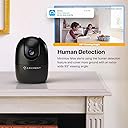
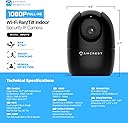
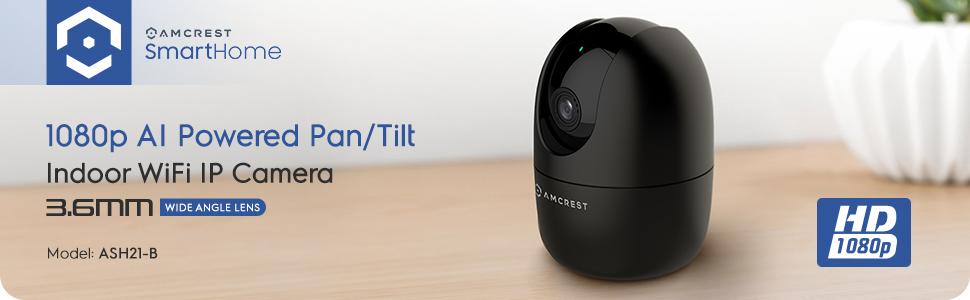
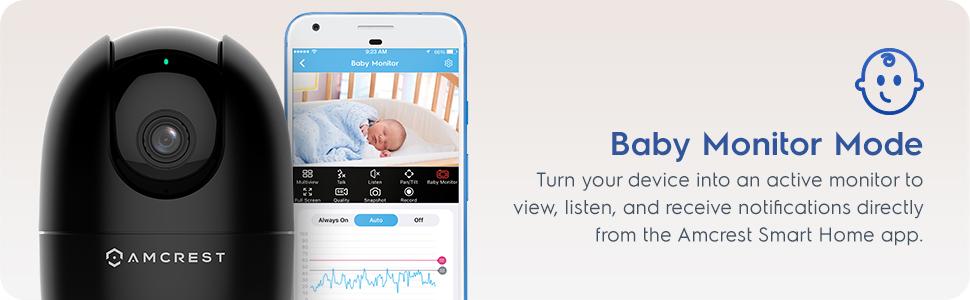
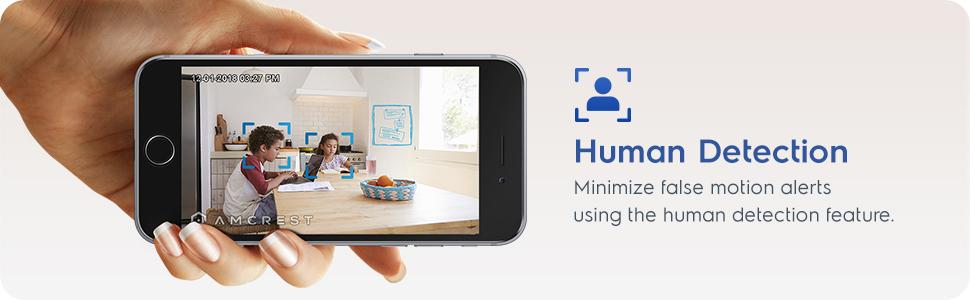
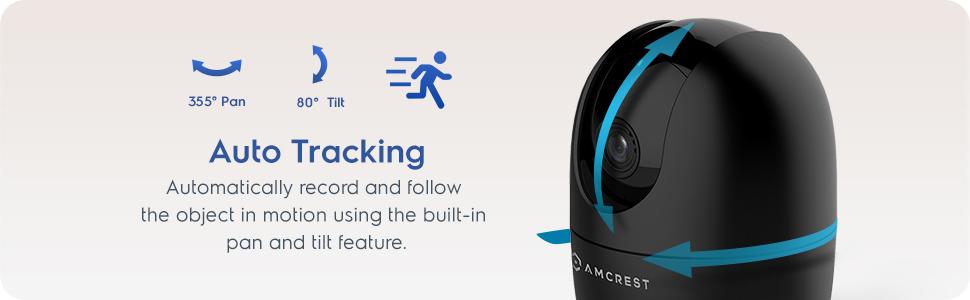
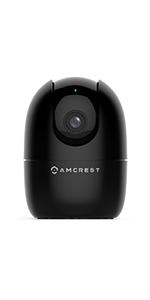
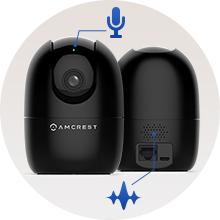
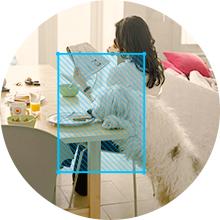
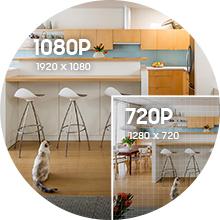
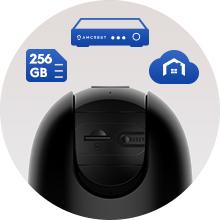
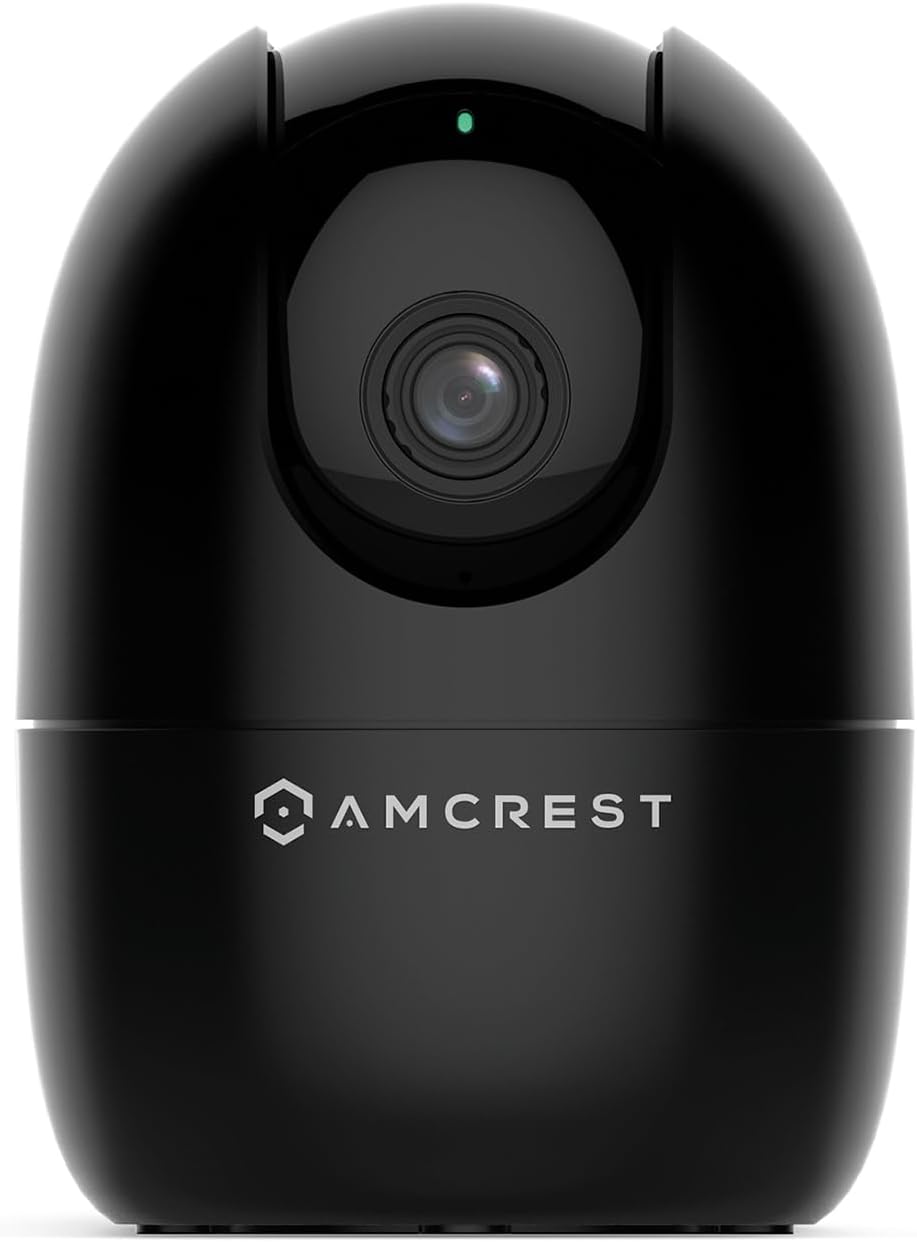
The Amcrest ASH21-B is a compact indoor WiFi camera delivering crisp 1080p video at 30fps with a 93° viewing angle. Featuring pan, tilt, and digital zoom, it offers flexible coverage enhanced by a built-in AI chipset for real-time human and pet detection without cloud reliance. Night vision extends visibility up to 33 feet, while sound alarm modes and multi-user sharing make it ideal as a nanny or pet monitor. Compatible with Alexa and supporting local or cloud storage, it’s designed for easy setup and reliable smart home security on 2.4GHz WiFi networks.


| ASIN | B08644FKP1 |
| Alert Type | Motion Only |
| Antenna Location | Baby Monitor,Dog,Indoor,Pet |
| Are Batteries Required | No |
| Best Sellers Rank | #123 in Dome Surveillance Cameras |
| Brand | Amcrest |
| Built-In Media | WiFi |
| Color | ASH21-B (Black) |
| Compatible Devices | Alexa |
| Connectivity Protocol | Wi-Fi |
| Connectivity Technology | Wireless |
| Control Method | App |
| Controller Type | Iris |
| Customer Reviews | 4.0 out of 5 stars 4,159 Reviews |
| Effective Video Resolution | 1080 Pixels |
| Enclosure Material | Plastic |
| Form Factor | Dome |
| Frame Rate | 30 fps |
| Global Trade Identification Number | 00850007530983 |
| Indoor Outdoor Usage | Indoor |
| Indoor/Outdoor Usage | Indoor |
| Item Dimensions | 4.17 x 3.04 x 3.04 inches |
| Item Weight | 8.48 ounces |
| Light Source | Infrared, LED |
| Manufacturer | Amcrest |
| Model Number | ASH21-B |
| Mount Type | Wall Mount |
| Night Vision | Night Color |
| Night Vision Range | 33 Feet |
| Number of Channels | 1 |
| Number of IR LEDs | 1 |
| Number of Items | 1 |
| Other Special Features of the Product | Image Sensor, Motion Sensor, Night Vision, Portable |
| Photo Sensor Resolution | 2 MP |
| Photo Sensor Technology | CMOS |
| Power Source | Corded Electric |
| Recommended Uses For Product | Baby Monitor,Dog,Indoor,Pet |
| Room Type | Bathroom, Bedroom, Classroom, Hallway, Kitchen, Living Room, Office, Study Room |
| Special Feature | Image Sensor, Motion Sensor, Night Vision, Portable |
| Specific Uses For Product | Indoor Use Only |
| UPC | 850007530983 |
| Unit Count | 1.0 Count |
| Video Capture Format | MP4 |
| Video Capture Resolution | 1080p |
| Viewing Angle | 93 Degrees |
| Voltage | 5 Volts (DC) |
| Waterproof Rating | IP67 |
| Wattage | 5 watts |
| Wireless Technology | Wi-Fi |
| Zoom Type | Digital Zoom |
K**R
Great Functioning wifi camera
For the sale price, this is a great little camera. Functions as advertised and the picture quality is fine for my needs. App set up was relatively simple and all the features work as expected. I just wish it had a zoom function. I have been using it to monitor a kitten while I am away, and then I will likely move it to my front porch window for security.
C**T
FAST setup, Great Camera from a Dependable Company
I am new to Amcrest Smart Home, which is what this camera is optimized for, but it took less than seven minutes from the time I opened the box and powered on the camera, to the time I was seeing live video in the Amcrest Smart Home app. Though I'm generally not a fan of "Smart Home" apps, the Amcrest app is intuitive and easy to understand. I especially like that they have English words under the icons, so that I'm not expected to try to figure out what each icon means. That's a huge plus. There is about a 3-second delay in the video when viewing the app over Verizon 5G. The delay is about 2 seconds when I'm on my home wifi (the same wifi as the camera is on). Both of these delays are quite normal and common for products like this. There is about a 6-second delay (on Verizon 5G) when pressing the "Talk" button in the app, until the speaker turns on in the camera. If I needed to speak to someone in range of the camera right away, to prevent a problem or alert them to something, six seconds is a LONG time. I understand the reasons why delay is inherent in devices such as this, but ut would be helpful if Amcrest were able to reduce that delay through firmware adjustments. The "Listen" feature is immediate when I tap the speaker icon, but it takes two seconds for spoken audio to play in the app. The audio sync with the camera appears to be perfect, so that's very good. I don't have much need for the baby monitor function, but running it through its paces, I can see where it could be very valuable. I thought being able to set the loudness threshold on the microphone was a very nice touch, to keep the app from notifying you if the baby is just moving around, but not in distress. The rest of the features, Full Screen, HD/SD Quality, Snapshot and Record all functioned as expected. Video quality is really good for a WiFi camera, especially when viewed over Verizon 5G. However, I don't think it's any better than my other Amcrest cameras...which isn't really a problem, since my more than 25 Amcrest cameras all look great. I have this one set to 1920x1080, 20FPS, Bitrate 2048, and it's smooth and clean looking, even in low-light conditions, which is something I've come to expect from Amcrest cameras. Though the Smart Home app works great, I will be using this camera primarily with BlueIris, and it was a bit challenging to get the settings just right for use with that software. However, I knew that going in, because the Amcrest marketing materials state that the camera is optimized for the Amcrest Smart Home app. Frankly, I didn't expect it to work at all with BlueIris, so it was a nice surprise when it did. I do wish pan/tilt worked inside BlueIris, but I can always use the Smart Home app to position the camera when needed, so that's not a dealbreaker. The packaging was almost all cardboard, with just a couple of sections of foam to protect the top and bottom of the camera. I LOVE this about Amcrest cameras. There is a minimum of plastic/foam in all their packaging, and that is a huge positive to me. The Quick Setup Guide was very simple and succinct, understandable since the app really walks you through the setup. I would have liked to try the Smart Tracking feature, but I couldn't figure out how to turn it on. I pressed the button that matched the icon in the manual, but it didn't track me. I won't be using that feature, so it's not a big deal. But it would be a good idea for Amcrest to include that in future editions of the Quick Setup Guide. Rather than just describing the feature, they could actually instruct people how to turn it on. My overall impression of this experience is basically the same as I've had with all my other Amcrest cameras. They just WORK. To not have to spend hours fiddling with a camera is a very good thing. Especially one like this, where you maybe want to throw it in your luggage and have a camera watching your hotel room or VRBO while you're out. If you're looking for a great quality camera for use as a nanny camera, doggie camera, or just add it to your collection of home security cameras, this camera is a great addition.
S**L
Better than I expected
It works well and The video quality was good. Overall. It's a good security Camera/ nanny cam And I did have a easy time setting it up and I've been able to access it across different states when I'm not at home
M**Y
Do NOT buy if you value your time
I have had two different versions of Amcrest cameras over the last few years. Two of them are the Ash-21. When I bought them the first time I had to return one and get a replacement because it wouldn’t connect to my network. The two I have now I have worked satisfactory. However Amcrest has multiple applications. that you must download and use in order to set up and manage your cameras. The instructions are very confusing and not linear. One of the supposedly easy functions is you should be able to scan the QR code at the bottom of the camera however, I have not been successful in the years. I’ve had them to get the QR codes to scan. So you’re constantly having to manually input all the information every time you try to manipulate the camera in the management apps. The website is no help and if you reach out to customer service, it may take days to get a response. And all they will do is point you back to their website links to troubleshooting. I recently upgraded my network with a new router, new passwords, etc. it caused my two Ash-21 cameras to not connect. I have followed instructions from customer service and the manual. I did a factory reset on both cameras. My network sees the cameras, however I get the error (see picture) that the app is not accepting the new password. I have tried about two dozen combinations. This error causes the setup to fail. I have spent hours and hours troubleshooting these cameras. I feel it’s a full-time job. Customer service is almost not existent. The manuals are less stellar. These are now paper weights, waste of money, waste of time. Don’t buy these if you value your time.
V**N
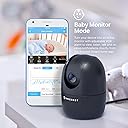
Great product as a baby monitor.
I owned 3 of this model now and I put one of each in every room where my baby can possibly in. I have an old-fashion baby monitor which doesn’t connect to wifi nor any mobile app and I have to bring the monitor everywhere I go. The signal is limited so I cannot check on my baby when I am beyond the proximity. With this Amcrest IP camera, my husband and I can both access the camera and check on the baby on our own mobile devices. Images and sound are clear and the lag is minimal in both daylight and night setting. I can talk to my baby in the nursery room while I am in another room or I am out running some errands. The Amcrest SmartHome app is easy to setup and use. I can easily open the app to control the camera and/or on my baby. The app is more intuitive than their Amcrest View Pro app in my opinion, which is also one of the reasons why I bought extra 2 of this as baby monitors. The Amcrest SmartHome app is very easy to navigate and it allows me to view multiple cameras at the same time. One minor drawback is that, sometimes the camera will “appeared” to be offline or takes a while to connected, and I will have to kill the app and re-login to view the cameras. Nonetheless, with this price and performance quality, it beats many other security cameras in the market, and baby monitor as well.
E**E
Incredible value for the money… with some caveats (UPDATED).
UPDATE 9/13/2022: After a day or two the camera stopped glitching when switching to night mode and now works as expected. Bumping the rating to 5 stars now. This is a really nice camera crippled by mediocre software. I wish Amcrest didn’t get rid of the web interface as their app has only very basic settings, so if you are going to use this camera with your NVR, you have to know some tricks. You need Amcrest SmartHome app for the initial setup, but it won’t let you adjust any of the advanced parameters, such as overlay settings or key frame interval, or any audio settings, etc. It is all usually available via the web interface, but it does not exist for this camera. Moreover, they don’t even support their web API that some other “smart home” cameras from Amcrest have. Fortunately, thanks to one of the reviewers here, there is a way to adjust the advanced settings, and that’s installing their free Surveillance Pro software on Windows. It gives you access to the settings that pretty much duplicate familiar web interface functionality and you can set up overlays, advanced streaming settings, night vision, etc. Another way to adjust some parameters (but not as many) is by using Onvif Device Manager application. Interesting enough, that was the only way I could make key frame interval setting to work - setting it via Surveillance Pro didn’t do anything. Speaking about night vision - that was the main reason I dinged one star. The light sensor is very glitchy, and if there is any background light left, it would keep switching between day and night mode. I tried to play with sensitivity and delays in Surveillance Pro and it helped to some extent, but I ended up setting a schedule when it forces night mode during certain hours. I use it as a baby monitor, so constant clicking is not something I’d want. Of course the only way to set advanced night vision settings is via Surveillance Pro application. None of my other Amcrest cameras behave this way. Initially I thought that it could be defective unit, but reading reviews and after buying the second one, it is obvious that it’s a problem with the firmware, most likely. Anyway, if you know how to access advanced settings, this camera offers an amazing value for the price. And there is really nothing else that comes close in this category - IP camera that doesn’t require cloud, that supports RTSP and Onvif, has WiFi, PT and has such a small footprint suitable for baby monitor. The closest competitor from that “other” brand is more expensive, more limited in functionality and more buggy (yes, I bought that one too and would be returning it and stick to Amcrest).
P**.
Decent Security Camera, but no Pet Detection
Pretty easy to set up and does all of the security camera basics (movement detection, night vision, etc). My main complaint is that it clearly advertises "Pet Detection" in the title and mentions "Dog Camera" and "Pet Camera" multiple times, but it does not support pet detection at all - just general movement and human detection. Pros: + Image quality is fine for 1080p + Night vision works well enough for small spaces with very low light + Pan/Tilt is a nice addition, especially at this price point (when on sale) + Motion detection works well, and Human detection works OK Cons: - No Pet Detection, despite being advertised - Camera sometimes needs to be rebooted Notes: Uses about 1-3GB per hour of recording at full HD (1080p). With motion detection on in a relatively inactive space, a 64GB SD card gives me about 3 months of recording history.
L**L
Good camera but BIIIIG setup warning for samsung users!!!
The camera is great - ive used amcrest camera to keep an eye on my home while on vacation for years, and this version is a nice upgrade over my much older model. However, theres a biiiig bug with the samsung app - it has a hard time detecting wifi networks, and the app doesnt let you manually type it in. I was about to give up and send the camera back when I found an old thread on their website from users who had the same issue. Fortunately, the users in the forum had a solution - to setup the camera on an apple device. Setting up the camera on my ipad worked for me (and the camera now works fine on my s24 android phone) but that obviously isn't a solution for every samsung user...and the thread was over 4 years old, so apparently this is a long-standing problem that amcrest doesnt seem to be in a hurry to fix. Don't love that, tbh.
Trustpilot
3 weeks ago
2 days ago