
Descargar la aplicación


Servicios al cliente
Sobre nosotros
Copyright © 2025 Desertcart Holdings Limited
Descargar la aplicación
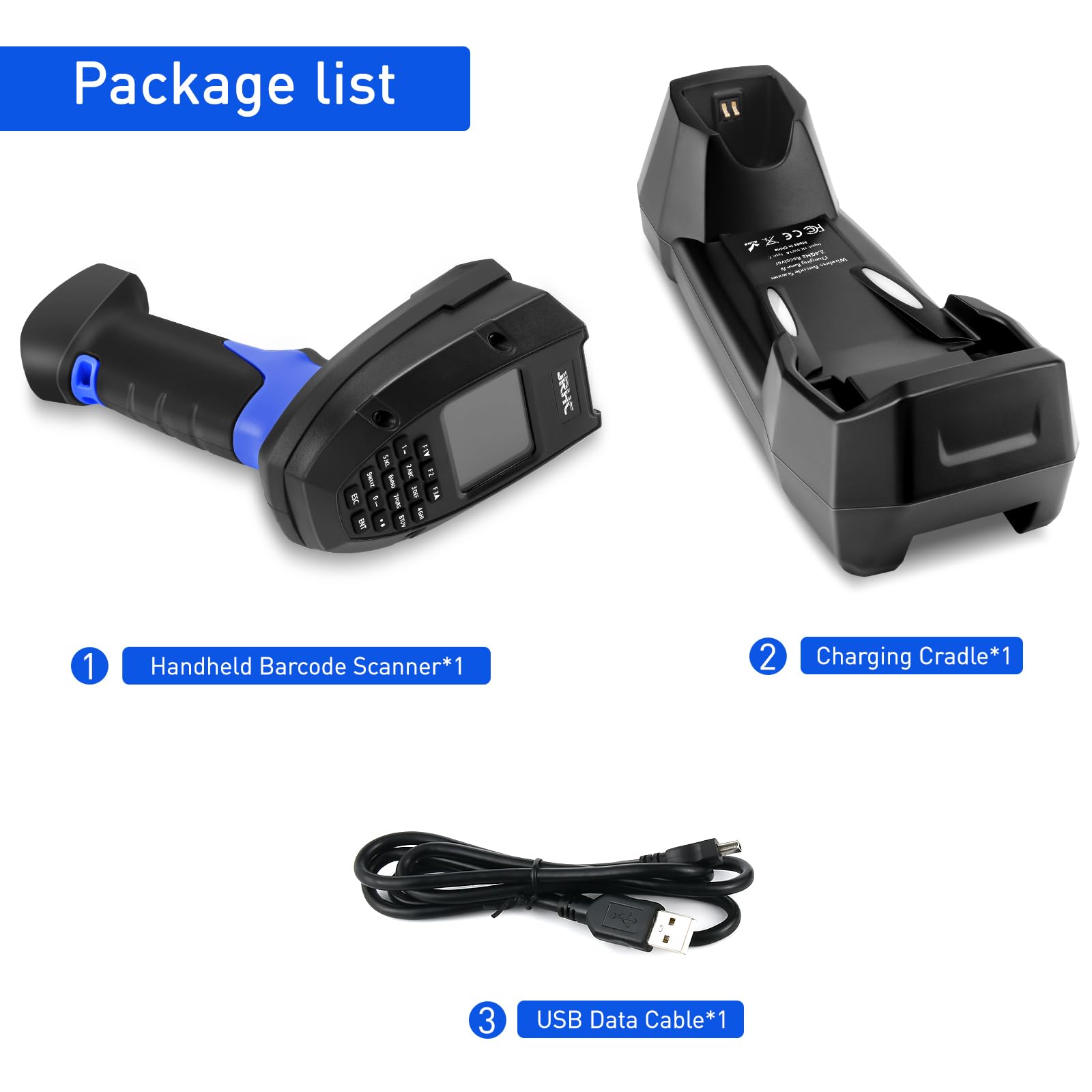


📊 Scan smarter, stock faster, stay ahead.
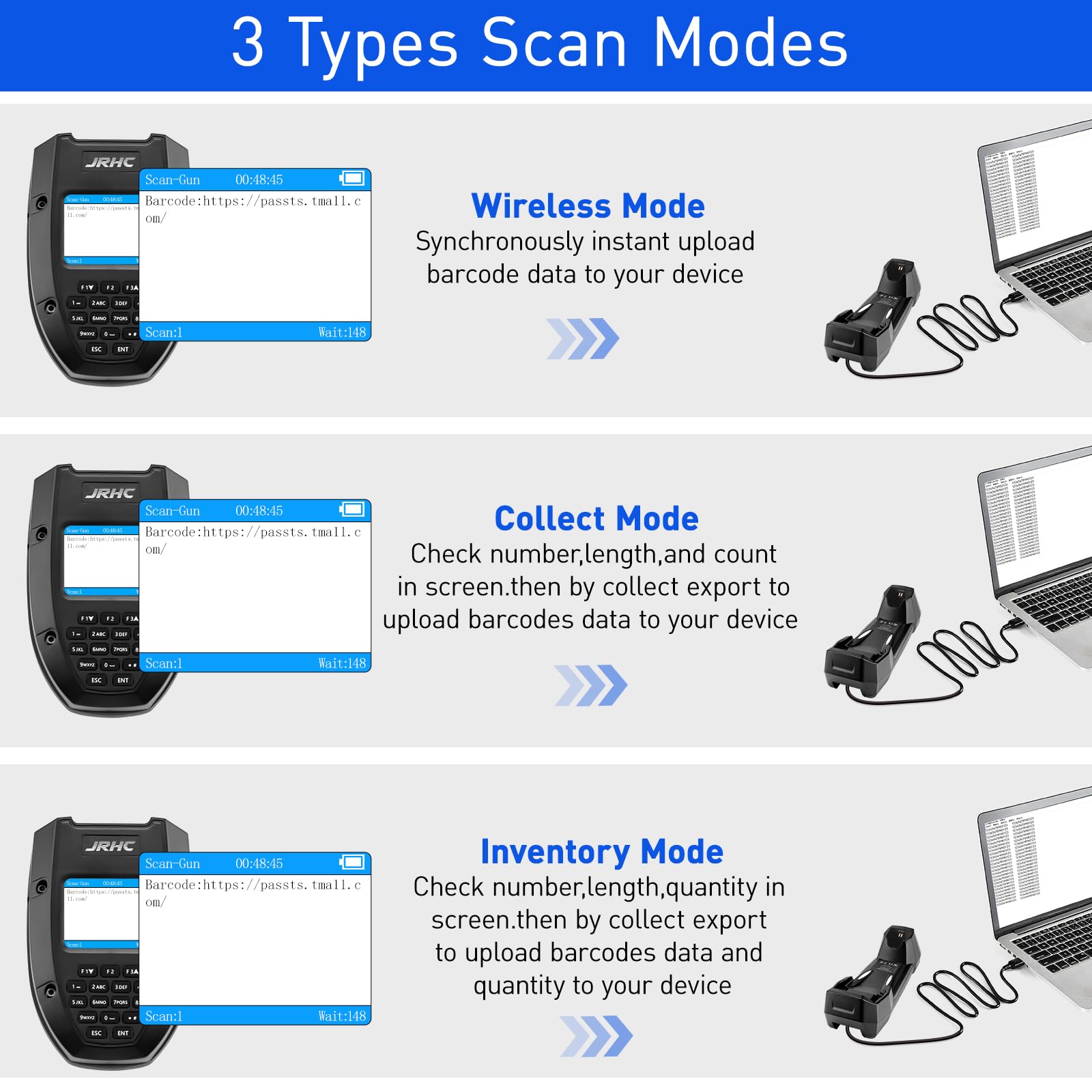
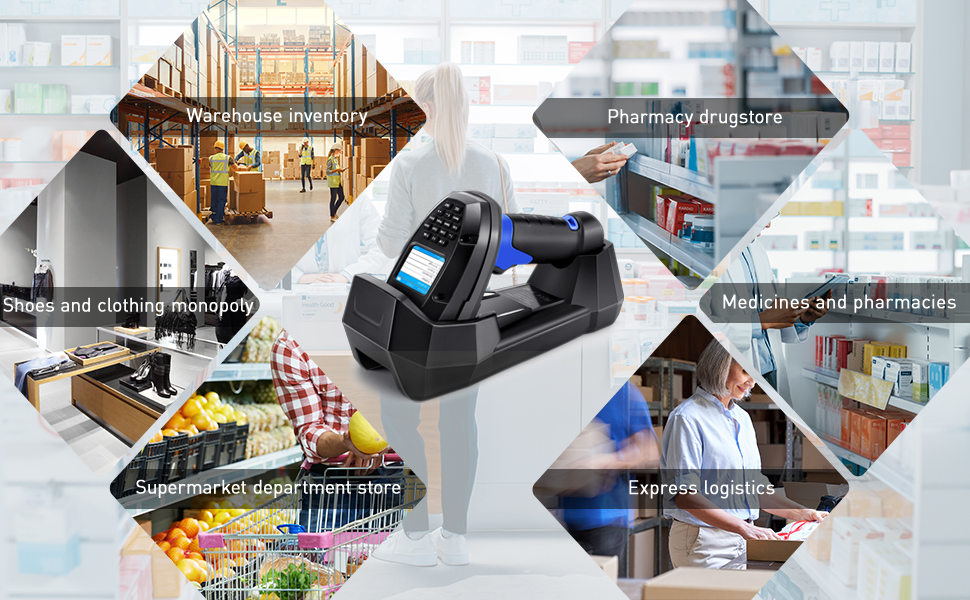
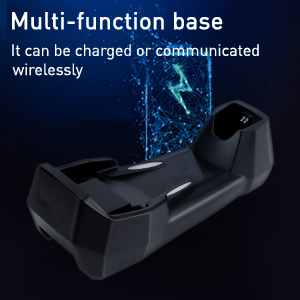
The JRHC Inventory Scanner Wireless is a versatile 3-in-1 barcode scanner combining a laser reader, data collector, and inventory counter. Featuring 2.4G wireless and USB connectivity, it stores up to 400,000 entries and supports multiple scanning modes for efficient offline and online inventory management across diverse industries.





| ASIN | B0F32T13G3 |
| Batteries | 1 Lithium Polymer batteries required. (included) |
| Best Sellers Rank | #149,470 in Office Products ( See Top 100 in Office Products ) #334 in Bar Code Scanners |
| Customer Reviews | 3.8 3.8 out of 5 stars (62) |
| Date First Available | April 30, 2025 |
| Item Weight | 1.68 pounds |
| Item model number | S-7106L |
| Manufacturer | JRHC |
| Product Dimensions | 7.48 x 3.39 x 2.52 inches |
S**N
GREAT scanner
This thing is actually pretty great, and cheaper than a lot of other ones that do the same thing. The is very little setup, both on the scanner and on the PC. All of the functions you would want are there, and it works flawlessly offline. We've been using it for 2D and 3D barcodes and it works great.
P**A
Great Product but...
Overall, the device is quite solid and relatively easy to use. The wireless range is pretty impressive and the fact it can work in offline mode makes it pretty valuable for the money you pay. There are 3 scanning modes available: ScanGun – A fast barcode scanning mode, typically used when the scanner is positioned close to the dock station (wirelessly connected). Collect – Similar to ScanGun, but designed for situations where connectivity may be unstable due to distance. In this mode, scans are stored locally in a library and then exported when you return close to the dock station. Note: This mode does not perform product counting. Inventory – In my opinion, this is the most valuable feature. Like Collect mode, you create a library and start scanning barcodes, but here, the system counts each item, providing you with quantity data once you export. However, there is one feature I wish it had. In ScanGun mode, I would like to be able to enter a random quantity using the builtin keypad before scanning the barcode. For example: enter "12", then scan barcode ABC-123; enter "8", then scan barcode XYZ-123, and so on. I was genuinely disappointed to find that this functionality is missing. As it stands, you need to scan the same barcode 12 times and then 8 times separately and so on—each scan being recorded as an individual entry. Then your software, has to increase qty as it matches the same part. Not big deal from a data handling perspective but annoying for the user scanning the products. The workaround is to use inventory mode, but not truly feasible since you need to create the lib, give it a name, then scan all the bar codes, then once you finished, trigger the export... uff, so many steps. I hope JRHC considers adding this "ad-hoc" qty + barcode scan feature in a future software update.
J**K
Just what I needed
Super simple to operate and the distance that it reaches is incredible. Liked it so much I had all of my locations trade their scanners up to this one.
K**R
Works very well
We are impressed on the ease of use for this device. Highly recommended.
D**E
Easy to set up
Scans bar codes and QR codes. Easy to use. Rechargeable
C**A
Easy to use!
This was exactly what I needed to scan stuff for my online business. It was quick to setup and easy to use.
B**0
Nifty lil tool
I use it daily to track the products that get produced and ran through my lab. I use both the scan to gun and collect modes, pretty nifty tool. Has other uses besides just scanning barcodes, can be used to export that repetitive data, just store it as an inventory and export it when you need to enter that mess load of repetitive data. Explore the settings, you can have certain things attached to your data such as time and date it was scanned. Good purchase, I actually have 3.
D**L
Great inventory tracker
Great for tracking inventory, transfers the data instantly to computer via wireless, also it keep the data inside the scanner for portable use. Easy to use it comes with the instructions.
A**Q
How do you pair the device? My computer dont recognize it even when it is connected with usb cable
Trustpilot
Hace 1 semana
Hace 1 día