
Descargar la aplicación


Servicios al cliente
Sobre nosotros
Copyright © 2025 Desertcart Holdings Limited
Descargar la aplicación
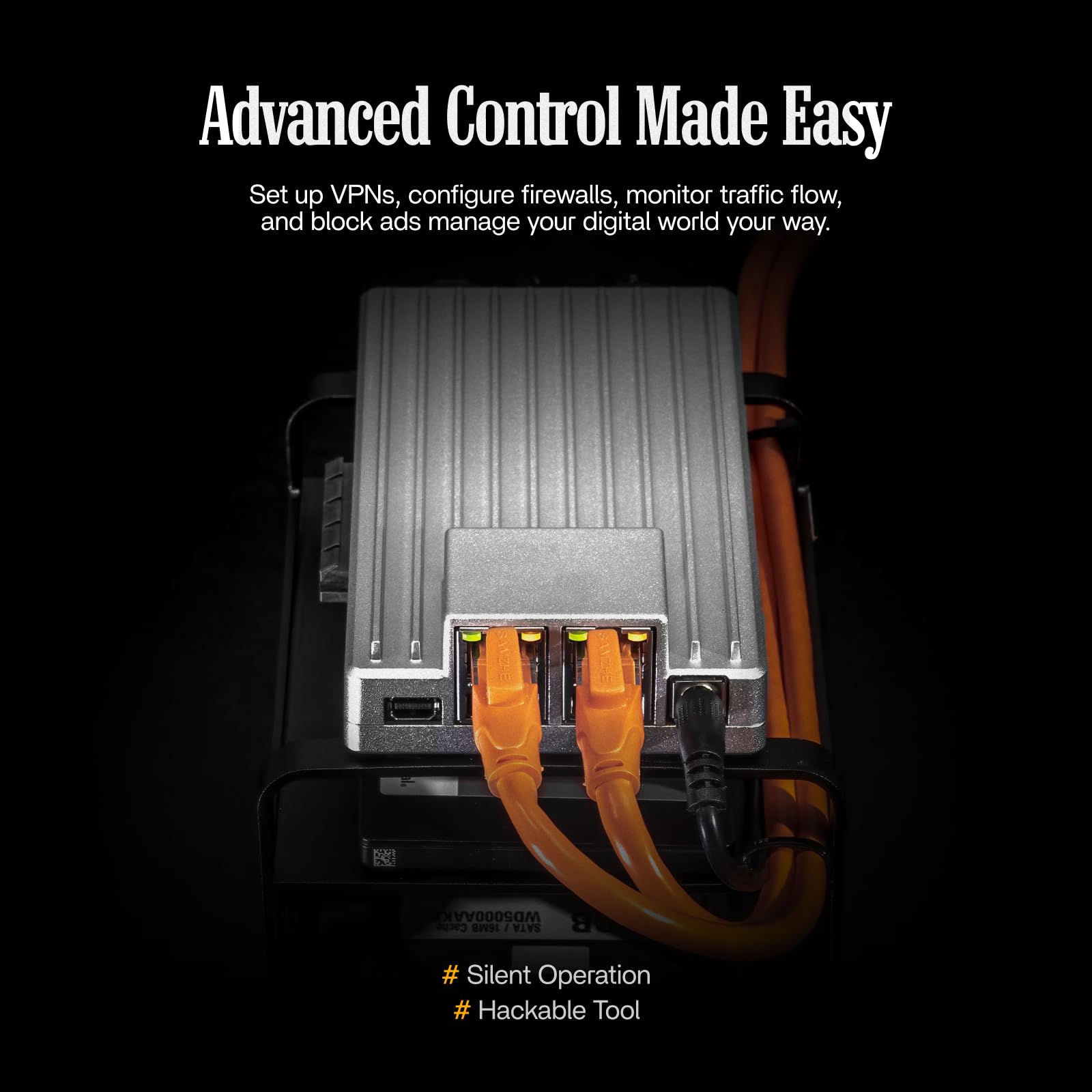
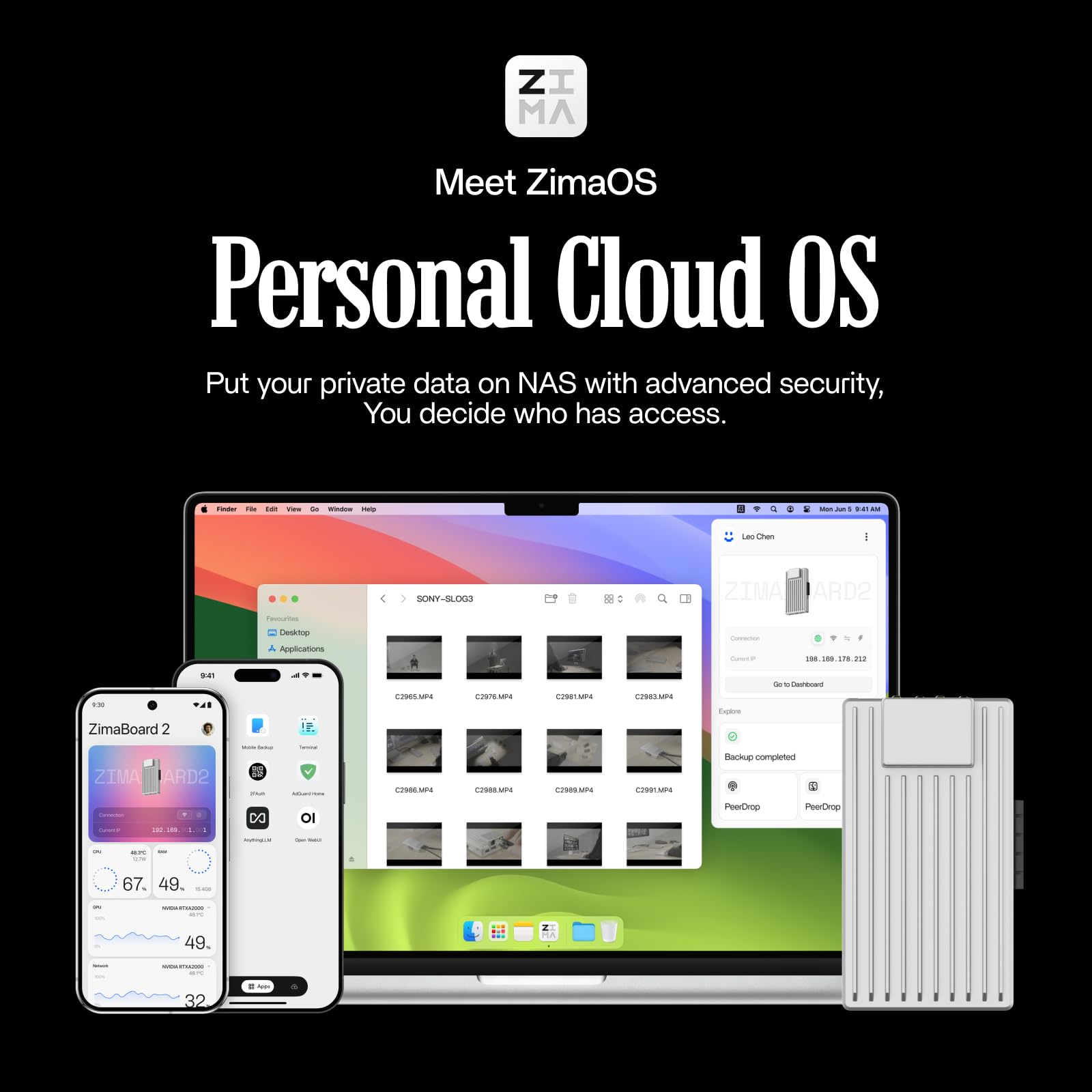
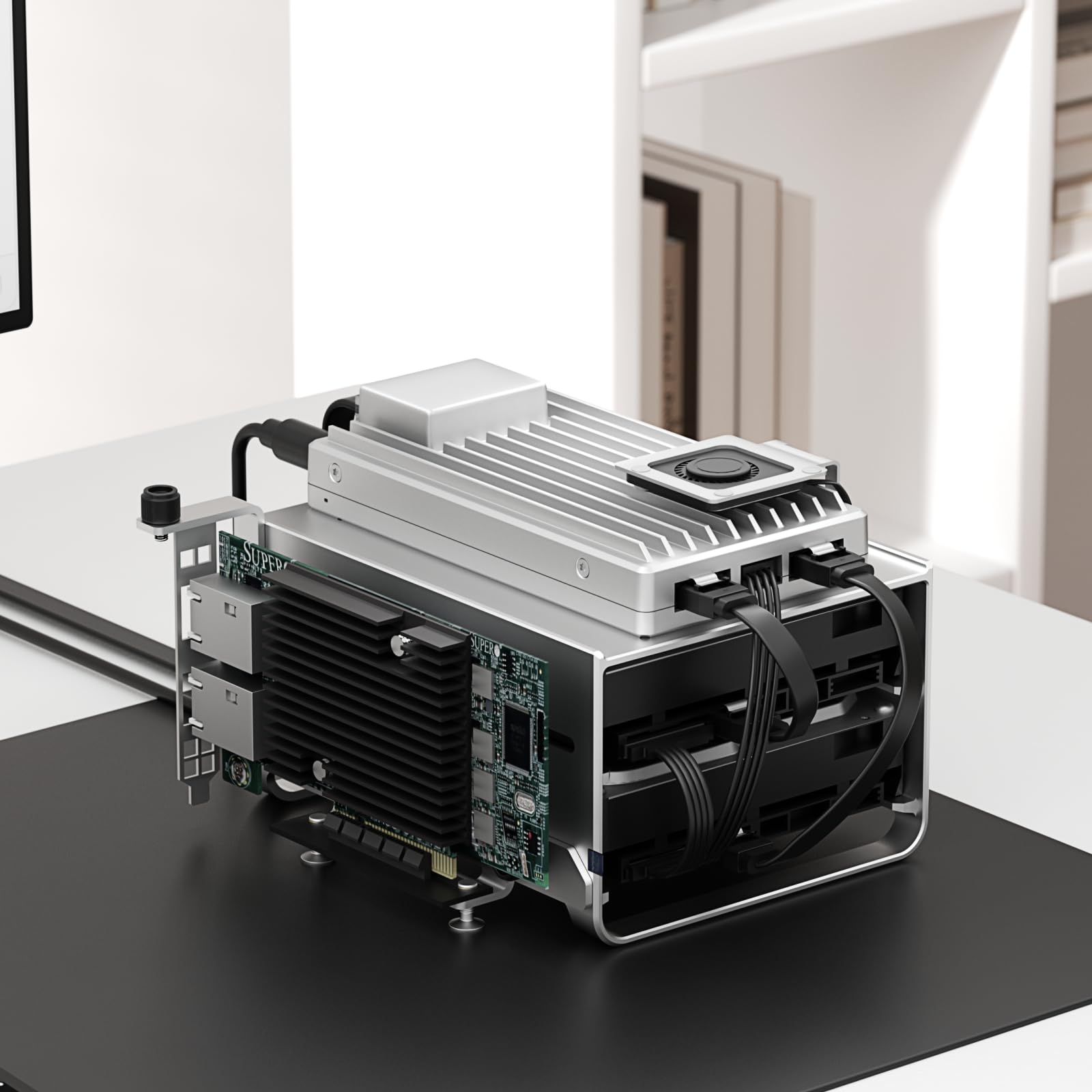
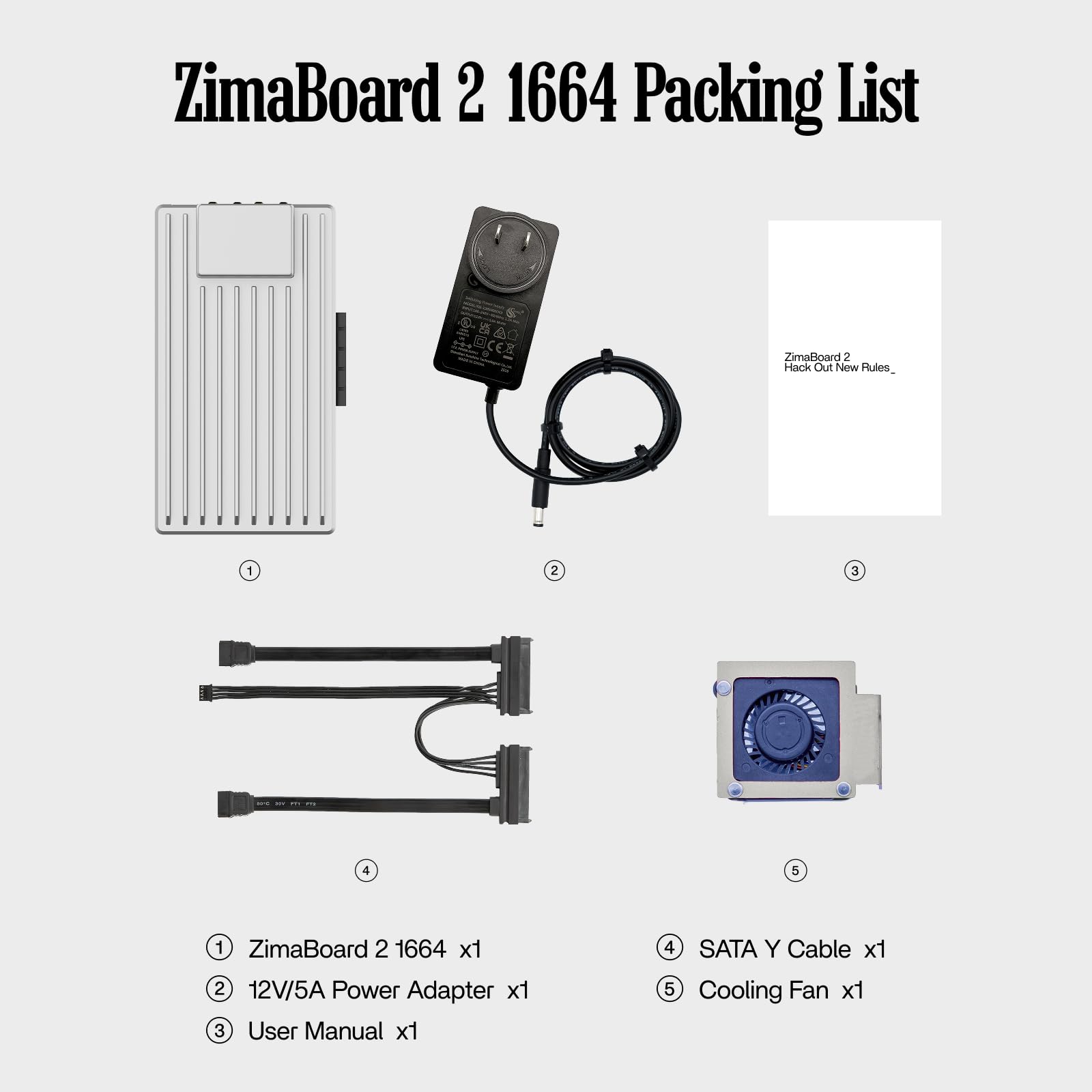
🚀 Elevate your home server game — power, speed, and style in one sleek board!
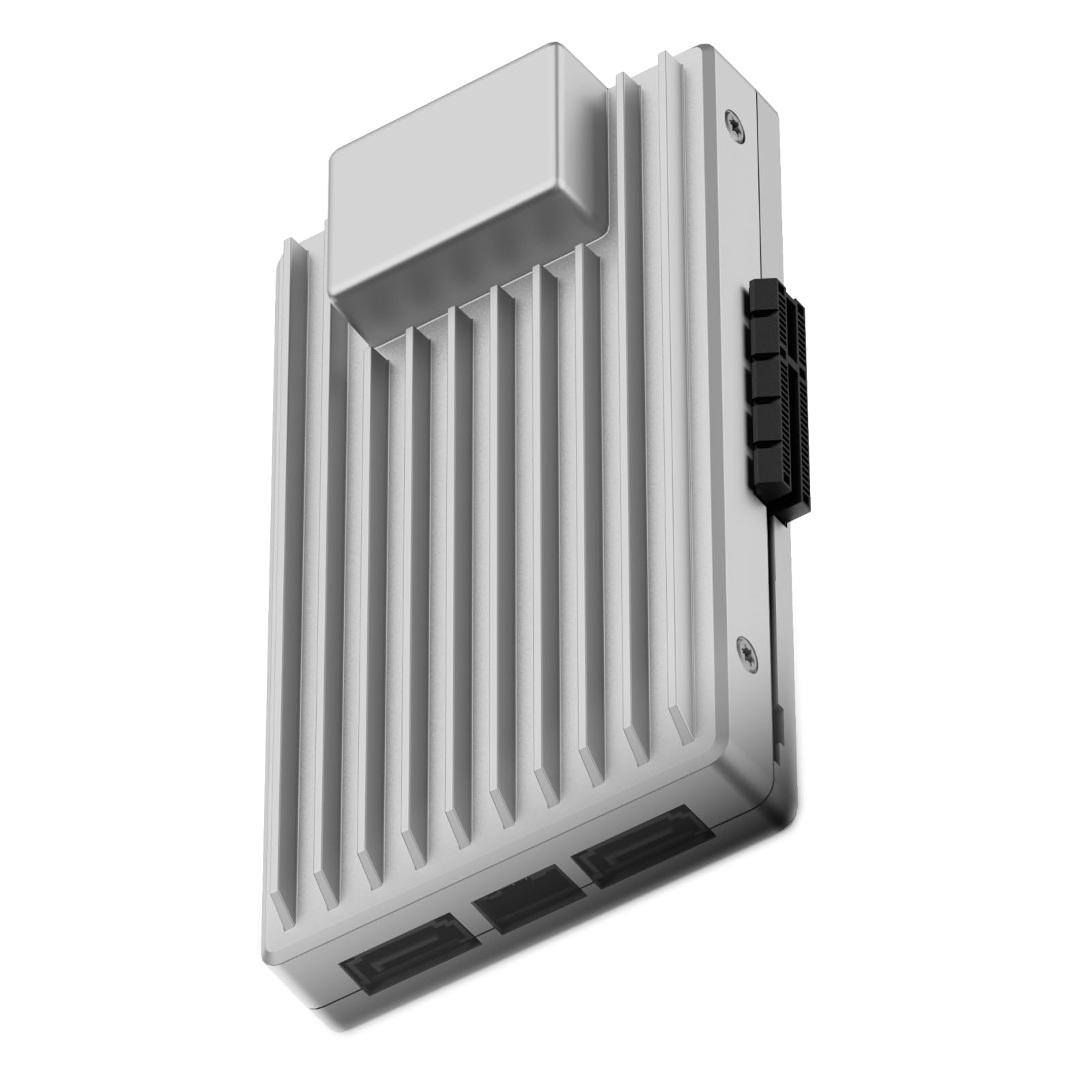
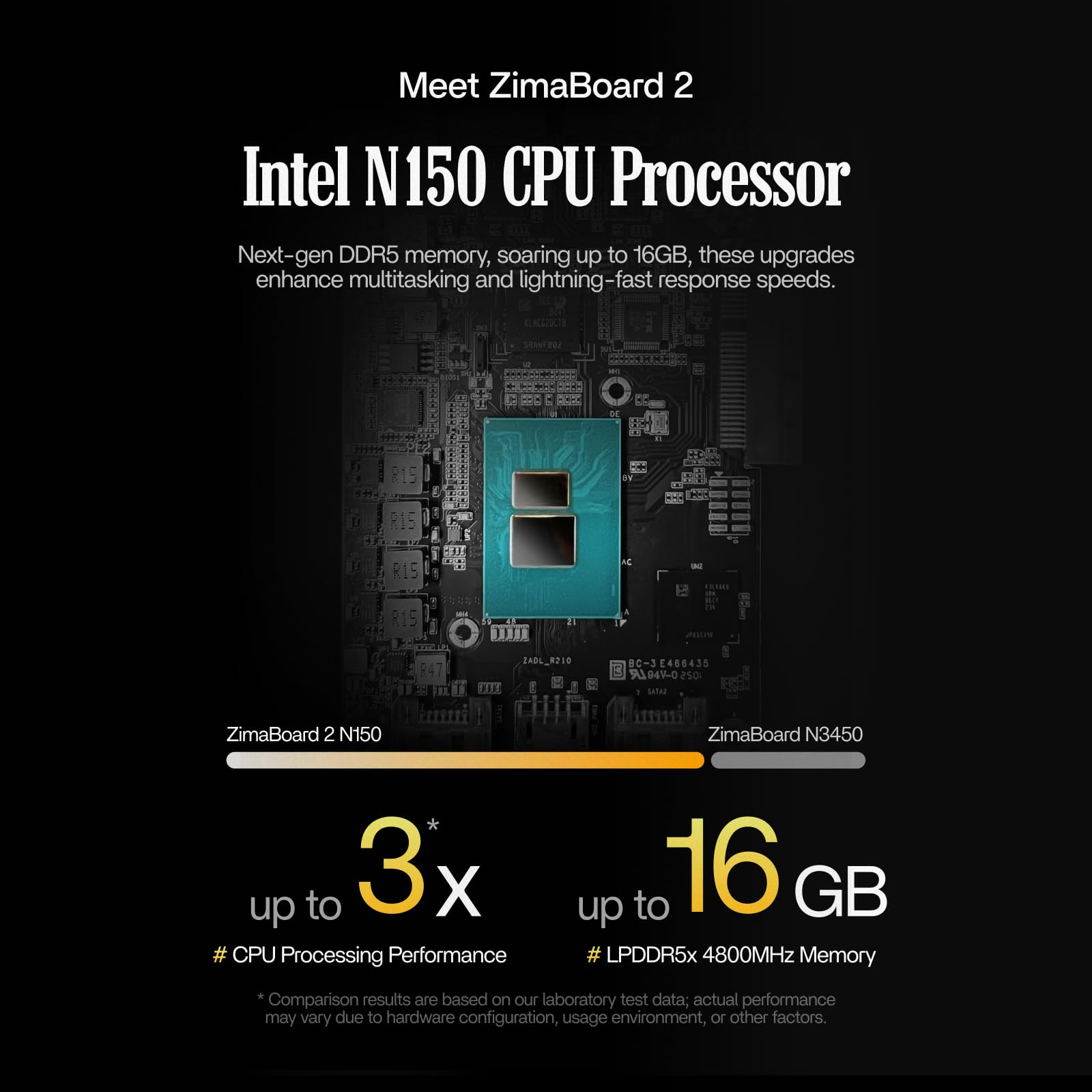
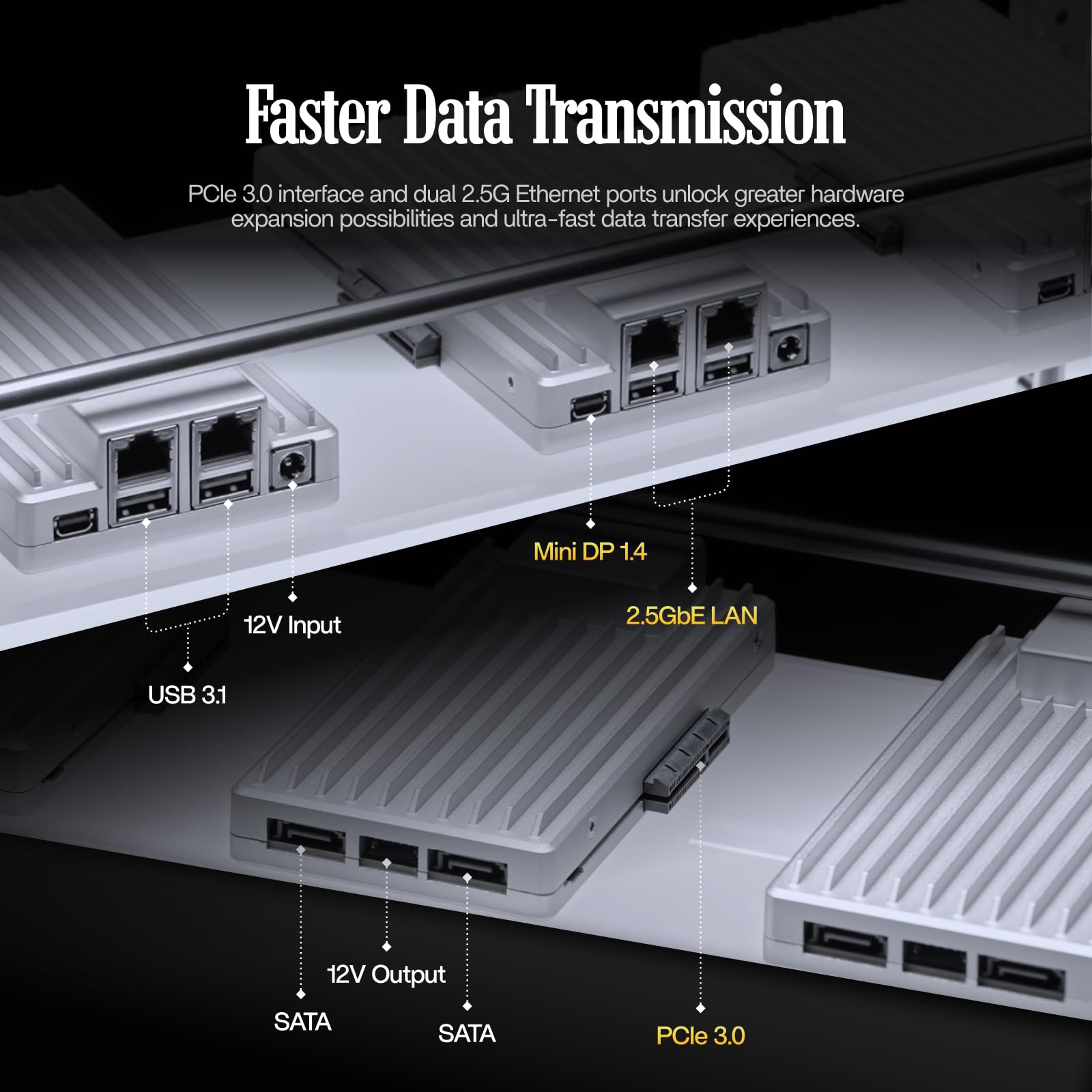
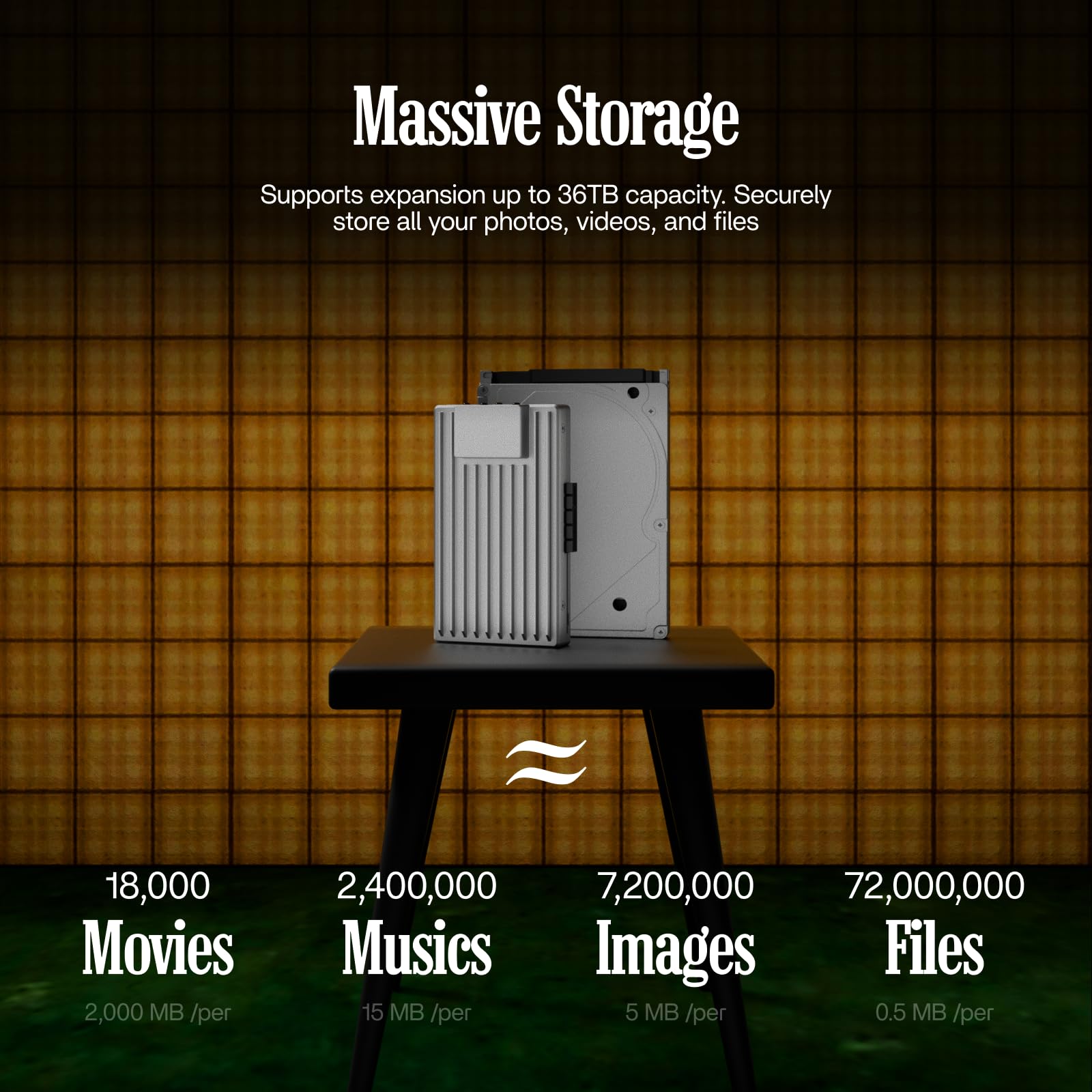
ZimaBoard 2 is a compact, fanless single board server powered by an Intel N150 CPU and 16GB LPDDR5 RAM, featuring dual 2.5G Ethernet ports and PCIe 3.0 expansion. Designed for DIY NAS, personal cloud, homelab, and firewall applications, it supports up to 36TB storage and local AI workloads, delivering enterprise-grade performance and silent operation in a palm-sized form factor.


| ASIN | B0FQP7ZPGW |
| Are Batteries Included | No |
| Best Sellers Rank | 30,223 in Computers & Accessories ( See Top 100 in Computers & Accessories ) 17 in Network Attached Storage (NAS) Devices |
| Brand | zimaboard |
| Colour | ZimaBoard 2 1664 |
| Customer Reviews | 4.4 4.4 out of 5 stars (366) |
| Date First Available | 11 Sept. 2025 |
| Form Factor | 3.5-inch |
| Guaranteed software updates until | unknown |
| Hard Disk Description | Mechanical Hard Disk |
| Hard Drive Interface | Serial ATA |
| Hard Drive Size | 36 TB |
| Hardware Platform | Mac, PC |
| Item Weight | 400 g |
| Item model number | ZMB002-SL21664 |
| Manufacturer | zimaboard |
| Product Dimensions | 14 x 8 x 3 cm; 400 g |
| Series | ZMB002 |
C**R
top notch player
arrived on time and setup in seconds 5 star review.
S**N
1yr in and still using and happy
Been running pfsense on this for nearly a year and working perfect!! Running a small home lab and web hosting!
M**S
Not that I expected
I bought this device to run AdGuard on my home network, but it's got some serious issues. The system is totally empty, with no other devices connected. But the network on the ZimaBoard keeps crashing, and I have to restart it at least twice a day. (hibernation, auto shutdown etc disabled. device is up however no network) On the other hand, I've been running AdGuard on another well-known SBC for years without any problems. And I even have AdGuard installed on a remote VPS, and it works just fine. Also their support is.... Well there is no support. Tried mail, their discord server. I would expect better if you look at the price. I wouldn't recommend this device.
C**.
Rip Off pricing on this Low Cost Server Computer
The seller is selling this WAY overpriced. It should be just under £200 for the board.
A**N
The price is 3 times the manufacturer's list.
Product looks good, but RRP is about £140 not the joke these guys are trying to push it at.
H**Y
*** RIP-OFF WARNING *** RIP-OFF WARNING *** RIP-OFF WARNING *** RIP-OFF WARNING ***
this price is nothing but a SHAMELESS RIP-OFF! if you think that i'll pay £425 for something that should cost £160 or so, then you can just THINK AGAIN! nuh-uh, NOT GONNA HAPPEN! i wish i could give this ZERO stars because of that extortionate price, but this site insists on at least 1 star which is already too much.
L**R
Surely this price is a typo?
Bought one last month and very happy with. It was well worth the £129 paid for it. Not sure why the price of £419 hasn’t been corrected as clearly it’s a mistake. At least I hope that’s the case otherwise it’s attempting to rip people off who don’t know any better.
G**Y
Cool Product, RIP OFF Price
Complete rip-off price of £556, which is £300 more expensicve than the price the manufacturer sells this device at? WHY!!!!!!!!!!
A**R
Worked flawlessly for a year. Now rebooting every day. No support online so far.
S**5
Ho acquistato questo mini-pc ultra compatto dopo aver visto alcune configurazioni per server e media Plex online, così mi sono orientato anche io su questa soluzione. Lo Zimaboard è una scheda completa con processore e ram installati, un sistema operativo su base linux preconfigurato alla quale è possibile connettere delle memorie e connettere il tutto alla rete. In confezione arriva la scheda con il suo alimentatore ed un connettore sata per un disco. Le dimensioni sono molto compatte, parliamo di un dispositivo che è più piccolo di un HDD da 3,5" con una ricca dotazione di porte, fra le quali due usb, due ethernet, una mini DP per un monitor, doppio connettore per dischi ed addirittura un connettore per pcie per espansioni. Per la mia configurazione mi è bastato connetterla via ethernet al modem ed entrare tramite browser nel sistema operativo CasaOs, un'interfaccia grafica che consente di monitorare la scheda, configurare eventuali dischi ed installarvi applicazioni per le più svariate funzioni: server, domotica, Plex, backup, ecc, il tutto con un minimo di smanettamento affrontabile anche da inesperti cercando qualche consiglio sul web. Nel mio caso specifico io vi ho collegato due HDD da 3,5" tramite un adattatore proprietario per sfruttarla sia come server sul quale condividere certi file e salvarli in un "cloud casalingo", accessibile tutto tramite browser (e se configurato bene anche da remoto via internet), sia come media server utilizzando Plex sulle varie tv e pc di casa, caricando così tutti i film e serie tv che possiedo e rendendole accessibili da qualsiasi dispositivo. Se pur una configurazione di base richieda un minimo di nozioni o ricerca, una volta regolato a proprio piacere risulta semplicissimo utilizzarla. Plex oltretutto consente addirittura di vedere film in 4k HDR Dolby Atmos senza problemi da HDD fisico e con la configurazione 232 (ovvero con 2GB di ram e processore minore della gamma), una vera goduria! Il tutto con un costo veramente limitato se si pensa che i NAS costano di più senza alcun disco all'interno. Ovviamente la mia configurazione è di "recupero" e può essere migliorata in qualsiasi momento (a parte la Zimaboard che va scelta in fase di acquisto con il taglio di memoria voluto) utilizzando degli ssd o addirittura M2 con apposito adattatore pcie per velocità ancora maggiori! Nel mio caso mi ritengo più che soddisfatto con l'attuale sistema, perchè riesco a farci ciò che volevo senza problemi. Il sistema operativo è comodo e funzionale, è piuttosto completo e personalizzabile con le varie app da installare ognuna con la propria funzione, per cui ce la si può configurare a piacere nei dettagli. Posso consigliare tranquillamente la scheda, che ormai mi accompagna da diversi mesi senza perdere un colpo, forse meglio nella configurazione 832 che è la più potente e consente di fare più cose multitasking senza saturare memoria o scaldare troppo. Indicata per chi sa smanettare un po' ma anche ai neofiti, semplicemente cercando sul web qualche guida o consiglio per configurare le proprie applicazioni. Forse consiglierei anche di applicare una ventola di raffreddamento sulle alette superiori, soprattutto se, vista la compattezza, la si posiziona in qualche spazio ristretto con un disco che scalda a sua volta nell'utilizzo, così da evitare qualsiasi problema dovuto ad eccessivo calore ed allungarne la vita! Veramente una sorpresa e completamente personalizzabile per i più svariati utilizzi, un prodotto top per i server casalinghi!
A**.
Micro pc súper funcional, dedicado para ser un servidor personal, NAS privado, servidor multimedia, con casa Os preinstalado
B**A
Does everything that I was missing from the RPi: on board storage and Sata ports.
N**Z
I bought my Zimaboard 232 for a pfSense project, to build a dedicated site-to-site Wireguard tunnel between my data core pfSense router and a new remote node. As a long-time Raspberry Pi builder, I was really excited by the possibilities of the Zimaboard. My first impression was that the coolness factor is just off the charts. The heatsinks look sweet. No fans. Dual NICs, PCIe slot, how cool is this! The chipset even supports AES-NI CPU crypto, which is really important for VPN routers (even though I don’t get to take advantage of that with Wireguard). The possibilities are vast with this thing. For my application, I added rubber feet to stabilize it on a flat surface. The Zimaboard has enough weight to make it stick to a desktop nicely with the added feet. I’m a bit surprised this wasn’t included with it. Installing pfSense was exactly as it usually is (F11 key to enter boot device selection to boot from USB). It went quick with no surprises. It assigned the two NICs to re0 and re1, left and right ports on the rear of the Zimaboard respectively. I have read online that pfSense sometimes has issues with Realtek NICs, but after 3 weeks of heavy traffic utilization, I have had zero glitches. I have not had to disable hardware checksum offload in pfSense. Solid. I have pushed close to 10 TB of data through my Wireguard tunnel in the last 3 weeks, and it hasn’t missed a beat. The processor keeps up with Wireguard throughput up to around 150mbps very well. I will attach a screenshot of the pfSense dashboard that was captured after a large file transfer had been running through the Wireguard tunnel for about 10 minutes at around 80mbps. This is perfect for my application. It also comes with some very cool stickers, which I just love. Nice touch. Rock solid on pfSense so far. So cool!
Trustpilot
Hace 1 día
Hace 2 semanas