We remain fully operational. Our teams are working around the clock to ensure your deliveries continue safely.

Descargar la aplicación


Servicios al cliente
Sobre nosotros
Copyright © 2025 Desertcart Holdings Limited
Descargar la aplicación

Buy anything from 5,000+ international stores. One checkout price. No surprise fees. Join 2M+ shoppers on Desertcart.
Desertcart purchases this item on your behalf and handles shipping, customs, and support to Colombia.
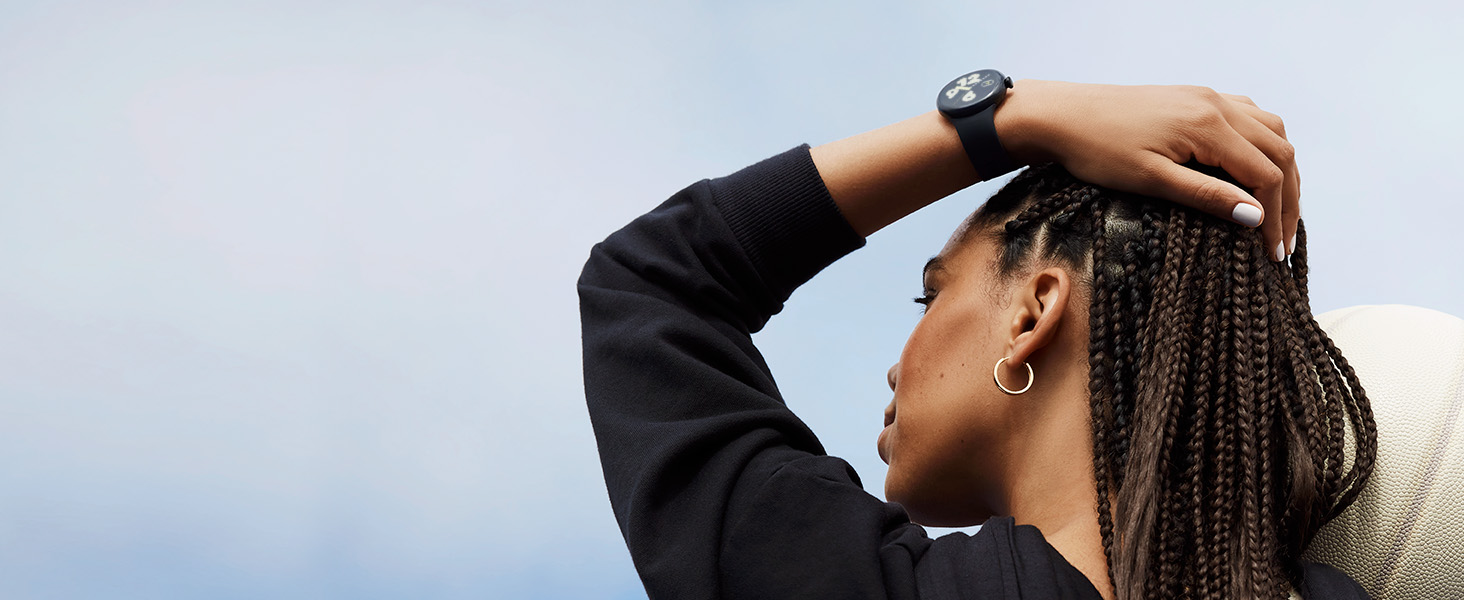
⌚ Elevate your wrist game with Pixel Watch 2 — where smart meets stylish and safe.
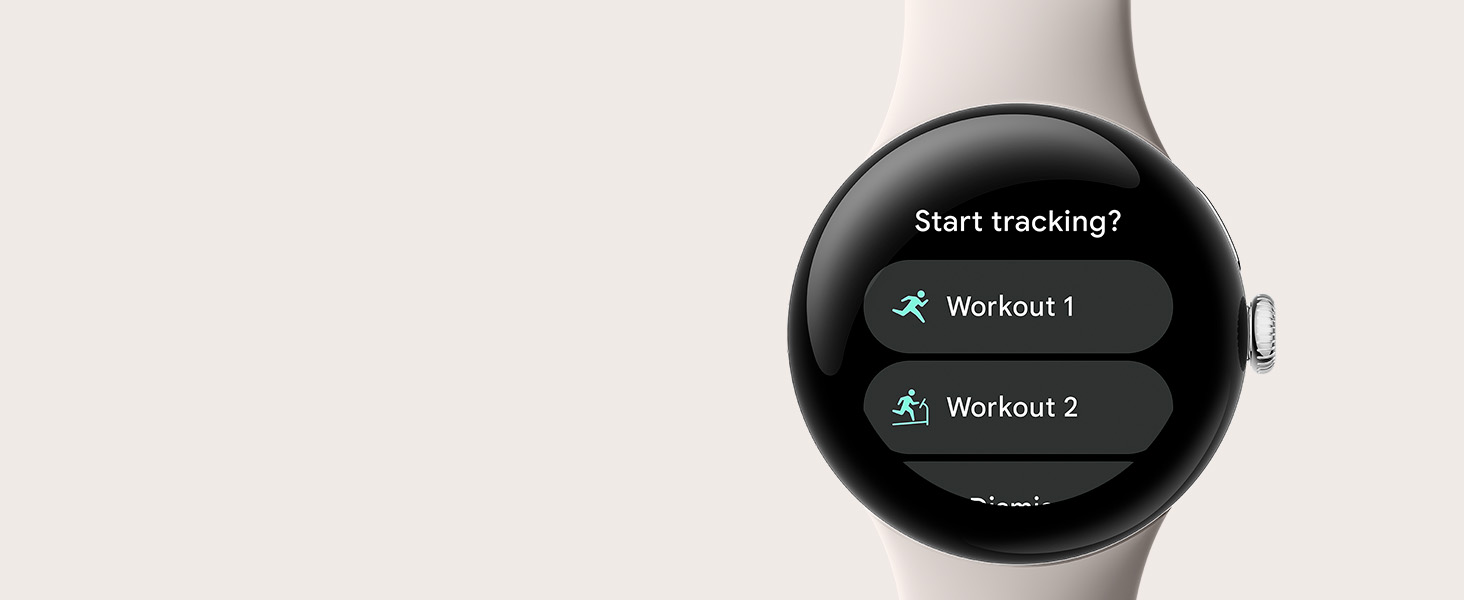
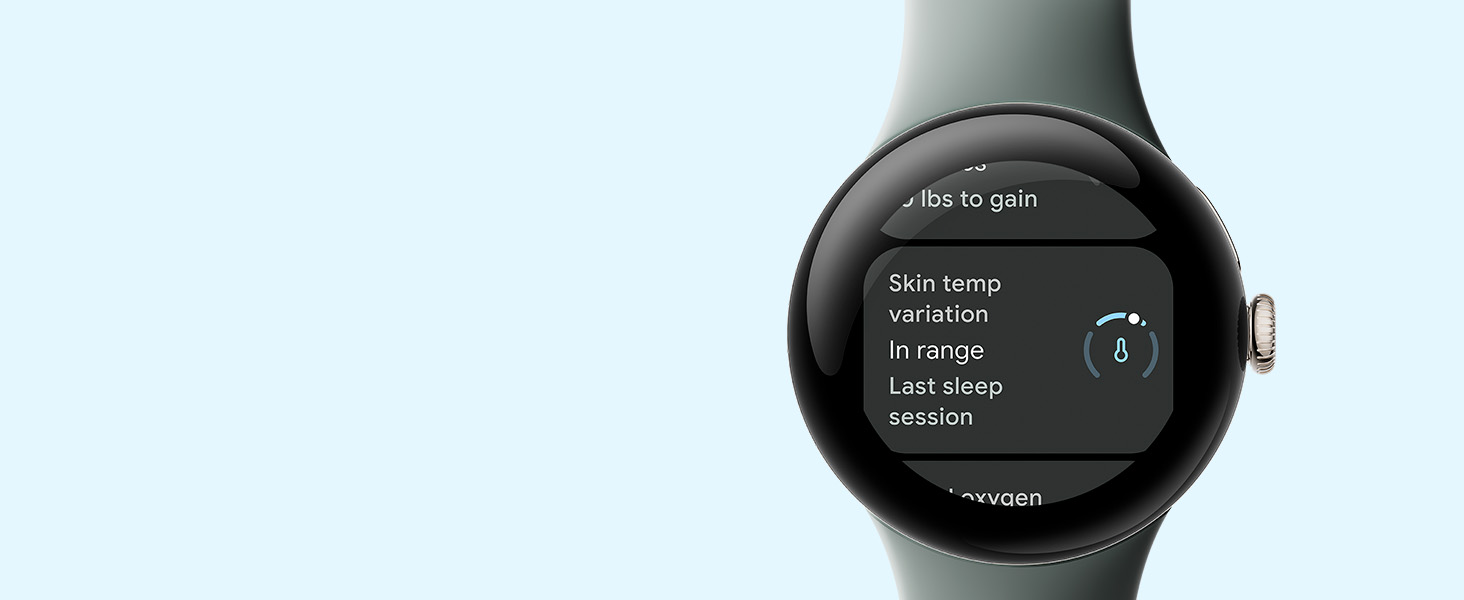
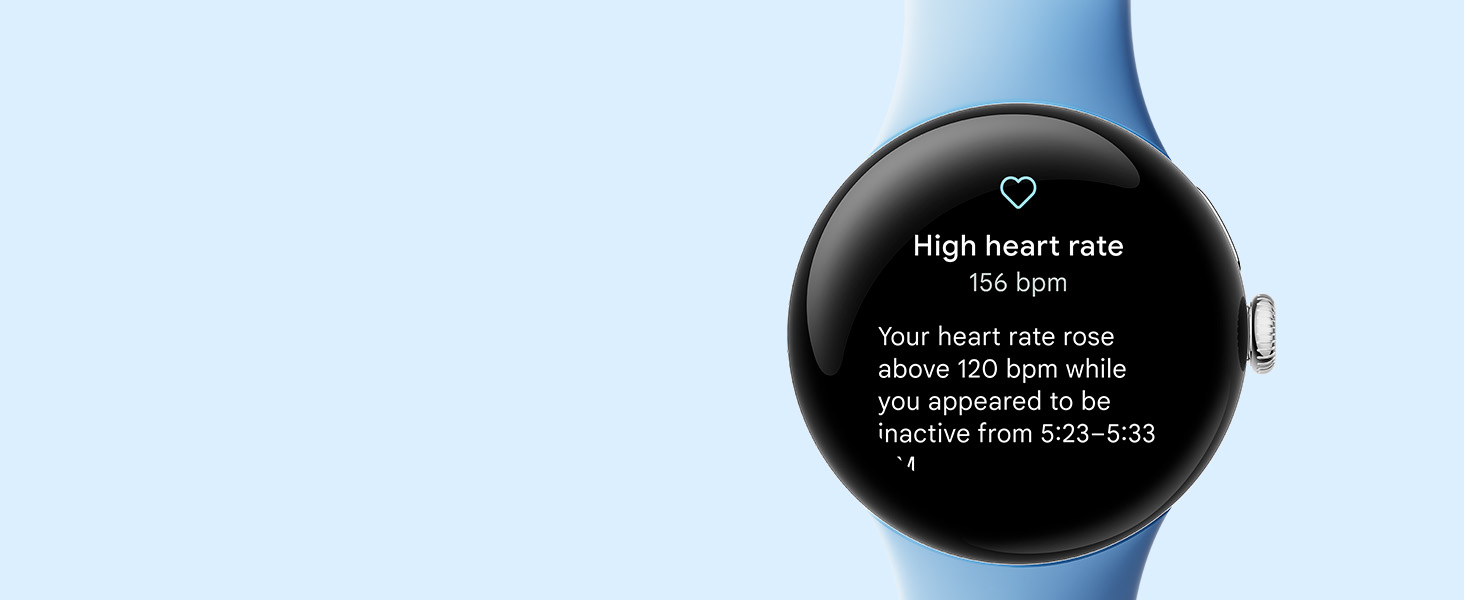
The Google Pixel Watch 2 combines cutting-edge Fitbit health sensors—including heart rate, skin temperature, and stress monitoring—with Google’s seamless app ecosystem. Featuring a polished recycled aluminum case and Bay Active Band, it offers 24+ hours of battery life with fast charging, always-on display, and advanced safety features like Emergency SOS and Fall Detection. Designed for Android users seeking precise health insights, effortless connectivity, and a sleek, sustainable look.








| ASIN | B0CCQDYY8X |
| Batteries | 1 Lithium Ion batteries required. |
| Best Sellers Rank | #14,021 in Electronics ( See Top 100 in Electronics ) #349 in Smartwatches |
| Color | Silver Case - Bay Active Band - Wi-Fi |
| Connectivity technologies | Wi-Fi |
| Customer Reviews | 4.3 4.3 out of 5 stars (2,268) |
| Date First Available | October 4, 2023 |
| GPS | GPS Via Smartphone |
| Human Interface Input | Touchscreen |
| Item Weight | 7.4 ounces |
| Item model number | GA05032US |
| Manufacturer | |
| Memory Storage Capacity | 32 GB |
| OS | Android |
| Other display features | Wireless |
| Product Dimensions | 7.82 x 1.72 x 0.55 inches |
| Scanner Resolution | 384 x 384 |
| Special features | Accelerometer, Activity Tracker, Always On Display, Body Temperature Monitor, Calorie Tracker |
| Standing screen display size | 41 Millimeters |
| Whats in the box | Google Pixel Watch, Quick Start Guide, USB-C Magnetic Charging Cable, Watch Band |
G**N
I'm Quite Happy With My Purchase! Upgrade from 4 stars.
I had to replace my aging Galaxy S3 Frontier which is at it's end of life. I love that watch! I was going to get either a Galaxy S6 Pro or a Pixel Watch 2. After much soul searching, I knew I had to make a decision. so the gambler in me decided to try something new. I'm glad I did! Now clearly, a watch released less than 6 months ago is going to out perform one released 6 or 7 years ago. But the improvement in performance is remarkable. It's faster responding, pairs quickly and easily with my Pixel 6a smartphone, and has superior software. It's really the software that makes the smartwatch useful and productive. And to Samsung's credit, they kept my old war horse's software current. But, the Fitbit software is much more modern than Samsung Health. It can scan barcode label on food packages when I record what I eat and it is much more flexible in terms of how the nutrient servings list is recorded. And that means less manual calculations when trying adjust servings from grams to, say, ounces. Heart monitoring is more accurate, stair climbing is much more accurate, and sleep monitoring is actually usable. It might be the advancements in sensor quality rather than the software algorithms. But I do trust the results more. Charging the battery is FAST. I get about 36 hours of life from the battery, on about 45 minutes of charging. Twenty minutes of charging while I shower in the morning will give me about 12 hours of battery life. The wireless magnetic charger is a little different from the Samsung watch, but it is very functional. The user needs to make sure that the crown and stem is parallel to the power cord, and once the watch is about an inch away from the charger, the charger is drawn to the watch magnetically and it leaps up and connects to the watch. This is not BS on my part, it happens everyday. Only once has this connection not been made perfectly. The PW 2, is smaller and lighter, physically. It's about the size of a traditional men's mechanical dress watch. My ancient eyes can see the slightly smaller screen with ease. My arthritic gorilla fingers akso have no problem manipulating the screen. It is comfortable to wear long term, even to bed, for sleep monitoring. It offers a more classy and elegant appearance than the larger and sportier S6 Pro. I was comfortable with the new user interface within a day or two; so I think people coming from another brand won't have a huge learning curve. Like the Pixel Smartphones, Google uses a simple and uncluttered interface that I found very intuitive. I am quite pleased with my purchase,and can recommend it to others.
C**D
Nice fit and sturdy, but step count is always off
Love this watch. Easy to switch bands and the bands stay attached unlike my Fitbit. Watchface is easy to read and not too big. You have to make sure the charger is on snug or it won't charge. This has only happened once to me. I guess I bumped the charger and it moved enough that the watch didn't charge. It doesn't keep step count well. It is always at least 200 steps off. That it frustrating. For this reason only I have been thinking about going back to Fitbit.
P**X
Awesome Watch
I got the Pixel Watch 2 a few weeks ago, and I couldn't be happier with it! I was looking for a smartwatch that would not only look cool but also offer great functionality, and the Pixel Watch 2 delivers on both fronts. The design of this watch is sleek and modern, and I love the customizable watch faces that allow me to express my style. The build quality is top-notch, and it feels durable, which is important for someone like me who's always on the go. The performance is outstanding. The watch is super responsive, and the apps load quickly. I can easily track my steps, heart rate, and sleep quality, which helps me stay on top of my fitness goals. Plus, the integration with Google Fit is seamless, making it easy to monitor my progress. The battery life has been impressive. I can wear it all day, even with active use, and I usually have some juice left at the end of the day. The fast charging feature is a lifesaver when I need to top it up in a hurry. One of my favorite features is the Google Assistant integration. It's incredibly handy for setting reminders, asking questions, and controlling smart home devices. Voice commands work like a charm, and it feels like having a personal assistant on my wrist. The Pixel Watch 2 also keeps me connected with notifications from my phone, so I don't miss important calls or messages. It's a great way to stay in the loop without constantly checking my phone. Overall, the Pixel Watch 2 is a fantastic smartwatch for teenagers like me. It combines style, performance, and functionality in one package. I can't recommend it enough!
R**�
Great smartwatch
I bought this smartwatch as a gift for my husband. The design and color I chose are neutral and beautiful, and they go well with my husband's style and personality. Among the positive things my husband highlighted about the watch are its easy integration with his smartphone, which is also a Pixel. It tracks sleep cycles and exercise routines quite well, which helps you stay fit and regulate your sleep routines. Among the negatives is the battery life, which doesn't last more than 24 hours.
K**E
Great purchase!
Obsessed with my pixel watch. I am a pixel phone user as well, so love that it connects with my Google fit and my Fitbit app. Lots of apps available on it, as well as phone answering and texting. Gps works great! I use it mostly to track my vitals and workouts. But my ring camera also connects to it and shows me when someone is at my door. Only negative is that the battery doesn't last long--maybe a day and a half. However, it charges quickly and I just set it on the charger while I do my makeup and get ready for my morning and it's almost fully charged by then. Lots of clock face customization too.
M**O
No sirve venía abierto
K**T
+Très bonne montre, bonne performance, très fluide, permet de compter ses pas, avoir des infos sur son sommeil, voir notre rythme cardiaque, etc +On peut aussi répondre aux appels messenger par exemple et la qualité audio est vraiment pas mal +On peut utiliser google map et même télécharger des map hors ligne, donc si jamais votre téléphone manque de batterie et que vous êtes perdu, vous pouvez avoir le gps sur votre montre +Elle fit bien avec tout, j'aime bien son look perso, pas trop grosse, pas trop petite - La batterie dure moyennement longtemps, environ 32h sans le always on display, mais au moins elle recharge quand même assez vite
M**R
Love this watch. Really nice size for small wrists. Looks great. Easy to change bands. Battery life is ok. Great value for money
J**K
I love everything about this watch! When I first got it, every morning when I woke up I had to edit my sleep time as it always records me being awake 30 minutes to an hour before I was. After wearing it for a bit though, it seems to have gotten a lot better. Maybe it just needs some time to get to know your patterns. Now, I just couldn't be happier! I love the customization, with this watch, especially how I'm able to choose which stats show during workouts. Battery is actually good (at least for someone like me - use the tap to wake feature and don't use GPS). I charge it to 80% nightly and it's usually still at 35-40% 24 hours later. It's also extremely sleek looking and the perfect size. I'm a woman so a big reason I chose this watch is because it's smaller than a lot of the newer ones. I hope pixel continues making similar watches so I can stick with them in the future. Highly recommend!
S**.
Upgrading from an old Galaxy Gear S2 to the Pixel Watch 2 has been a pretty drastic change, some of the features I really like, some not so much. To start off, the battery life is reasonable. I don't use always on display, and I'm not constantly getting notifications (I'm selective as to what pushes to my watch) and I get 2 full days of use out of it. Charging is quick and I usually plug it in while I have a shower and drink my morning coffee. The fitness tracking is great and accurate, however what I strongly dislike is the need for a Fitbit subscription. It did come with 1 year for free, but I'll be curious to see how functional it really is after that subscription ends. Sleep tracking is just okay in my opinion, it often tracks me reading a book as being asleep. I get that I'm not moving much during that time, but my old watch never made that mistake. One handy feature is the ability to download music to the watch so I can listen while on a walk and don't need to take my phone. Being phone free is really nice sometimes. I just got a pair of pixel ear buds (yes, I'm fully bought into the Google eco system now) and the switching between phone and watch is seamless. Overall, I'm happy with the watch, but for the price, I kind of expected a more premium experience vs. my old Samsung and I'm just not feeling like it was that big of an upgrade considering how many years the two devices are apart.
Trustpilot
Hace 3 días
Hace 1 mes