We remain fully operational. Our teams are working around the clock to ensure your deliveries continue safely.

Descargar la aplicación


Servicios al cliente
Sobre nosotros
Copyright © 2025 Desertcart Holdings Limited
Descargar la aplicación




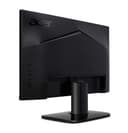


🎯 Dominate your desk with clarity and speed — the Acer KB272 EBI means business and play.
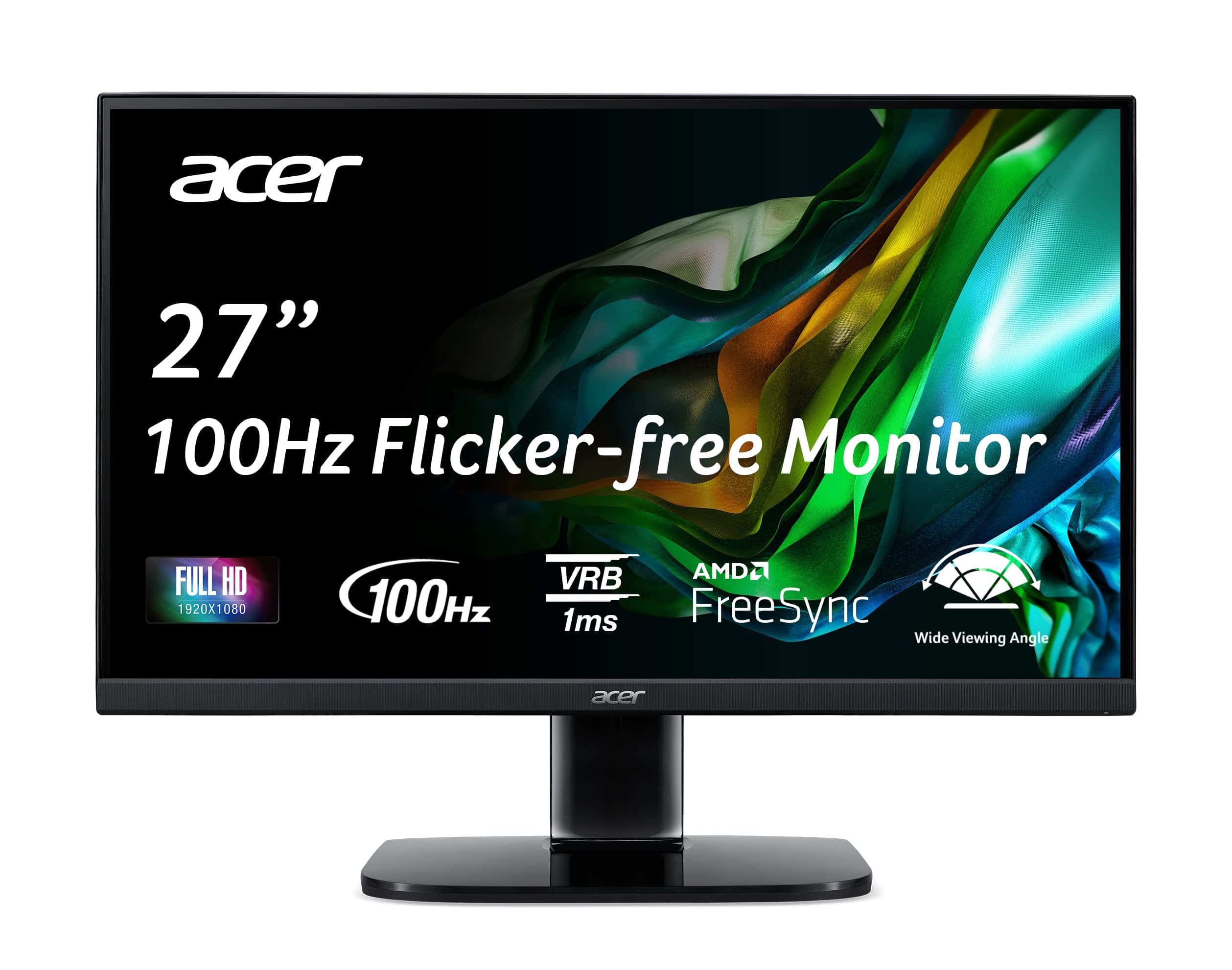
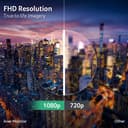
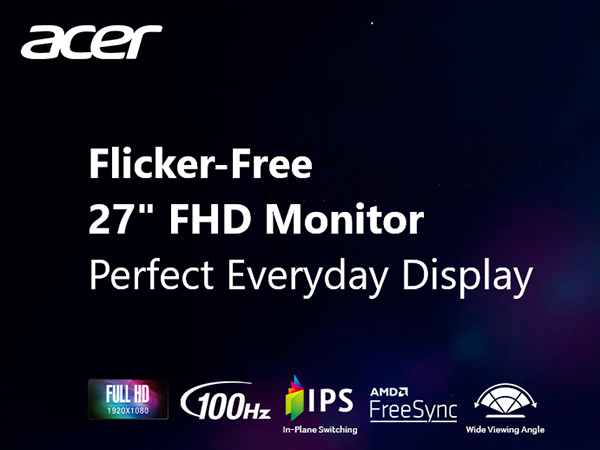
The Acer KB272 EBI is a 27-inch Full HD (1920x1080) IPS monitor designed for professionals and gamers seeking sharp visuals and smooth performance. Featuring AMD FreeSync technology, a rapid 1ms VRB response time, and a 100Hz refresh rate, it delivers tear-free, fluid motion ideal for competitive gaming and multitasking. Its ergonomic tilt, zero-frame design, and versatile HDMI/VGA connectivity make it a stylish, practical addition to any modern workspace or gaming setup.


| ASIN | B0BY9NPLP4 |
| Adaptive Sync | FreeSync |
| Additional Features | Tilt Adjustment |
| Aspect Ratio | 16:9 |
| Best Sellers Rank | #197 in Electronics ( See Top 100 in Electronics ) #5 in Computer Monitors |
| Brand | Acer |
| Brightness | 250 Nit |
| Built-In Media | 1 x HDMI 1.4 Port & 1 x VGA Port (HDMI Cable Included) |
| Color | Black |
| Color Gamut | 99 |
| Compatible Devices | Desktop, Gaming Console |
| Connectivity Technology | wired |
| Contrast Ratio | 100M:1 |
| Customer Reviews | 4.6 out of 5 stars 1,821 Reviews |
| Display Resolution Maximum | 1920 x 1080 |
| Display Technology | IPS |
| Display Type | LCD |
| Hardware Connectivity | HDMI, VGA |
| Has Color Screen | No |
| Image Contrast Ratio | 100M:1 |
| Is Electric | No |
| Item Dimensions D x W x H | 7.9"D x 24.5"W x 18"H |
| Item Weight | 11.9 Pounds |
| Manufacturer | Acer |
| Model Name | KB272 EBI |
| Model Number | UM.HK2AA.E02 |
| Mounting Type | Wall Mount |
| Native Resolution | 1920x1080 |
| Number of Component Outputs | 1 |
| Picture Quality Enhancement Technology | HDR 10 |
| Pixel Pitch | 0.311 |
| Power Consumption | 42 Watts |
| Refresh Rate | 100 Hz |
| Resolution | FHD 1080p |
| Response Time | 1 Milliseconds |
| Screen Finish | Matte |
| Screen Size | 27 Inches |
| Screen Surface Description | Matte |
| Shape | rectangular prism |
| Specific Uses For Product | Business, Desktop, Gaming |
| Total Number of HDMI Ports | 1 |
| UPC | 195133196444 |
| Unit Count | 1.0 Count |
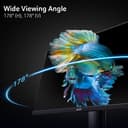
| Viewing Angle | 170 Degrees |
| Warranty Description | 3 year parts and labor |
| Warranty Type | 3 Years Limited Manufacturer Warranty |
J**B
Amazing Display Quality and Value with the Acer KB272 EBI 27"
I’m extremely impressed with the Acer KB272 EBI 27" IPS Full HD monitor! The picture quality is absolutely stunning, with vibrant colors and sharp details thanks to the IPS panel. Watching movies, playing games, and working on design projects have all been a joy with this monitor. The 27-inch screen size is perfect for multitasking and gives me plenty of room to work without feeling cramped. The setup was simple, and I appreciate the slim, modern design that fits seamlessly into my workspace. The viewing angles are fantastic, and I’ve noticed no color distortion from different angles. Overall, this monitor offers incredible value for the price, combining excellent performance with sleek aesthetics. Highly recommend it to anyone looking for a high-quality, affordable display!
T**L
Great secondary monitor
No issues with setup at all, ability to rotate 90 degrees is very nice, and it is nearly identical size to the 4k version. This is a good secondary monitor for work and text/website scrolling, but for a higher performance monitor for gaming I’d spend the money on the 4k version
W**R
Good monitor for the price, no problems attaching the base.
First thing I noticed right away after setting this up was that compared to my older 24" Acer monitor, this one is considerably brighter and the image is considerably clearer. As for gaming, I only do flight sims so I don't think the speed of the monitor is as critical for that as it may be for some other games. But this one did not give me a hit on FPS like a higher resolution monitor would, while it is still a bigger and clearer view. I paid $120 a few days ago and I think it's more than worth that price, however I see today it's down to $99. Seems like a good deal, and at that price I'd buy another except I already have a two monitor setup and no room to add a 3rd. Setup was easy. I'm no expert on these things so I always have a lot of anxiety ahead of time and worry there will be problems I can't work out. Not so here. Followed simple instructions, plugged it in, turned on the monitor then the computer, and the screen lit up with a perfect picture. There are options for a few adjustments and the on screen prompts make them easy to use if you feel you need to fine tune it for your situation. Now, for the base attachment that so many are complaining about... I think maybe Acer has fixed this problem now and this one was from new stock. There was no need to force anything. The base simply slides into the receptacle on the back of the monitor and clicks to lock it in place. Removing it is easy as well by pushing the release button and sliding it out. I'd recommend laying the monitor face down (on a soft surface of course) where there is good light and examining how the attachment works before putting it together. It's pretty easy to see, and the only thing you need to do is make sure you line it up right to slice it in until it clicks. If you line it up right first it doesn't take hardly any pressure at all. So take a few seconds to study it first and you won't have a problem, at least not if the one you get is the same design that they sent to me.
R**L
Quality monitor
Great monitor great price
S**E
Great monitor for the price
This ACER monitor is a solid choice, especially for the price. I bought two of them for a side-by-side dual-display. No dead pixel (that I can see at least), the viewing angles are great, and the colors are pretty accurate, though I had to tweak them a bit to get everything just right. It’s got ok contrast and performs well in games as far as I can tell—nice and responsive with no lag at least in the games I play (nothing hardcore, mostly RPGs). On the downside, the build feels a bit plasticky, and it’s not the most stable on the desk. Overall, though, for what you’re paying, it’s a great deal. Definitely recommended.
A**N
Acer 27” Still Great Over 4 Years Later
As a 100% remote worker in IT for over 6 years, I prioritized my eye health when setting up my office. I use these monitors well over 10 hours/day, so had no reservations in getting the larger displays. The lower tier are all Acer 27” monitors, 3 of which are over 4 years old and the 4th just added. All perform equally well, with no difference in color or brightness. Can you spot the newest unit? Appearance-wise, physical and image quality, they’re identical (lens distortion makes the middle 2 seem narrower)! If you guessed the one on the far left, it’s actually the far right one ;-) . I use dual docking stations and mix/match between Windows (Lenovo work laptop) M2 MacBook Pro, and occasionally a Linux. The Acer monitors are also my travel monitors. (Hint: Keep your Boxes!) Three, packaged together as one unit (custom fit in an outer box), is just small and light enough to qualify as checked luggage! The original 3 27” Acers have traveled across the US multiple times. I absolutely rely on these Acer 27” monitors daily for work and off-hours for content creation. So what changed in 4 years with the Acer? - The original ones are super thin but rely on an external small and light power brick; the latest version has the power supply built in, so you only get a power cable and the lower base depth, front-to-back, is thicker but not a show-stopper for most uses. - The original 3 have audio pass- through control, (which I’ve never used); no audio port on the new one - Power and image buttons on the bottom right edge on the older model, moved lower right edge And since you’re curious, the upper 3 displays are 6-year old LG 32” monitors … not nearly as good as the Acers, if I’m being honest.
A**T
Awesome for the price and my uses
These reviews are mixed together; I have the 27" IPS 100hz version. I use the HDMI (digital) port for connection, but it's nice that this monitor also has a VGA (analog) input option as VGA is a past standard for older computers. To my eyes the brightness and colors are great right out of the box, and the picture is very clear. I don't play fast-action video games, so I can't comment on how well it works for those. But for text, spreadsheets, and normal web browsing (including YouTube) this works very well. Positives: IPS (for me) is preferable to VA type monitors. It's a small difference but if you are picky, here's IPS. The border is very thin, thus you've got maximum usable screen space with almost no waste. The price was incredible at $120. I see that it's now $160 and I think still a good value there. Great picture right out of the box. VESA wall (or arm) mountable. Choice of HDMI or VGA input. Looks good with the power on or off. Potential negatives (for some people): Provided base is very wide at the bottom, and possibly difficult to attach to monitor. I tried briefly to attach the screen to the base, instructions say something about turning it to attach securely - I couldn't figure out how to attach it securely. This didn't matter to me because I planned to use a "monitor arm" (I have one from MOUNTUP) and that works great on my computer desk which is about 1" thick. But if you want to use the included base, I'm not sure how to attach it securely, and I might ding it a star for that. The AC to DC power convertor (aka power supply) is inside the monitor, which gives it an elegant look vs. a separate power supply. However, if the power supply dies, good luck replacing it. At the price paid this is ok, and might even be preferable for some people. The power cord and connections to the computer (HDMI or VGA) attach upward from the bottom, rather than straight into the back. Again this looks more elegant but I would prefer straight into the back, as that is easier to attach. You might need to do some fumbling around before you get it all connected. The monitor is adjustable for brightness, colors, on/off etc. from the back of the unit on the right side. These are easily reached by "feel" once you know where they are, and which is which. One of the switches starts an on-screen "menu" that you can navigate. I made it appear but haven't tried to adjust it. This is probably how all monitors adjust now, but I preferred the old days when monitors had 5 or so physical switches on the front or bottom edge, so you could change brightness, color hue, etc. Of course those monitors were also much more expensive than today's monitors, for a smaller picture that wasn't as good as today's. Just saying that if you want to change the settings, it may take some fumbling to get the hang of it. It doesn't have the pixel density of more expensive monitors, but for my use I don't need it the higher density. To me the picture and text looks really good from where I sit, which is about 2 feet away. Overall this is fantastic for my uses as a VESA-mounted non-gaming monitor, and incredible at the price I paid. The only frustration I can imagine is if you use the included base/stand and can't figure out how to secure it to the screen (there must be a way, I would think, but I didn't try very hard since I was going to use an external "arm" mount anyway). Or if you do fast-action gaming, maybe it's not as good as some, but I have no idea about that.
J**C
Very good monitor!
Love this monitor. Its holding up great. Cant say anything more.
Trustpilot
Hace 2 meses
Hace 5 días