Some deliveries may take a little longer than usual due to regional shipping conditions.

Descargar la aplicación


Servicios al cliente
Sobre nosotros
Copyright © 2025 Desertcart Holdings Limited
Descargar la aplicación

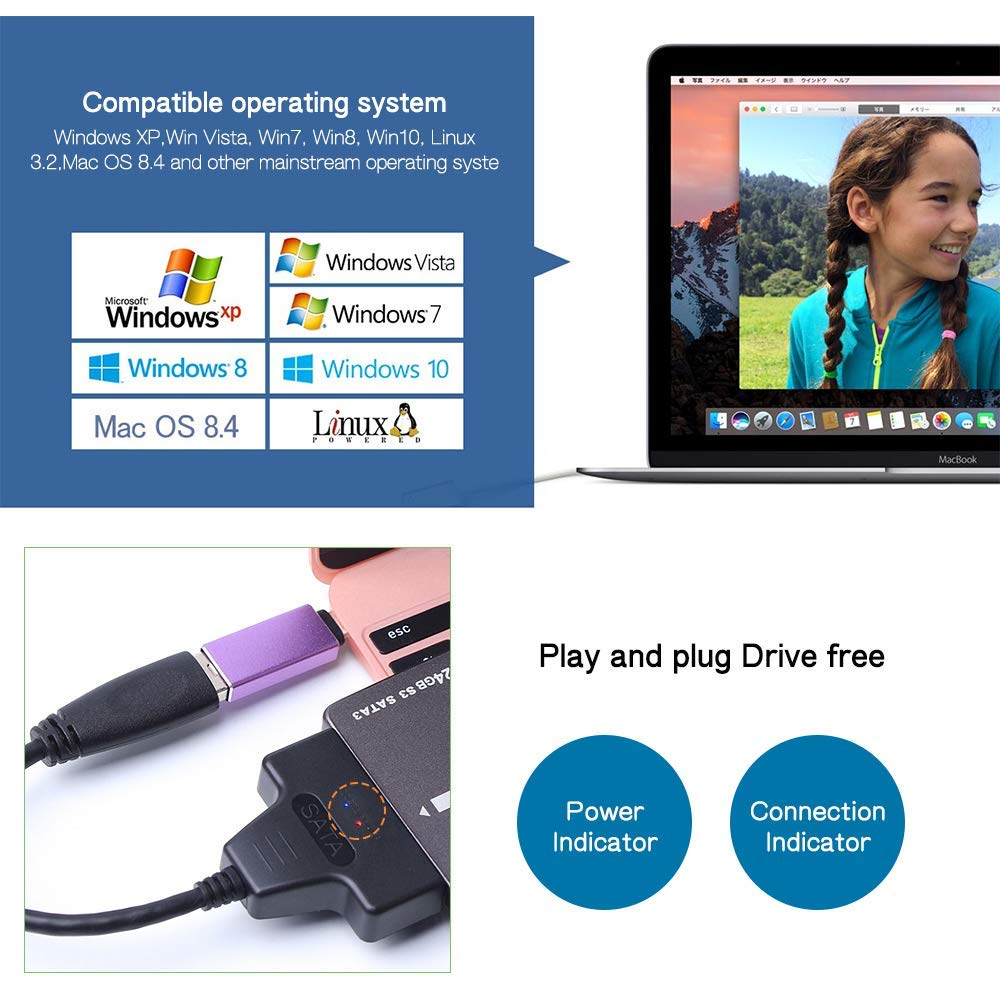
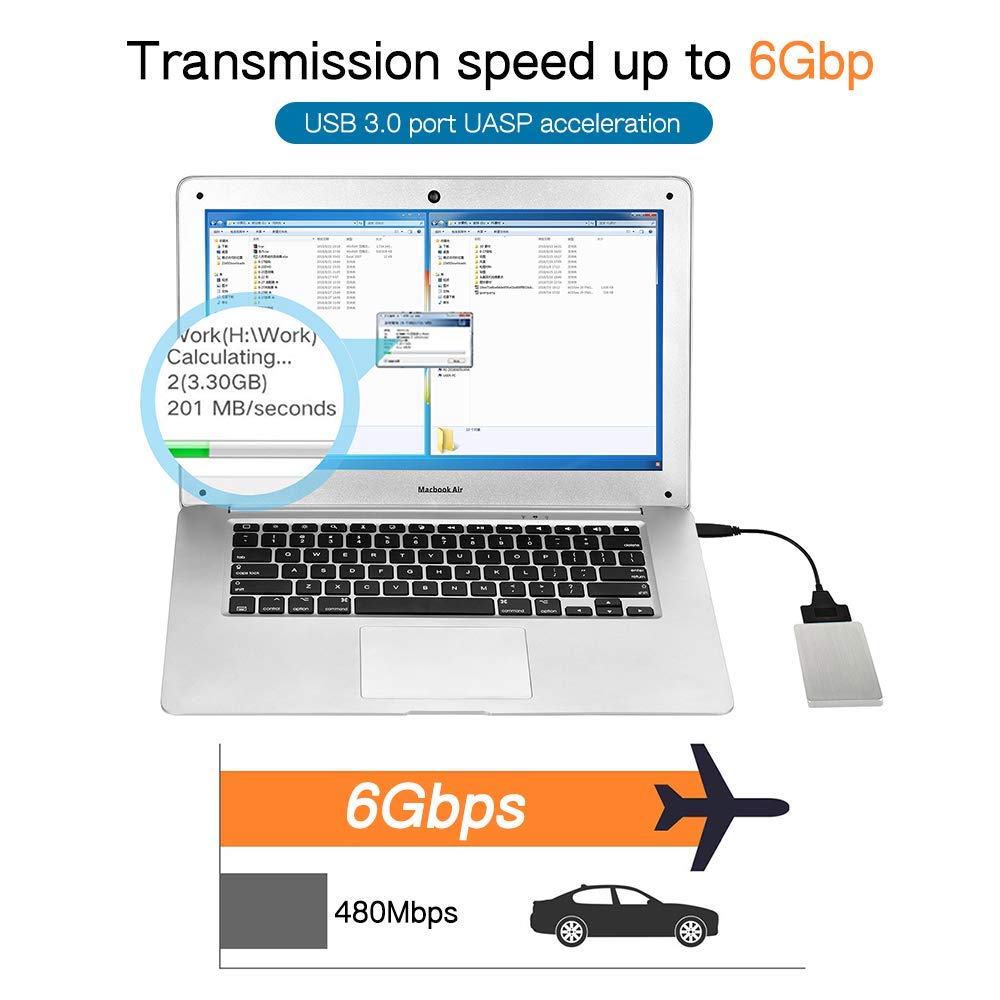
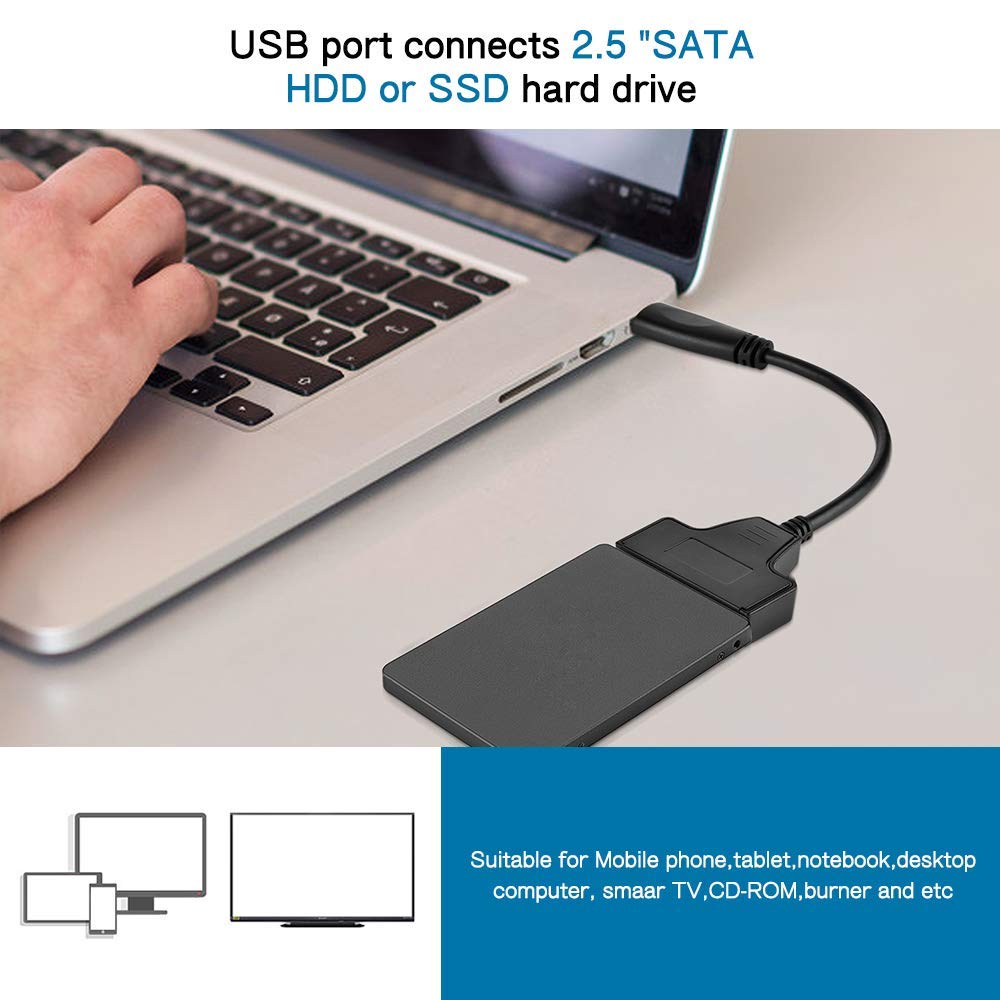
⚡ Unlock lightning-fast storage freedom — clone, backup, and upgrade like a pro!
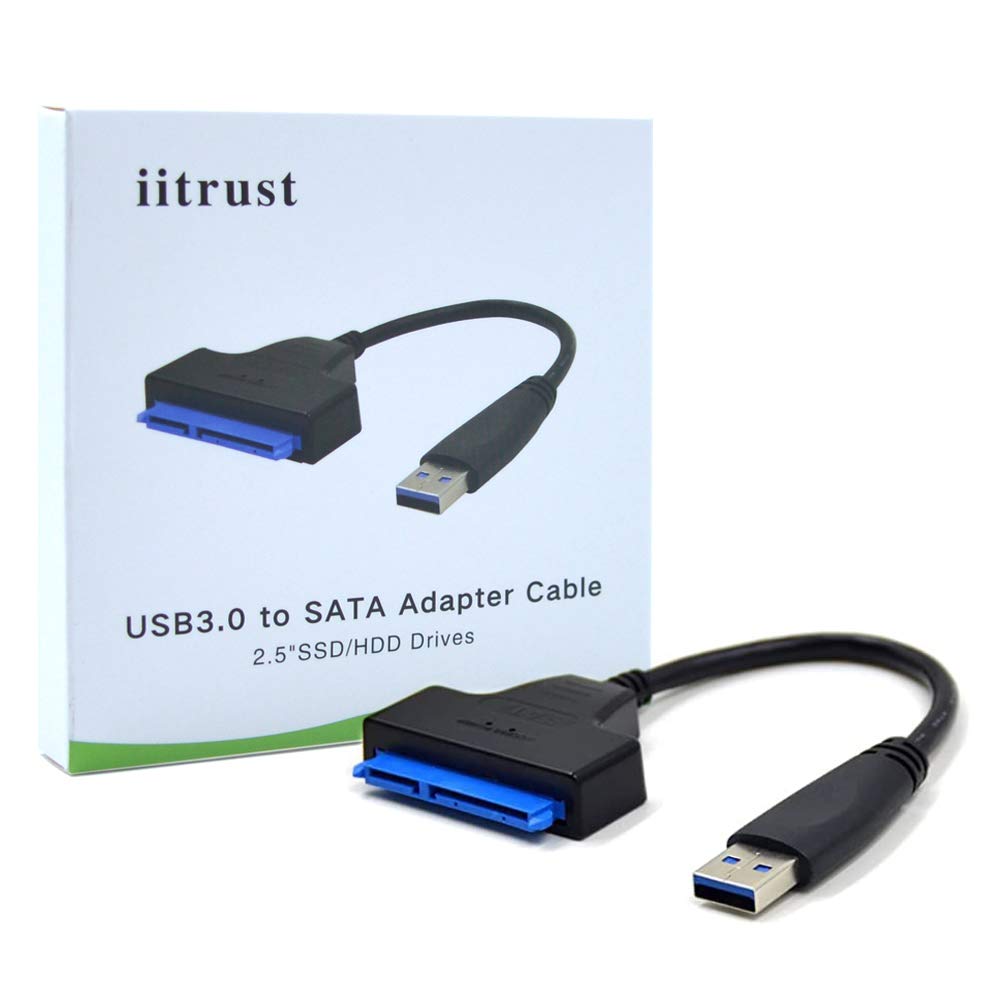
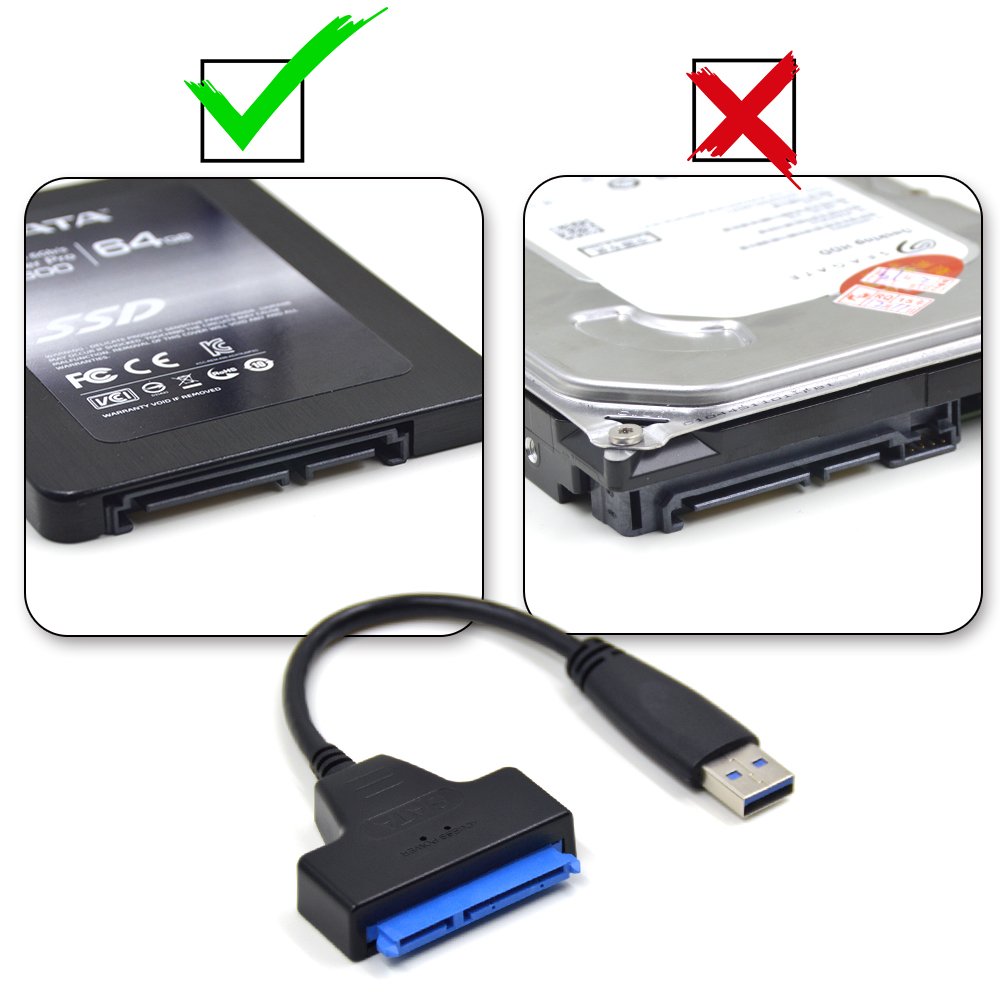
The iitrust USB 3.0 to SATA Adapter Cable delivers ultra-fast 5Gbps data transfer speeds with SATA III support, compatible across major Windows and Mac OS platforms. Its plug-and-play design requires no external power, supporting 2.5" SSD/HDD drives and select 3.5" drives, making it an essential tool for seamless drive cloning, backups, and external storage expansion.
| ASIN | B01N2JIQR7 |
| Guaranteed software updates until | unknown |
| Item model number | D125-C-BLK |
| Manufacturer | iitrust |
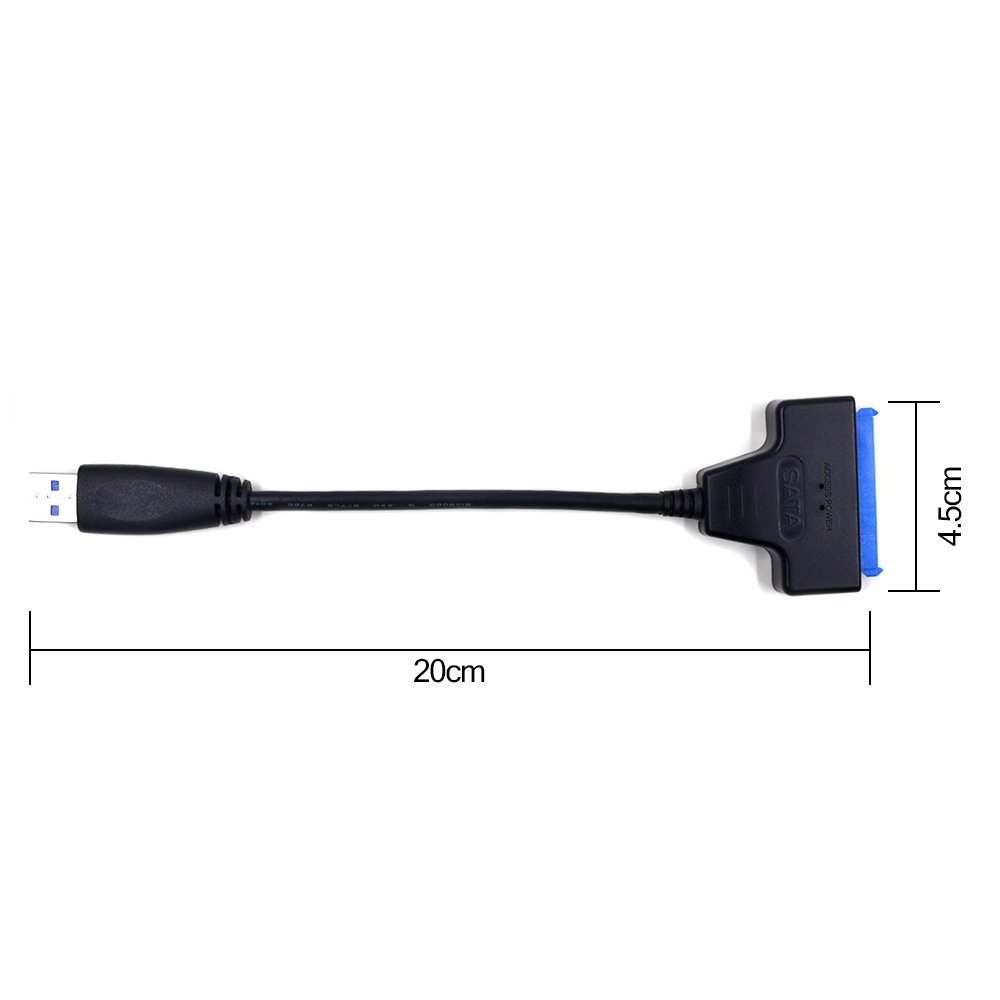
| Product Dimensions | 20 x 4.5 x 1 cm; 22.68 g |
F**!
It is rather difficult ...
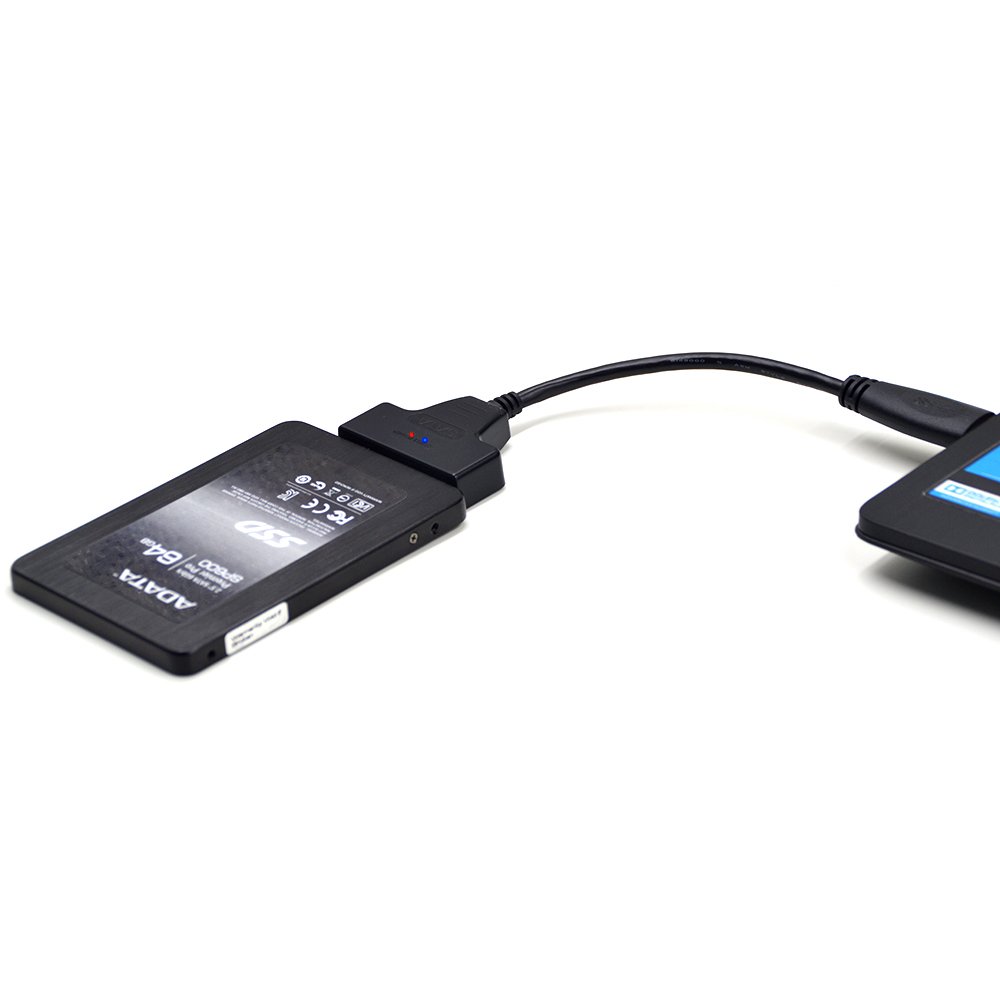
... for me personally to give an in-depth, technical review of such an item. Anyone who cares to look at my previous reviews will see that I am more than a little verbose, shall we say, and I do like to go into detail. But with this ? Well, bearing in mind that I don't have the ability to test read/write speeds (which I guess is quite important for some), what do you want to know ? I can, however, tell you what I used it for. I purchased this product to connect a Samsung Evo 850 SSD to my laptop's USB 3.0 port (I also utilised it with another laptop's USB 2.0 port) so that I could use the SSD as an external drive to enable me to clone my old hard drives (using Samsung's own Data Migration software which was ABSOLUTELY FANTASTIC) and then replace them with the Samsung. (Please note that I also tried Samsung's Magician to clone my HDD but that did not work at all !) The adapter cable worked perfectly for this and could not be simpler to use; it is also a fair price (£5.99 at time of review). I have now used this item on three separate occasions to clone two laptop drives and a normal 3.5" PC tower drive (using this: https://www.amazon.co.uk/Sabrent-3-5-Inch-2-5-Inch-Internal-BK-HDCC/dp/B015MSJ1DG/ref=mp_s_a_1_1?keywords=sabrent+3.5&qid=1560891068&s=gateway&sr=8-1) and each time it has worked without a single hitch. I cannot recommend Samsung's Data Migration software highly enough. It is the very simplest of interfaces and, the moment it is run, it correctly identifies the source and target disks without ANY input from the user (but do check, of course, that the right ones are selected). I have previously used four other cloning programs and, having fought with all the different options and confusingly pondered over which ticks to put in which boxes, the clones appeared to work but not once could I boot from the created drive ! I have had NO such trouble with Data Migration. It takes anything from two to twenty hours (or more) depending on how much data you have and whether you are using USB 2 or 3 (the latter being significantly faster, of course) and I recommend that you do not use your computer in any way while it is cloning (in fact, I disconnected the internet the third time as I felt it would make a 'cleaner' copy). I realise that it is always best to do a clean install of Windows on a new drive but if you have so many things that you do not have the time or inclination to reinstall, then this item and the DM cloning software work flawlessly. (Although please note that if you have partitions on the drive you want to copy then I found that the software cloned only the main Windows drive; I didn't look for a way round so there could be one and anyway this might not be an issue for you but do read up on it beforehand if it is.) There are two lights on this adaptor: a red one to show power and a flickering blue one to show data transfer activity. I now have three rejuvenated machines with fast boot up and operating times and with nothing missing and nothing awry. What a difference it makes ! Long may it continue … FV
A**R
Fantastic and does what it says it will
I bought 2 of these to enable us to run an external 480Gb Kingston A400 SSD on a Raspberry Pi 4 8Gb and it works flawlessly! Detects and runs it just like a USB pen drive, sooooo much easier to run. Literally plug & play! Can hot swap between Raspbian (Pi OS) and Win10 x64 on a PC with the same SSD without problems, great for us for copying and backing-up files etc. HIGHLY recommended! I wish this had been around years ago! Saved me a ton of hassle.
M**S
Cable ok for MacBook/Linux SSD Image Burning, not good for Raspberry Pi SSD Boot Disk.
I bought this to run and boot a raspberry pi off an SSD using the standard Raspberry Pi Power Adaptor. But found the Raspberry Pi is not delivering enough power to this adapter which results in corrupted data being retrieved off the ssd. (The data is not corrupted on the ssd, just during transmission). I only bought it as I have used this with a Raspberry Pi PoE+ Hat and that does boot off an SSD with this adaptor. Its fine with this setup which is what made me buy it again thinking it would just work. The cable also works fine to burn a disk image from my MacBook or Linux Workstation. So because it did not boot when using the normal Rpi Power adaptor I gave it just 4 stars.
T**W
Make sure you use it right
For a cheap lead, this came nicely packaged with an outer box and sealed inner ziplock type bag. I always plug the lead into the drive first and then connect into the USB to make sure the connections all make at the same time. It came up in Windows 10 straight away. I bought this for connecting SSD's. It has no external power supply so it draws power from USB port. What's important to note is some computers can only supply 100mA on Front USB ports, while the back ones will give 500mA. Many laptops are the same, which is why some have a symbol next to the USB port with the higher power, usually a lightning bolt or something like that. For those that say the lead didn't work, it could be something to do with that. In Windows, check the power for each port through Device Manager before plugging any potential high power draw USB device. Open up Device Manager from Control Panel (or type it by pressing the Windows key and start typing). Find the USB Root Hub in the list, open it up and it will tell you what the max power is for that USB. There are always a few hubs listed so be sure to get the right one for the port you plan to use. It will not be powerful enough to run a 3.5" Hard Drive as they are 12v. Some older 2.5" SATA drives also draw too much power for a USB connection, hence why some external 2.5" hard drive caddies have two USB plugs. Bear all this in mind before you just plug anything in to your PC. Just because its USB doesn't mean there isn't a problem with the device at the other end of the wire.
D**F
Bought for data migration and worked fine
I specifically bought this as part of a plan to migrate data. I have a desktop PC with 1Tb HDD, as it was 4+ years old and things were slowing I decided to swap with a 1Tb SSD. It's amazing how prices have dropped and with Samsung how easy it is to do. I needed this to migrate data from my existing HDD via a USB as I had no spare SATA cable so decided to just do a straight swap. This adapter cable did just the job with no issues. It was useful to see the power light and also the data transfer light on the connection to the SSD too, so I could see all was good. Buying this cable enabled me to do the migration first and then switch the HDD with the new SSD. Definitely worth the money and now available should I need to do anything similar in future.
C**S
fab thanks
fab thanks
Trustpilot
Hace 1 día
Hace 5 días