
Descargar la aplicación


Servicios al cliente
Sobre nosotros
Copyright © 2025 Desertcart Holdings Limited
Descargar la aplicación
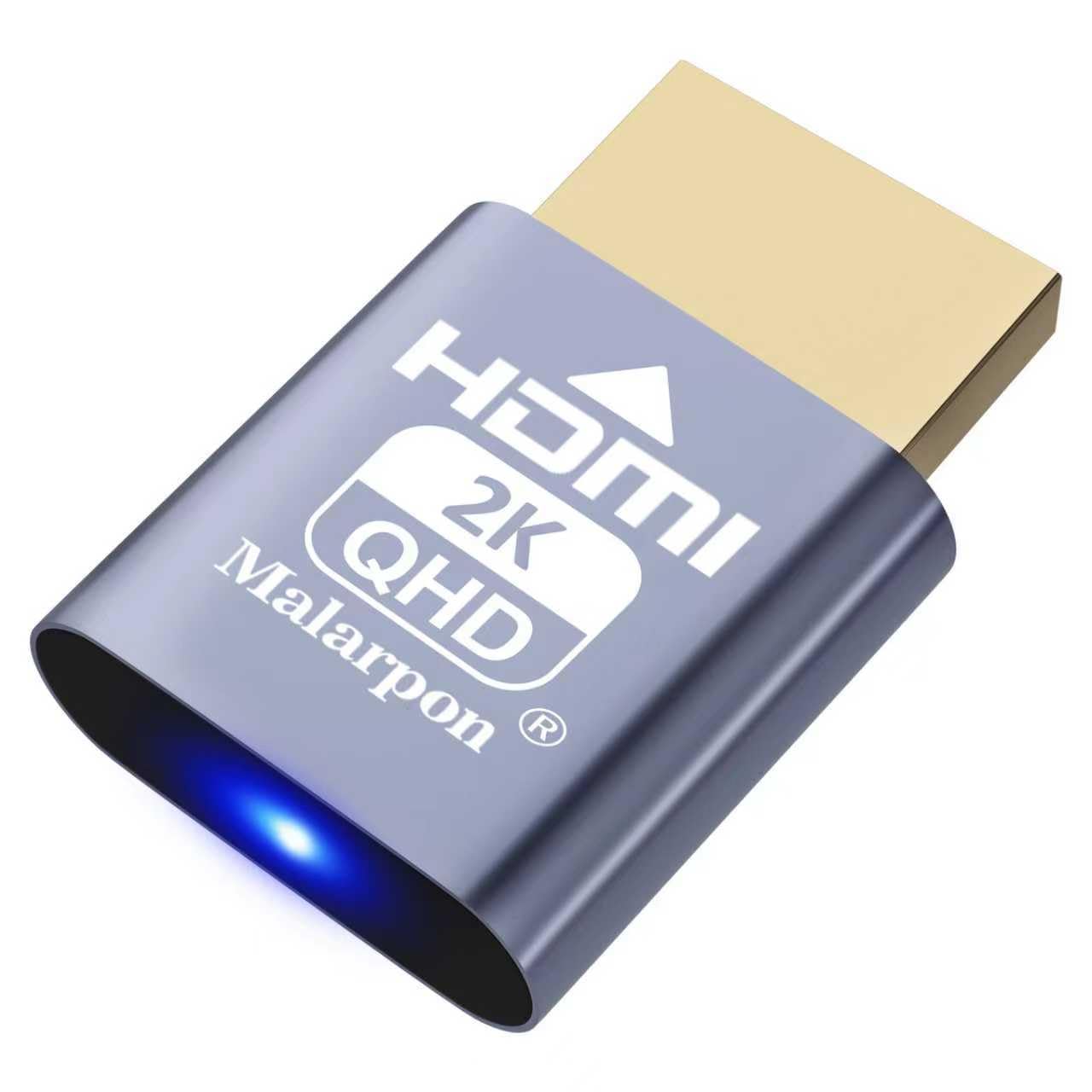
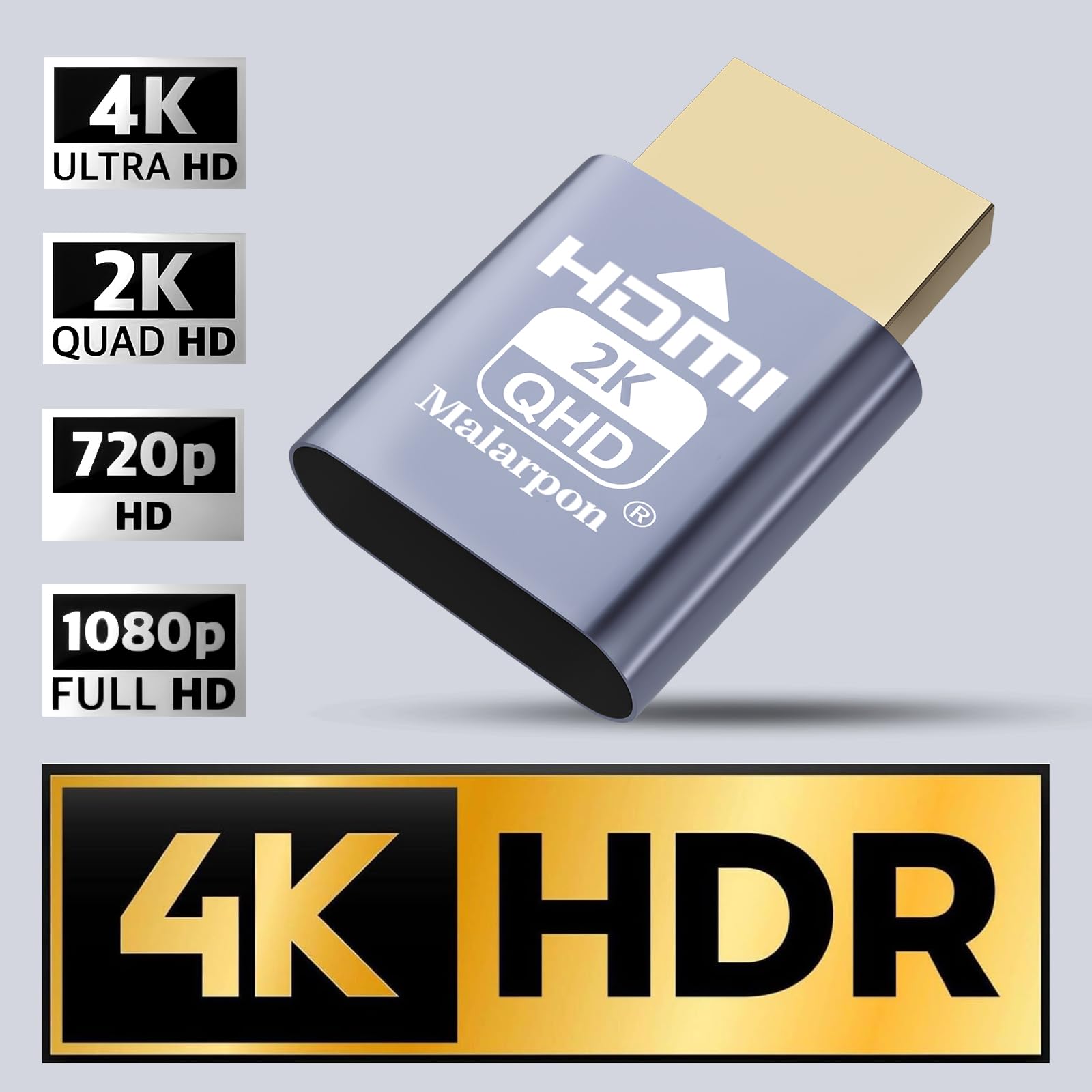
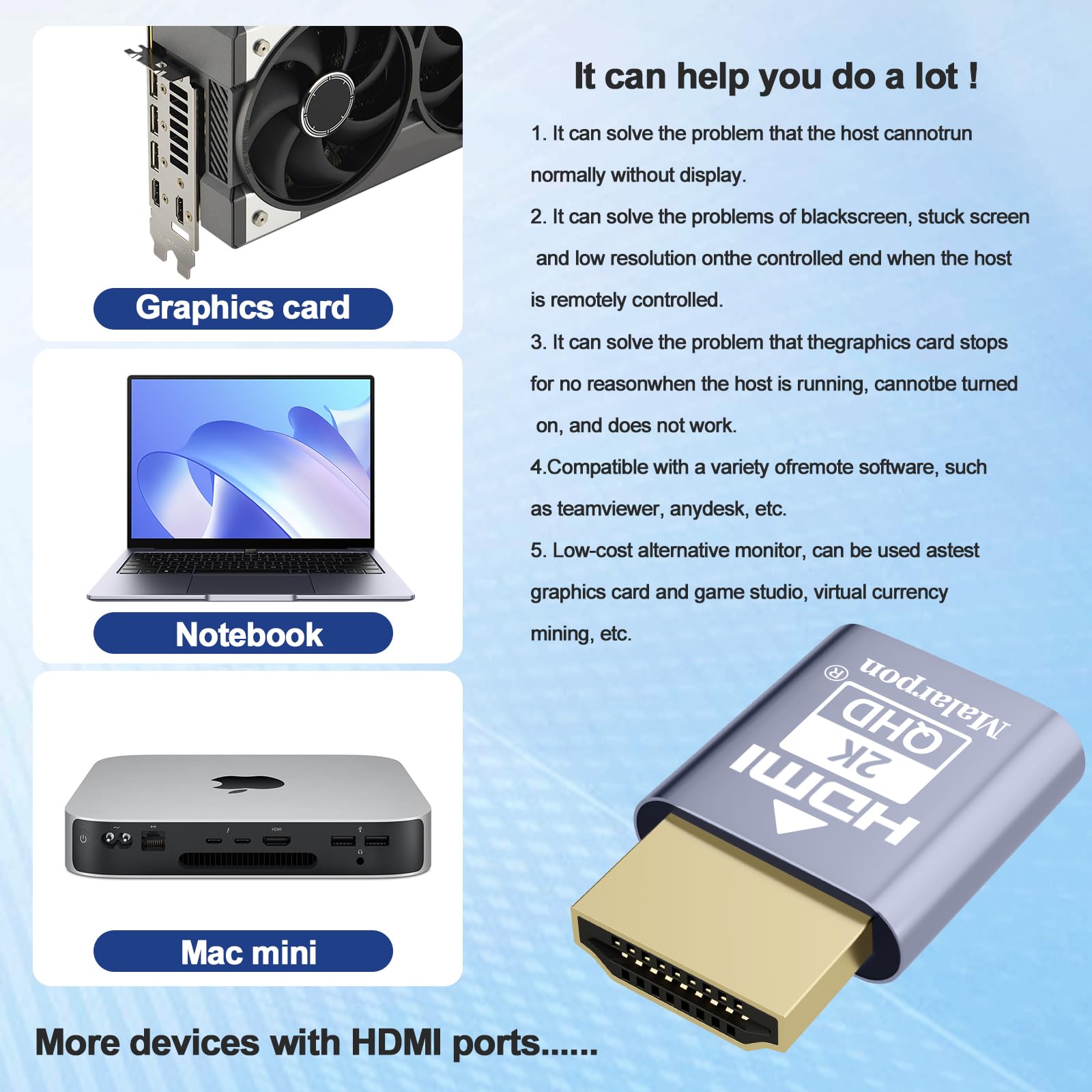
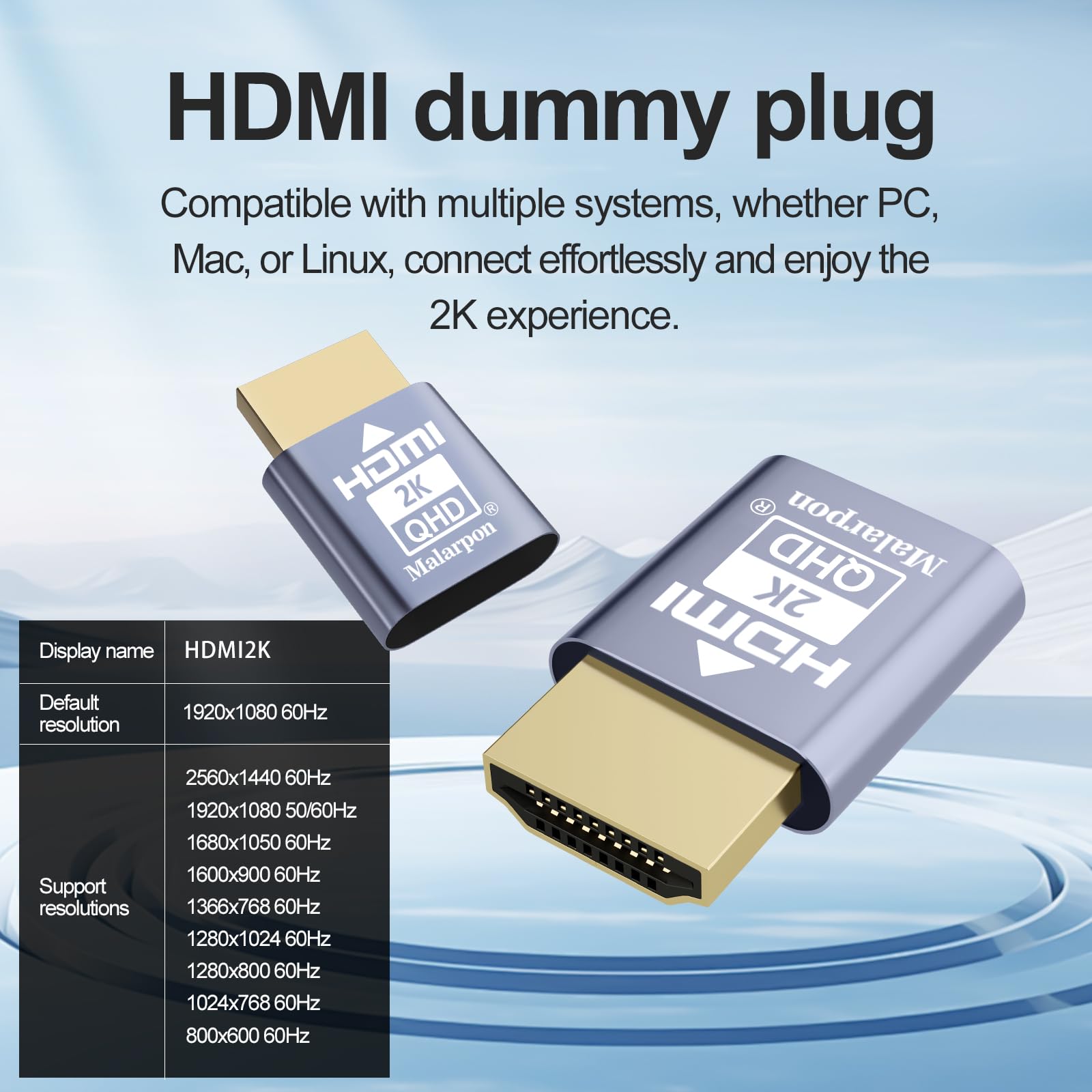


🎯 Unlock your headless setup’s full potential—no monitor, no limits!
The Malarpon HDMI Dummy Plug is a compact, plug-and-play display emulator that tricks your computer into detecting a connected monitor, enabling full 1080p@60Hz resolution for remote desktop, media servers, and gaming setups. Compatible with Windows, Mac OSX, Linux, and Raspberry Pi, it solves common headless system issues by unlocking GPU acceleration and seamless remote access without any software hassle.


| ASIN | B08RCH47KL |
| Best Sellers Rank | #399 in DVI-HDMI Adapters #23,787 in Computer Cables & Interconnects |
| Customer Reviews | 4.1 4.1 out of 5 stars (328) |
| Date First Available | December 27, 2020 |
| Item Weight | 0.352 ounces |
| Item model number | MAL-DP-101 |
| Manufacturer | Malarpon |
| Package Dimensions | 5.71 x 3.86 x 0.28 inches |
D**N
Perfect for a headless computer
I have a little mini PC that I purchased to act as a media server in my house. It's running Linux Mint. I was trying to run it headless, but I noticed that if I didn't have it hooked up to a monitor, I couldn't use VNC to remote into it. I tried to find a software solution to fix this, and it sounds like software solutions do exist for this problem, but they're janky one-offs that seem to work differently for everybody and are not straightforward to implement. But as I was googling, somebody mentioned a product like this. It's tiny little thingy you plug into your HDMI port to fake out your computer and make it think a monitor is attached. Works like a charm. I just had to plug it in, and bingo, VNC remote connections work every time, like magic. It was less than $10, and it saved me from hours of googling obscure Linux stuff.
E**E
Excellent device
Works perfect, just plug n play!
J**N
Causes OS X To Crash Multiple Times Per Day
Purchased this to use for a headless 2010 Mac Pro that was upgraded with OpenCore and a Radeon 5700XT GPU. While it does sort of work (you have to fully shut down the machine and cold boot to get it to recognize the emulator) it causes OS X to crash multiple times per day due to how it interacts with the GPU. Once I removed it and plugged in an old Apple Cinema Display the crashes went away and the system is running perfectly, just as it was prior to using this device (read: no more crashes). Unfortunately, this also means that Remote Desktop will only show the max resolution of the Apple Cinema Display, which is why I purchased this emulator, but in the interest of not ruining my hard drives with constant crashes, I guess I'll just live with the lower resolution.
J**Y
Just what I needed but didn't realize it!
I saw these on Amazon Haul and didn't really know what they were at first. After reading the description, I realized they were exactly what I needed for a couple of Mini PCs that I use in headless mode (without a monitor). Without a monitor plugged in, the resolution will often default to 640x480 when I connect to the machines remotely. However, when I use one of these dummy display adapters, my remote connection is consistently high resolution, even after reboot. I didn't know these were a thing, but they have vastly improved my setup.
I**W
Reasonable value.
Works well most of the time. Sometimes I need to unplug and replug back in. The happens on different devices. But hey, they are cheap.
G**E
Works great for an old Macbook Air
Have an old (2011) Macbook Air that is still chugging along as a Plex media server. This device allows me to close the lid completely and still have the air remain awake and responsive 24/7. It also allows me to remote into it via Mac OS screen share and get higher resolution than the native 1440 x 900 laptop screen. The only slightly tricky part is that in the Mac OS display settings you have to select 'scaled' resolution and then select one of the higher than native resolutions - otherwise it just defaults to 1080p.. This is counterintuitive to me since the resolution is not scaled at all. If you set it at a 2K resolution then the image doesn't appear bigger and fuzzier.. it's not a 1080p resolution upscaled to fit a bigger window.. it appears as a native 2K display within the screen share window. Bottom line, this works great, though maybe some instructions would be helpful.
T**.
Get them for excellent remote use.
I use these often and haven't ever had an issue. If you remote in these are perfect for that application!
W**R
They're pretty...🥺
I still don't know what they do or why I need them...BUT NOW I HAVE THREE!!! Good thing I did get these. I ended up needing them and they work great! i.e. - hashcat
Trustpilot
Hace 1 mes
Hace 1 mes