We remain fully operational. Our teams are working around the clock to ensure your deliveries continue safely.

Descargar la aplicación


Servicios al cliente
Sobre nosotros
Copyright © 2025 Desertcart Holdings Limited
Descargar la aplicación
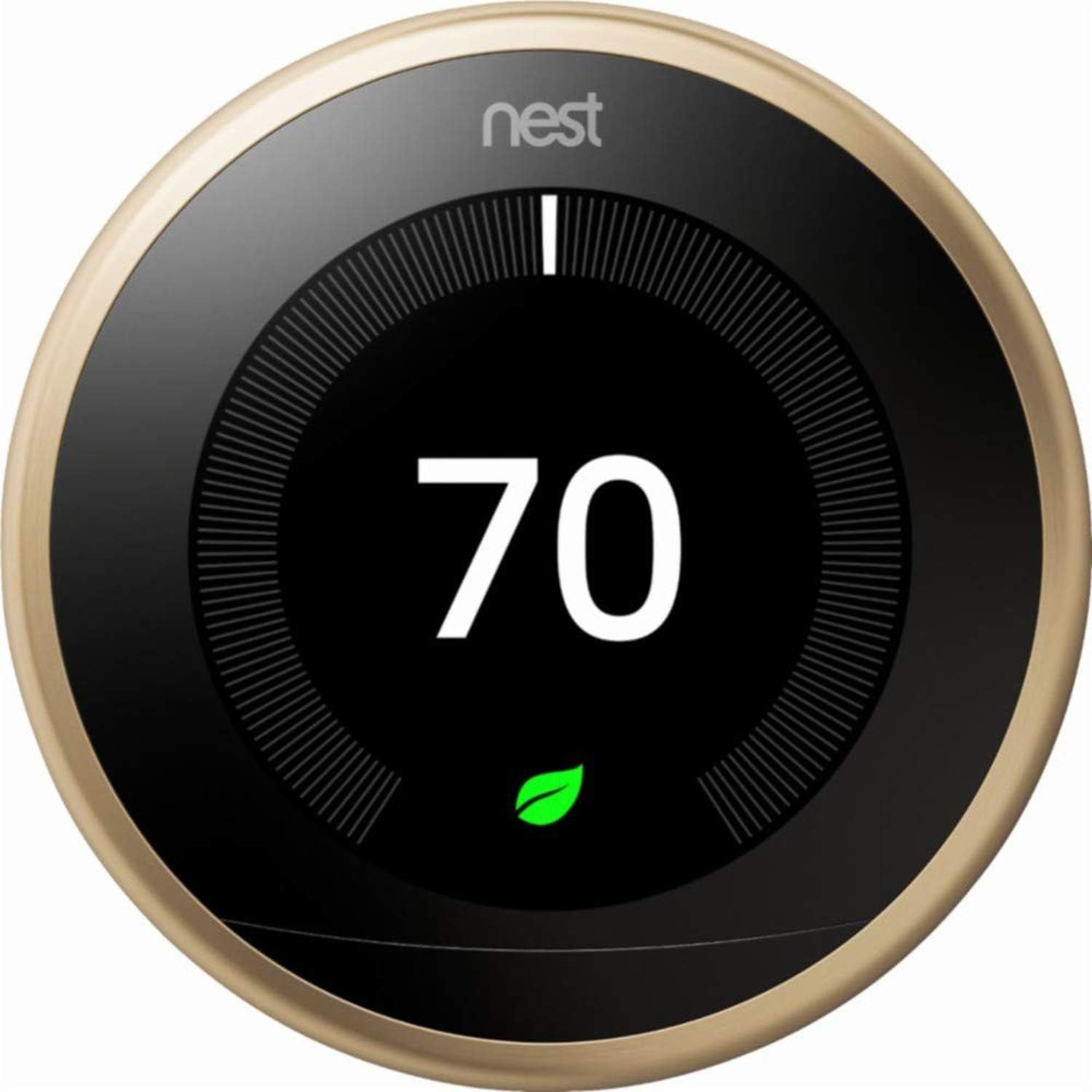



🔥 Stay cool, save energy, and control your comfort—anytime, anywhere! 🌍
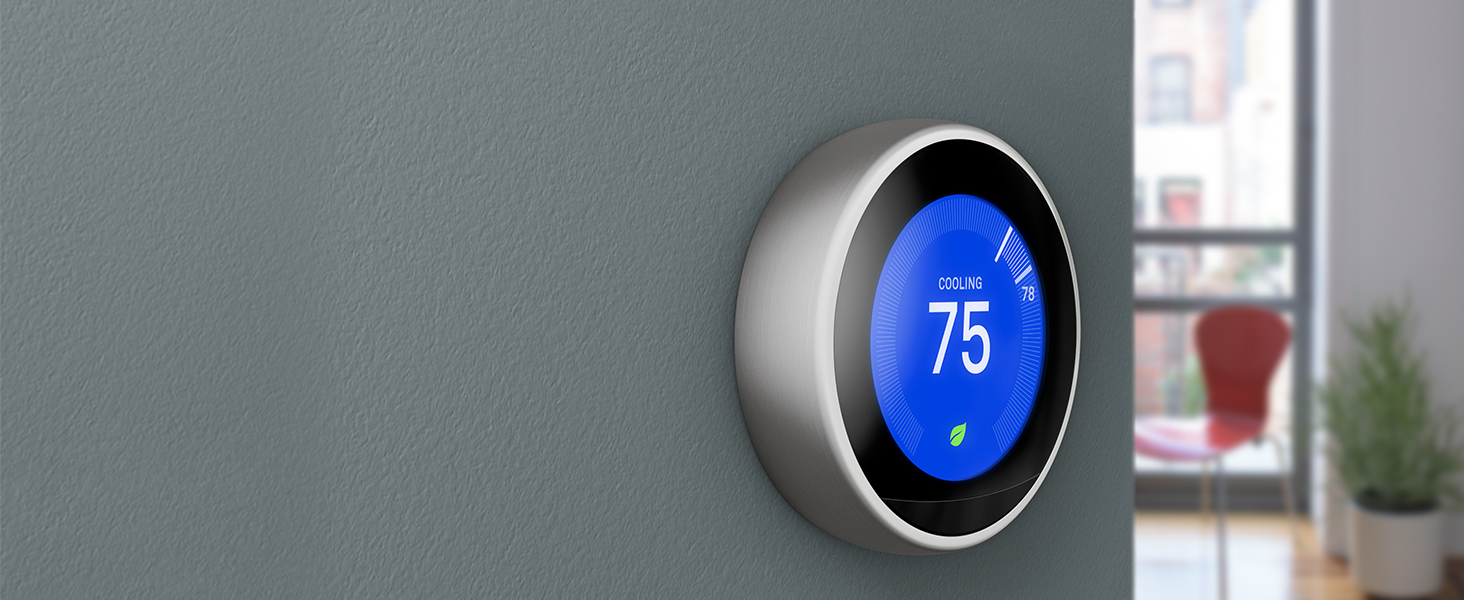
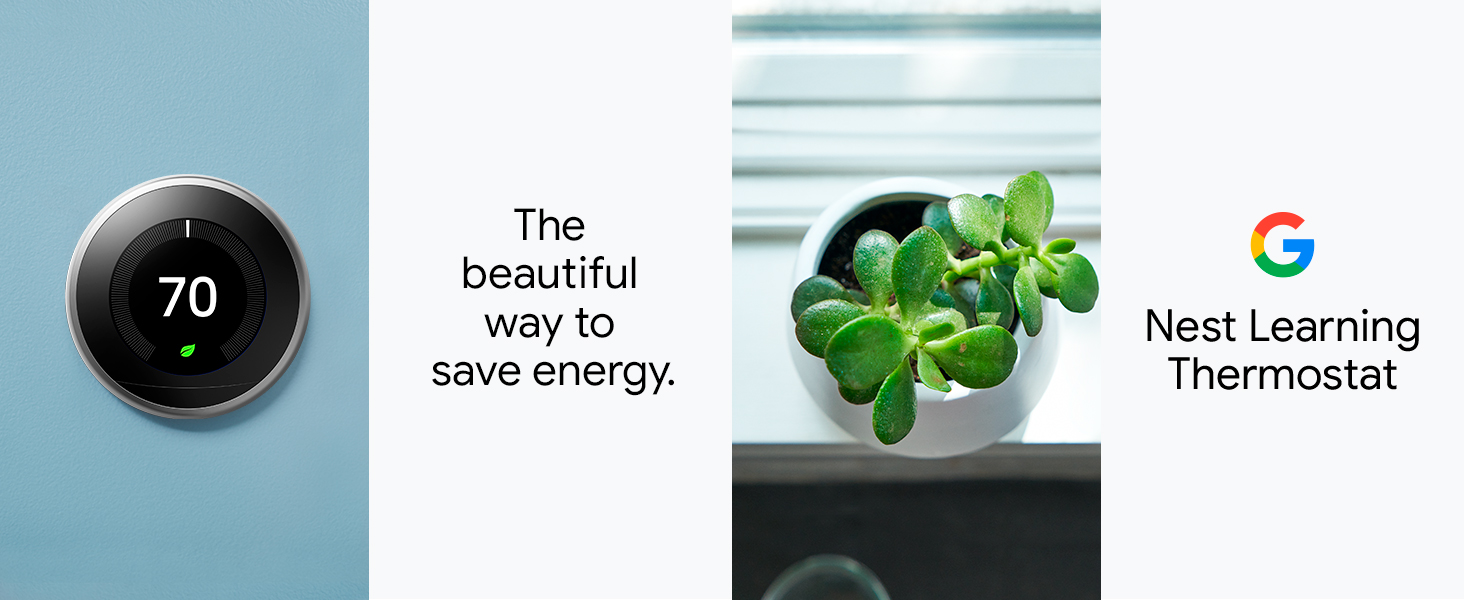
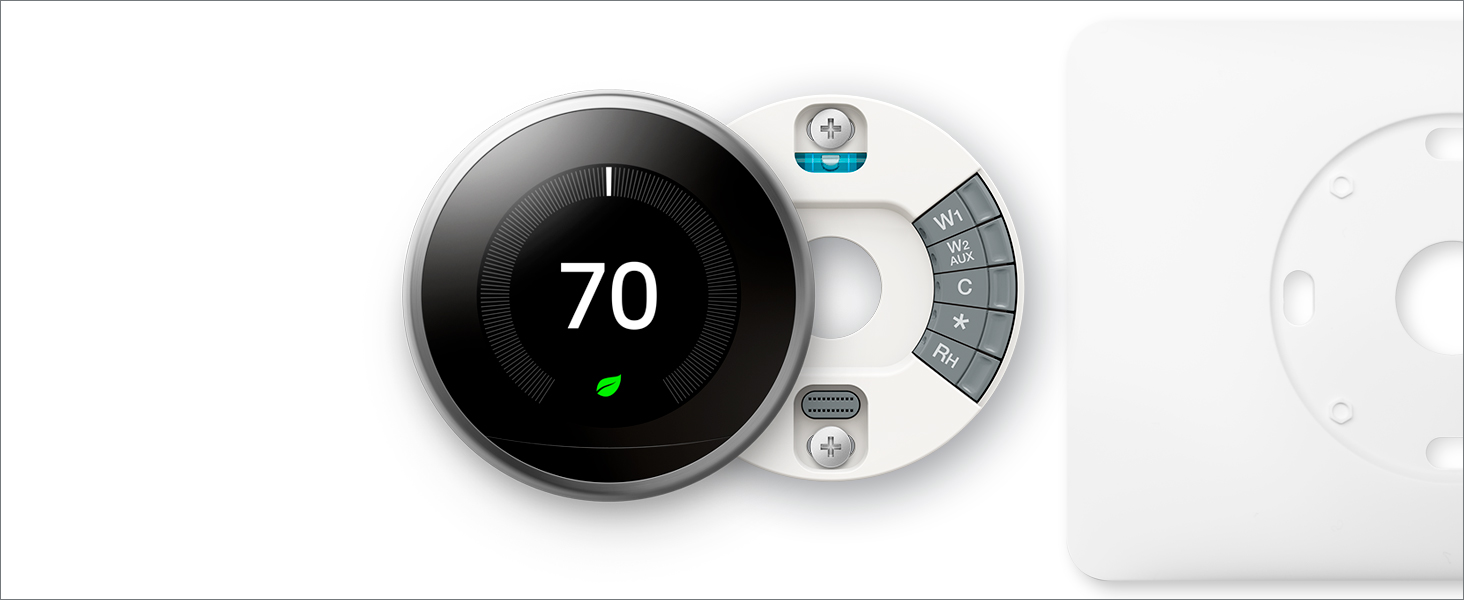
The Nest 3rd Generation Thermostat in brushed brass combines sleek design with smart home technology. It connects securely to your Wi-Fi network, learns your temperature preferences, and offers remote control via app. Featuring dynamic sensors, Farsight display, and energy-saving alerts, it integrates with Nest Protect for enhanced safety. Easy to install with included tools, it’s an Energy Star certified upgrade for modern HVAC systems.








| ASIN | B07MHM38WS |
| Additional Features | Auto-Schedule Self-Programming; Compatible with Most HVAC Systems; Automatically Adapts to Season Change |
| Backlight | Yes |
| Best Sellers Rank | #50,387 in Tools & Home Improvement ( See Top 100 in Tools & Home Improvement ) #177 in Home Thermostats & Accessories |
| Brand Name | Nest |
| Color | Brass |
| Connectivity Protocol | Wi-Fi |
| Connectivity Technology | Bluetooth, Wi-Fi |
| Control Method | App |
| Control Type | Button Control |
| Controller Type | iOS |
| Customer Reviews | 4.4 4.4 out of 5 stars (662) |
| Display Type | backlit |
| Finish Types | Brushed Brass |
| Global Trade Identification Number | 00813917022054 |
| Included Components | Display, Base, Nest Pro installation card, Installation And Welcome Guide, Mounting screws and labels, Nest screwdriver, Optional Trim Plate |
| Item Type Name | Thermostat |
| Item Weight | 0.5 Pounds |
| Manufacturer | Nest |
| Manufacturer Part Number | T3032US |
| Material Type | Stainless Steel |
| Model Name | T3032US |
| Model Number | T3032US |
| Mounting Type | Wall Mount |
| Number of Batteries | 1 Lithium Ion batteries required. (included) |
| Power Source | Battery Powered |
| Product Style | Custom |
| Shape | Round |
| Specific Uses For Product | Air Conditioner |
| Specification Met | Energy Star |
| Temperature Control Type | learning |
| UPC | 813917022054 |
| Voltage | 3.7 Volts |
D**T
had an engineer come to install and he was confused by how 'thin' the box was. when he went inside he discovered it was the US version, which is incompatible with UK central heating systems. he remarked that he has never seen a UK version in brass. dishonest for amazon to allow this to be sold here
B**A
This is much more sleek looking than the regular Nest thermometer that we have upstairs. Installation was a bear because we blew a fuse. Turn off the breaker, but also turn off the furnace separately. Ours is in the attic so didn't climb up there to turn it off. Kept getting random error messages during install - power not connected to AC, couldn't detect the R wire, etc. Tried everything. Finally gave up and called an HVAC guy. He came out and diagnosed and changed the fuse on the furnace for $129. Other than that, the install should have been easy. Very happy with it now and happy we paid the extra $$ for this model.
M**H
I used to have a Honeywell thermostat that came with my house, but my OCD and I had a heated debate about its bland design and clunky functionality. It was like the beige cardigan of thermostats – functional but uninspiring and a tad effortful to use. I decided it was time to upgrade to something that matched my desire for style, automation, and cutting-edge tech. Enter the Google Nest Learning Thermostat in its stunning gold color. I was skeptical at first – it’s a bit pricier than the typical options! This beauty is like the James Bond of thermostats: sleek, intelligent, and effortlessly cool. Features like Alexa integration for voice commands, app support, and energy-saving magic have made my life infinitely easier (and my energy bills a bit friendlier). Even manually adjusting it feels like an elegant experience, not a monotonous chore. And gold color - it’s like putting jewelry on my wall. I’ve received more compliments on my thermostat than I have on my living room decor. True story! Now I understand why this gadget keeps going out of stock on Amazon If you’re on the fence about upgrading, let me just say this: stop debating and nest your way to a smarter, better home. Your OCD – and your guests – will thank you!
I**Z
Quick , and was exactly as advertised BRAND NEW NEVER OPENED THANKS FOR BEING HONEST !!!!!
.**.
Very efficient
Trustpilot
Hace 3 días
Hace 1 mes