We remain fully operational. Our teams are working around the clock to ensure your deliveries continue safely.

Descargar la aplicación


Servicios al cliente
Sobre nosotros
Copyright © 2025 Desertcart Holdings Limited
Descargar la aplicación


🤖 Build. Code. Conquer. The future of play is in your hands!
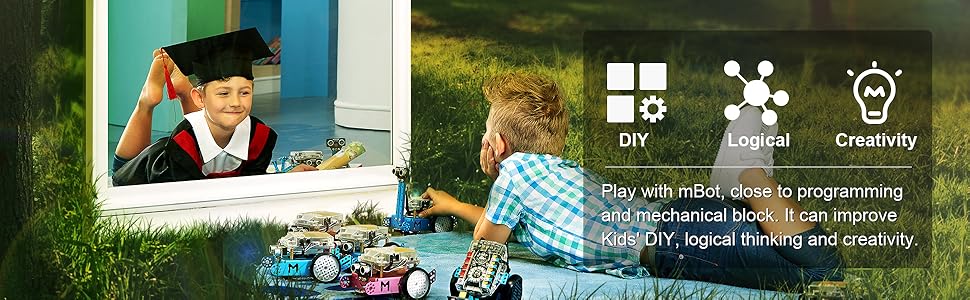
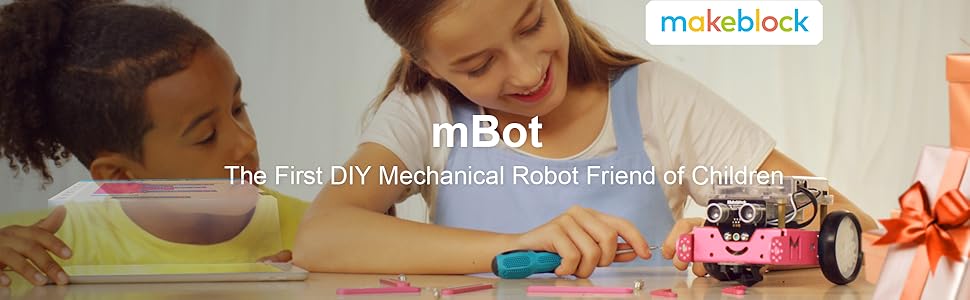
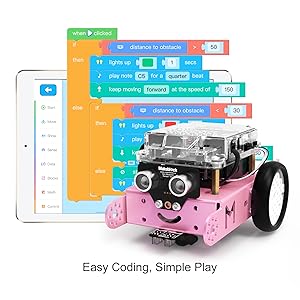
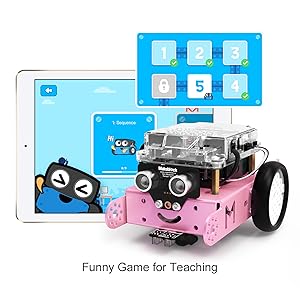
The Makeblock mBot Bluetooth Version in Pink is a premium STEM education robot kit designed for kids aged 8 and above. Featuring a durable aerospace aluminum frame, easy 10-15 minute assembly without soldering, and versatile Bluetooth control via multi-platform apps, it offers hands-on learning in programming, robotics, and problem-solving. With multiple interactive modes and Scratch 2.0 compatibility, mBot empowers young minds to develop critical 21st-century skills while having fun.





| ASIN | B01N75EVF1 |
| Age Range Description | Kid |
| Battery Description | Lithium-Ion |
| Best Sellers Rank | #31,773 in Toys ( See Top 100 in Toys ) #7 in Robot Model Building Kits |
| Brand Name | Makeblock |
| Customer Reviews | 4.5 4.5 out of 5 stars (3,308) |
| Educational Objective | Coding Skills, Construction Skills, Creative Skills, Critical Thinking, Imagination Development, Problem Solving Skills, Programming Skills, STEM |
| Included Components | Electronic Components: mCore Motherboard x 1, Motor x 2, Line Follower Sensor x 1. |
| Is Assembly Required | Yes |
| Item Dimensions | 17 x 9 x 20 centimeters |
| Item Weight | 1034 Grams |
| Manufacturer | Makeblock |
| Manufacturer Maximum Age (MONTHS) | 144.0 |
| Manufacturer Minimum Age (MONTHS) | 8.00 |
| Manufacturer Part Number | 90107 |
| Manufacturer Warranty Description | Manufacturer warranty for 365 days from date of purchase. |
| Material Type | Aluminum |
| Model Number | 90107 |
| Set Name | 1 |
| Size | M |
| Theme | Learn and play |
| UPC | 761560172544 |
| Unit Count | 1 Count |
M**N
Amazing toy for kids interested in programming
It is a quality product. Looks properly built. The assembly was easy and had all what is required. My son enjoyed a lot. And the price is acceptable ! Thumbs up guys !
A**E
Educative
Very educative for children below 10 years old.
K**B
Wonderful mechanical robot
Stimulates children's ability to understand how to build a robot and how to program.
N**A
Nice but need updated resources
Nice but most of the supporting videos and resources are old and from years ago. The supporting team should put up to date videos and create new coding ideas more than those available ones. I took much time to realize that the downloaded code from the site needs the older version of mblock to have it work.
M**K
Great buy for your little ones.
Basic nice kit. My 7 year old enjoys programming and running it around. Great product.
H**Y
Sky is the limit in programs
Very good for age 7 and up
H**.
Very good quality
Really good
M**D
good
so educational for the kids
D**I
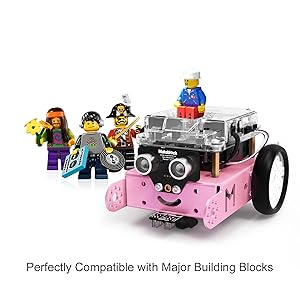
The mBot is an excellent programmable robot designed to introduce kids to the world of STEM in a fun, hands-on way. With its intuitive drag-and-drop interface via mBlock, children can easily learn coding concepts while building and controlling their own robot. Its modular design and compatibility with LEGO parts make it both educational and creatively engaging. mBot strikes a great balance between play and learning, making it a fantastic tool for young aspiring engineers and programmers.
J**Y
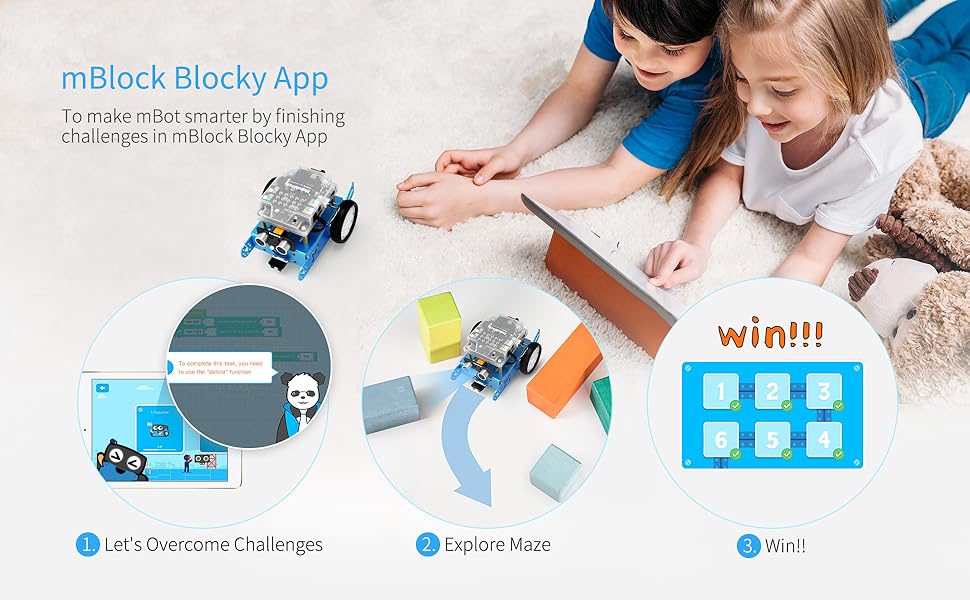
Really fun and simple "build" - probably takes about an hour if you let the kid do everything and figure out the instructions. The remote control is OK, you can do a few things and its cute. Comes with all the tools you need and its a nice little project. But the mBot app is amazing! Included for no extra charge, and it has a free-coding mode and a game/learning mode that progressively teaches about how to build code structures. Coding project cards included. If she keeps at it, I'll be getting some add-on parts to expand the robot. Great value for the money. I put the app on an old phone and gave the kiddo free reign to learn on her own.
S**L
Good product
M**D
Great little robot. Nice starter project for arduino
Y**E
It's awesome! Don't forget to install the updated firmware after you assemble it. If you're using a computer with windows OS, use one with version 7 upwards because you'll have to install a software called mblock 5 to install the firmware...the older version of mblock is obsolete. Make sure that your bot makes 3 loud beeps when you turn it on and turns of white LEDs the first time...if it's one soft, short beep then something isn't correct so install firmware. Have fun.
Trustpilot
Hace 5 días
Hace 1 semana